Hear What's Around the Phone When You're Worried
Sometimes a GPS dot on a map is not enough. Your child says they are studying at a friend's house, but something feels off and they are not picking up. Live ambient recording lets you remotely request a short recording of the surroundings of a monitored Android phone (the room it is in), so you can do a quick safety check and hear whether things sound calm or concerning. The audio is captured in the background and lands in your private dashboard for you to play back.
This is a sensitive feature, so we are deliberately plain about it: SpyHuman's ambient recording is built for parents checking on a minor child and for device owners checking their own phone, not for secretly listening to other adults. Below we explain honestly what it does, what it cannot do, how to set it up, and exactly when it is lawful to use.
When Parents and Employers Use Ambient Recording
Ambient recording is a situational tool, not an everyday one. People reach for it in a handful of specific, safety-driven moments:
- A safety check when a child won't answer. Calls go unanswered and texts are ignored. A quick recording can tell you whether they sound safe or in trouble.
- Confirming the context behind a location. Location tracking shows where the phone is; ambient audio gives you a sense of what kind of place it is: quiet study, a crowded gathering, or somewhere it shouldn't be.
- Signs of distress or bullying. Raised voices, crying, or a tense environment can be a cue to step in, when a younger child can't or won't explain over the phone.
- Checking a company-owned device. An employer can verify the surroundings of a company phone where the worker has been clearly told the device is monitored.
It pairs naturally with the rest of the suite. Many parents use it alongside the real-time location tracker and the call recorder so they have place, conversation, and surroundings together when they need a full picture.
How Live Ambient Recording Works
The flow is simple and entirely remote once the app is installed. You never have to touch the phone again to use it:
1. Request from your panel
Sign in to your dashboard, pick the monitored device, and request an ambient recording with your chosen length.
2. The mic records discreetly
The phone records its surroundings in the background for the length you set, then stops automatically.
3. Audio uploads securely
The clip uploads over an encrypted connection to your dashboard, so it does not stay stranded on the phone.
4. Review in your dashboard
Open the recordings list, play the clip from any browser, and download or delete it as you choose.
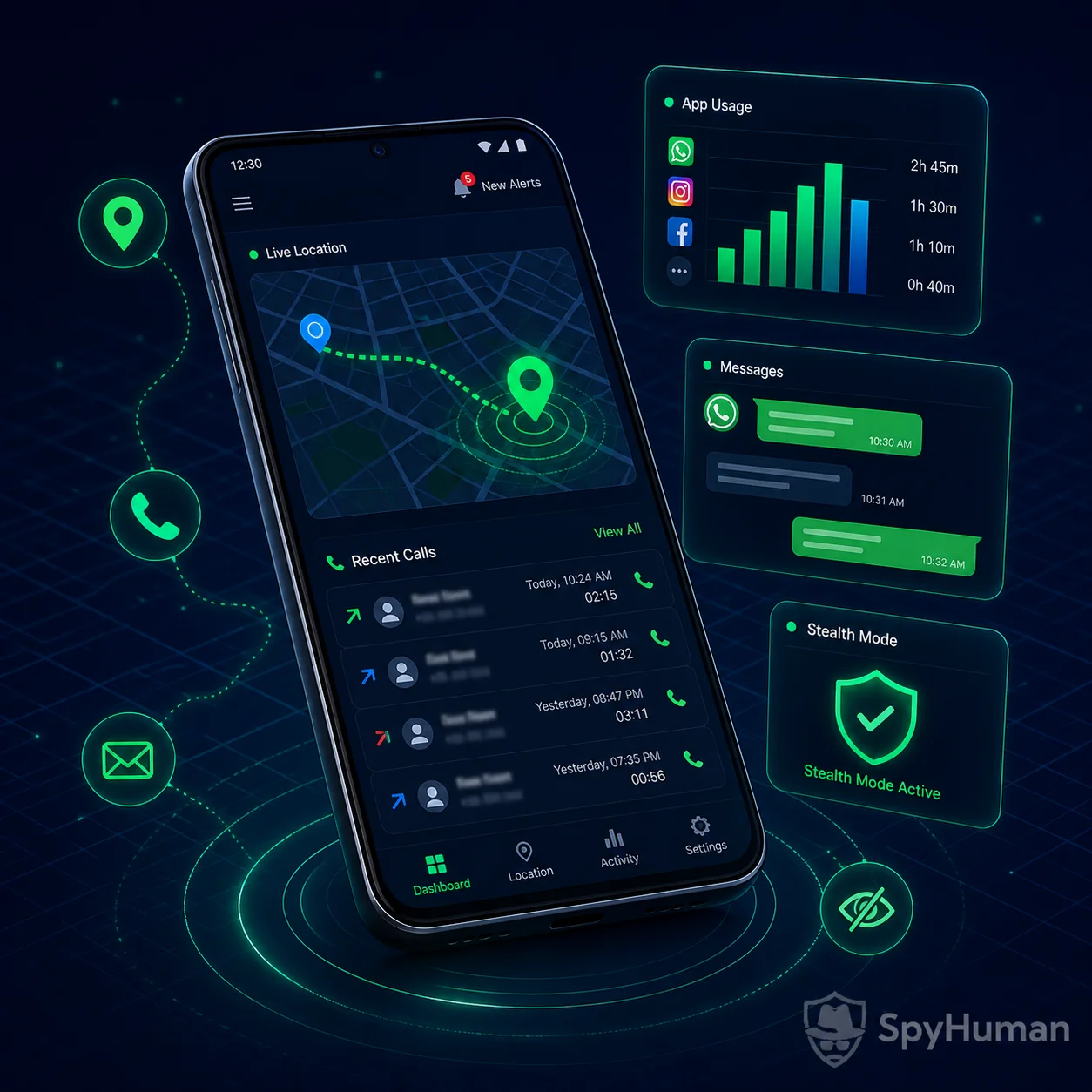
The recordings list is part of the same web dashboard that holds your other monitoring data. To see how it sits alongside calls, messages and location, browse all monitoring features.
Set It Up in 3 Steps
No technical skills and no rooting. The whole thing takes about five minutes with the phone in your hand once:
Reviewed independently by real customers
Read and write reviews on TrustpilotLook inside the dashboard first
You do not have to install anything to see how this looks. The demo is the real dashboard with sample records in it.
One free install, then check the surroundings anytime
Ambient recording runs from your dashboard, no root and no tech skills needed. Set it up free and run your first safety check today.
The Honest Truth About What Ambient Recording Can Do
Plenty of "spy mic" pages promise crystal-clear, undetectable, always-on listening. That is marketing, not reality, and over-promising it would only let you down. Here is the straight version:
What it really is
Ambient recording captures the sound around the phone for the length you request, then uploads it. Quality depends entirely on physics: a phone on a table in a quiet room records clearly; a phone buried in a bag or pocket, or in a noisy place, records faintly and muffled. It hears the phone's immediate environment, not events across the building or far from the device.
It is on-demand, not a magic always-on bug. There is no website or app that can record a phone's surroundings remotely without software installed on that phone first, and anyone claiming otherwise is misleading you. SpyHuman has to be installed on the device once, with permission to use the microphone, and it only records when you request it.
Use It Lawfully: Please Read This First
Listening to a room is powerful, which is exactly why we are upfront about the rules. SpyHuman ambient recording is intended only for these situations:
- Parents and legal guardians recording on their own minor child's device for safety.
- Device owners recording the surroundings of a phone they personally own.
- Employers on a company-owned device, used with the employee's clear written notice and consent.
Recording a room can capture other people's private conversations, and many places treat that as wiretapping. Some US states require all-party (two-party) consent for recording conversations; India follows a one-party approach but its privacy law still applies. Recording another adult without a lawful basis can be a crime. You are responsible for checking the rules in your country, state, or region before you record. SpyHuman does not condone secret monitoring of any adult without their consent.
Quick Answers
How do you listen to a phone's surroundings remotely?
Install a monitoring app such as SpyHuman on the Android phone you are lawfully entitled to monitor, grant the microphone permission, and enable ambient recording. From then on you can sign in to your dashboard and request a recording of the surroundings on demand; the phone records in the background and uploads the clip for you to play back. There is no app-free, purely remote way to do this. Software has to be on the device first.
Can a spy app listen to the surroundings without installing anything?
No. Any service claiming to record a phone's surroundings with only its number and no app is a scam. Recording the environment around a phone requires an app on that phone with microphone permission. SpyHuman is honest about this: one free install on the device you are entitled to monitor, and then you can request ambient recordings remotely from your dashboard.
Is there a free way to record a phone's surroundings?
You can register a SpyHuman account for free and install it to confirm monitoring works on the device. On-demand ambient recording with full recording length, scheduling, and dashboard history is a Premium feature, currently 17.99 USD per month with a 14-day conditional refund, because of the cloud storage and bandwidth it uses. See the pricing page to compare plans.
Pair It With Location and Call Recording for Full Context
Ambient audio is most useful as one piece of a bigger picture. On its own it tells you a room sounds tense; combined with the rest of SpyHuman it tells you the full story of a moment:
- Add real-time location. The mobile location tracker shows exactly where the phone is when you run the recording, so you know both the place and what it sounds like.
- Add call recording. The call recorder lets you record phone calls automatically, so conversations and surroundings sit side by side in one dashboard.
- Add messaging and apps. Round it out with the SMS tracker and WhatsApp tracker for chats, or trace numbers with our flagship phone number tracker.
No Root, Discreet, and Android-Only
SpyHuman installs in a couple of minutes and runs without rooting the device. Rooting voids the warranty and can destabilise the phone; you do not need it here. Ambient recording supports Android 5.0 and above, including Android 12, 13 and 14, and works on the brands sold across India, Pakistan, the US and the Philippines, including Xiaomi/Redmi, Samsung, Oppo, Vivo, Realme, Motorola and OnePlus.
In Monitoring of Minor Children mode there is no app icon in the drawer, so a child cannot casually find it. We will not pretend it is perfectly invisible, though.
Free vs Premium: What Ambient Recording Unlocks
SpyHuman is freemium. The free plan lets you set everything up and confirm monitoring works on the device; full on-demand ambient recording sits in Premium because of the cloud storage and bandwidth involved.
| Feature | Free Plan | Premium ($17.99/mo) |
|---|---|---|
| Account, install & setup | Included | Included |
| Confirm monitoring works on device | Included | Included |
| On-demand ambient recording | Not available | Included |
| Longer recording length per request | Not available | Extended |
| Scheduled / repeat recordings | Not available | Included |
| Recordings history in dashboard | Limited | Extended |
| Playback & download clips | Not available | Included |
| Location, call recording & 30+ tools | Not available | Full access |
To unlock ambient recording and the rest of the toolkit, upgrade from inside your dashboard once you are set up. See the Premium pricing plans to compare plans and any current discounts. We link the live price rather than promising one that may change.
14-Day Conditional Refund
If Premium suffers a severe technical failure on a fully compatible Android device and our team cannot fix it, you can request a refund within 14 days of purchase. Email [email protected] and see the full refund policy for the exact eligibility conditions.