Author: SpyHuman Team
Posted Date:
-
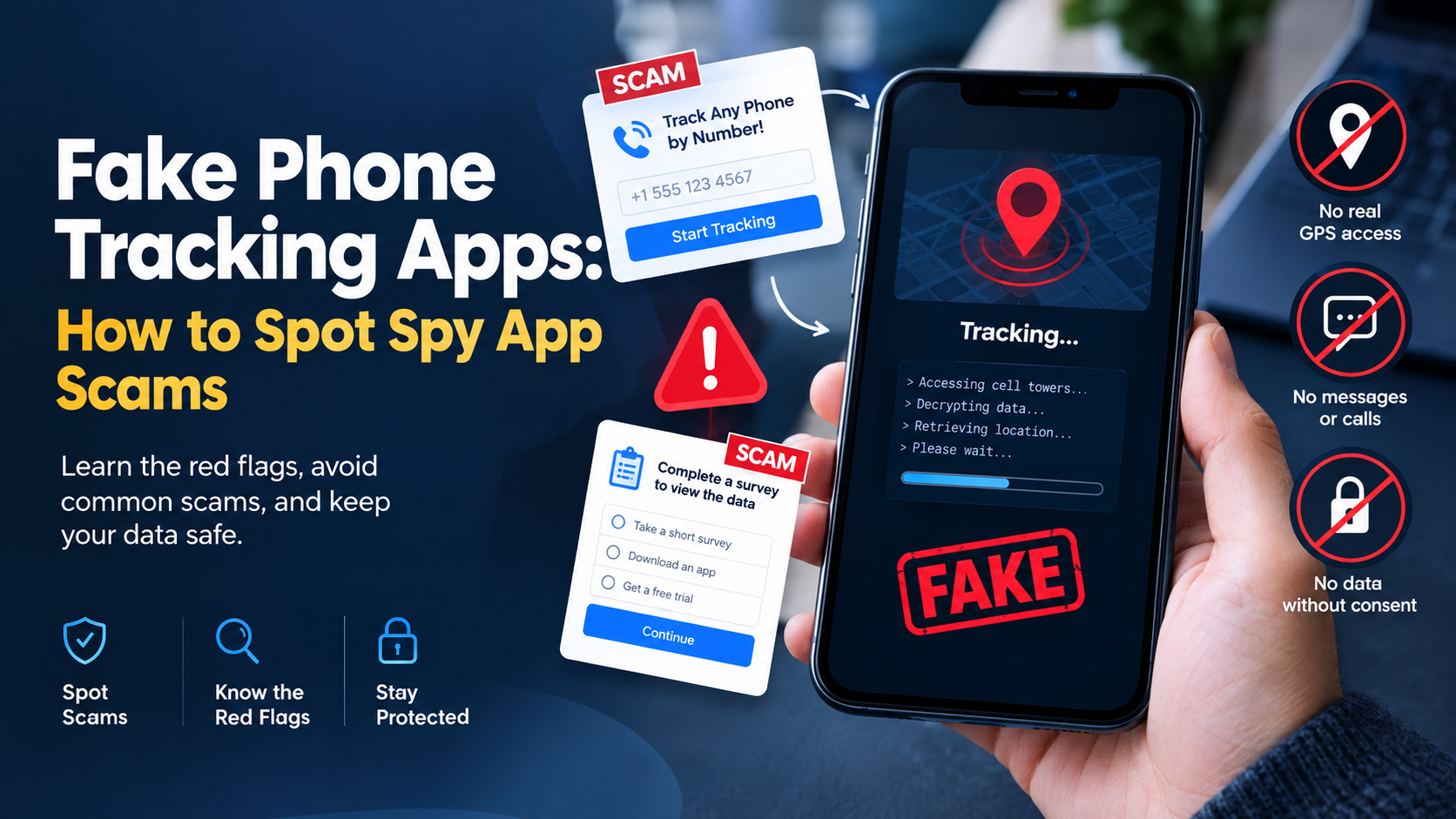
How to Spot Fake Spy Apps and Avoid Phone Tracker Scams
Claims of tracking any phone using just a phone number are 100% fake. Modern mobile operating systems require direct setup and explicit system permissions. Discover how fake spy apps operate, the malware…
-
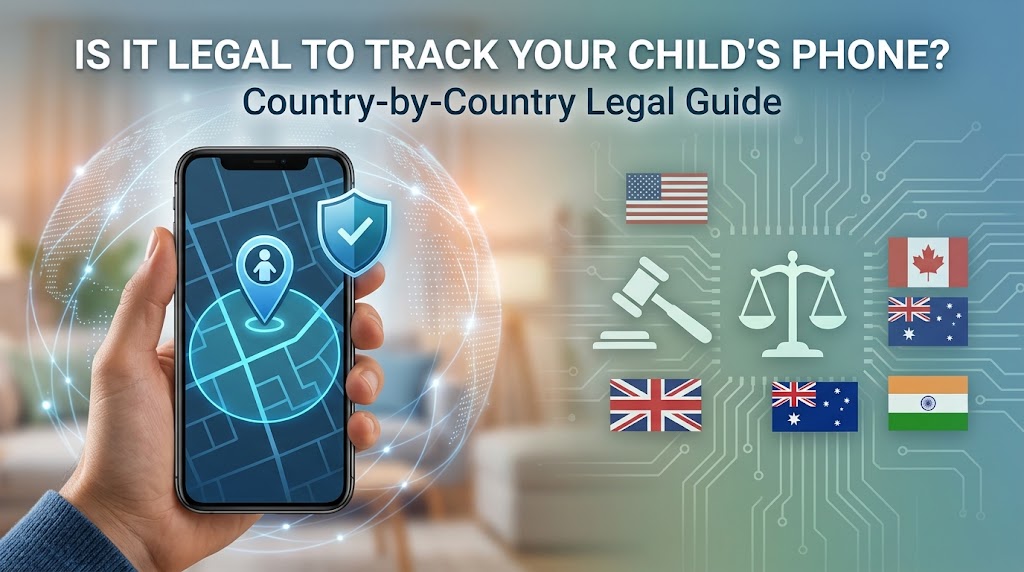
Is It Legal to Track Child Phone? Country-by-Country Guide
If you are wondering if it is legal to track child phone, the short answer is often, but not automatically. Parents and legal guardians generally have more authority to supervise a minor…
-
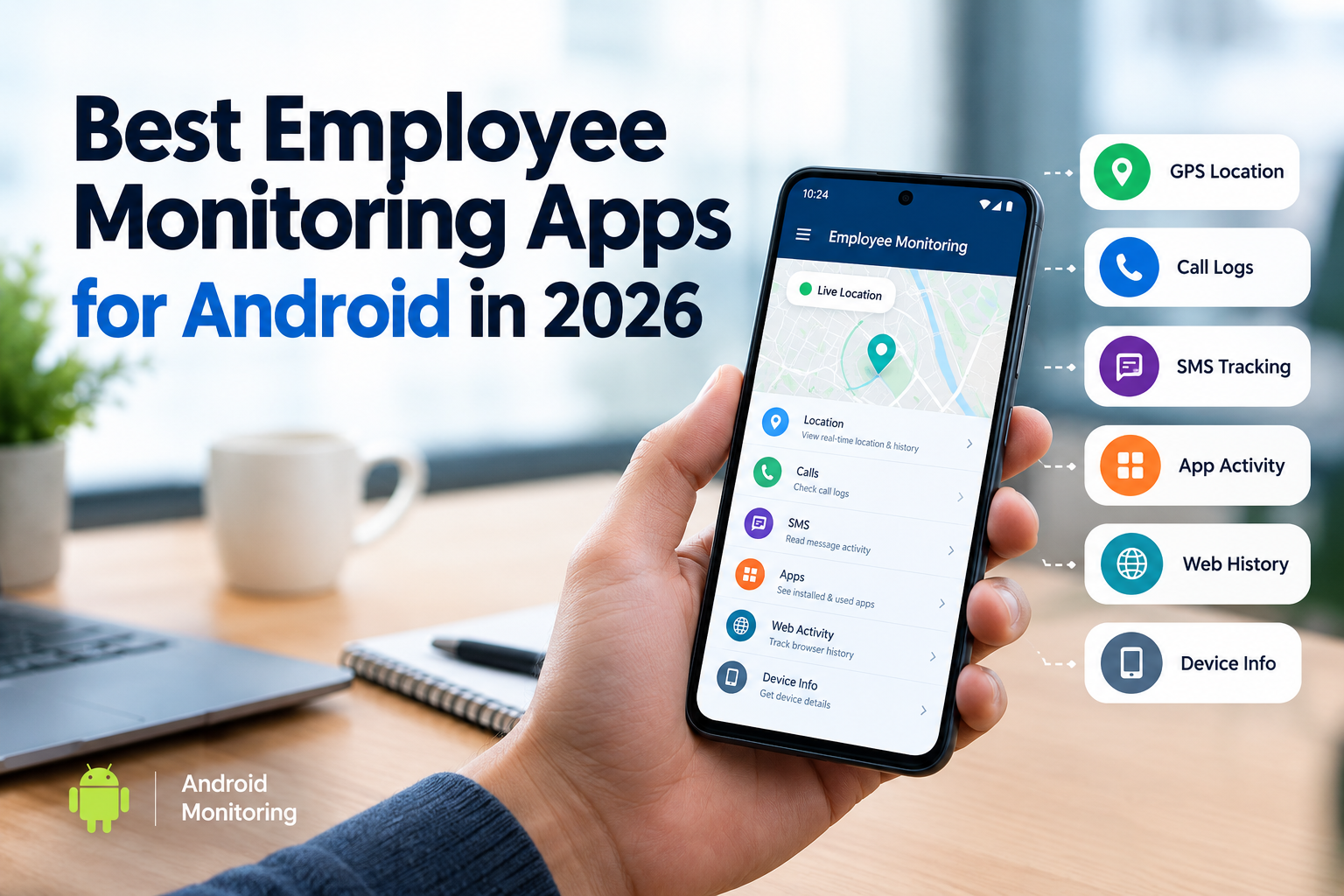
Best Employee Monitoring App Android in 2026
If your company gives employees Android phones, then choosing the right employee monitoring app Android can get confusing fast. Some apps focus on GPS and work hours. Others track desktop activity. A…
-
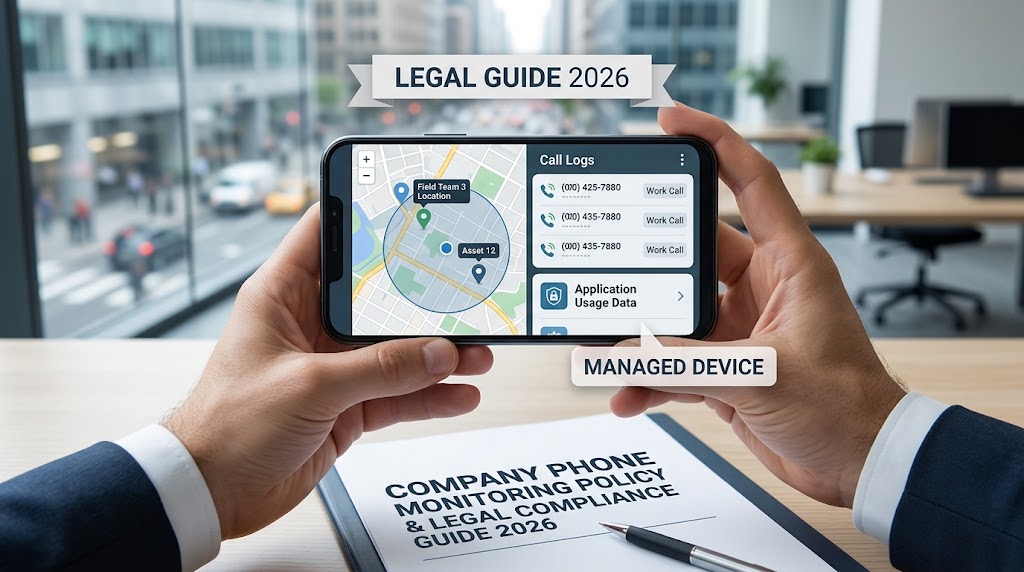
Employee Phone Monitoring: Legal Guide for Employers 2026
Learn how employers can legally monitor company phones in 2026 while respecting employee privacy and consent.
-
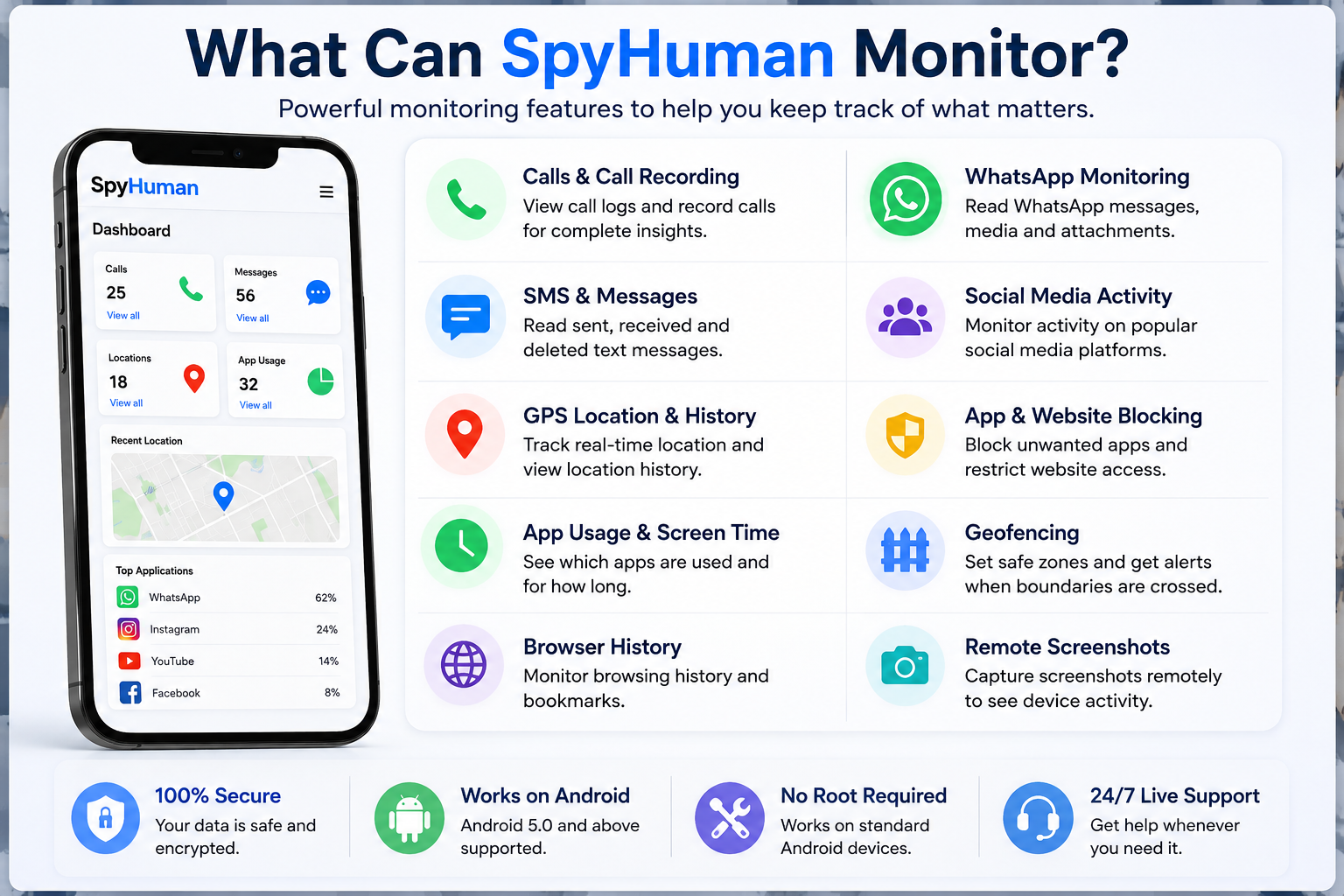
Is SpyHuman Legit? An Honest Look at the App
If you’re searching for SpyHuman legit, you’re probably trying to answer a simple question before putting money into an app that can access sensitive phone data. That’s a fair concern. Monitoring apps…
-
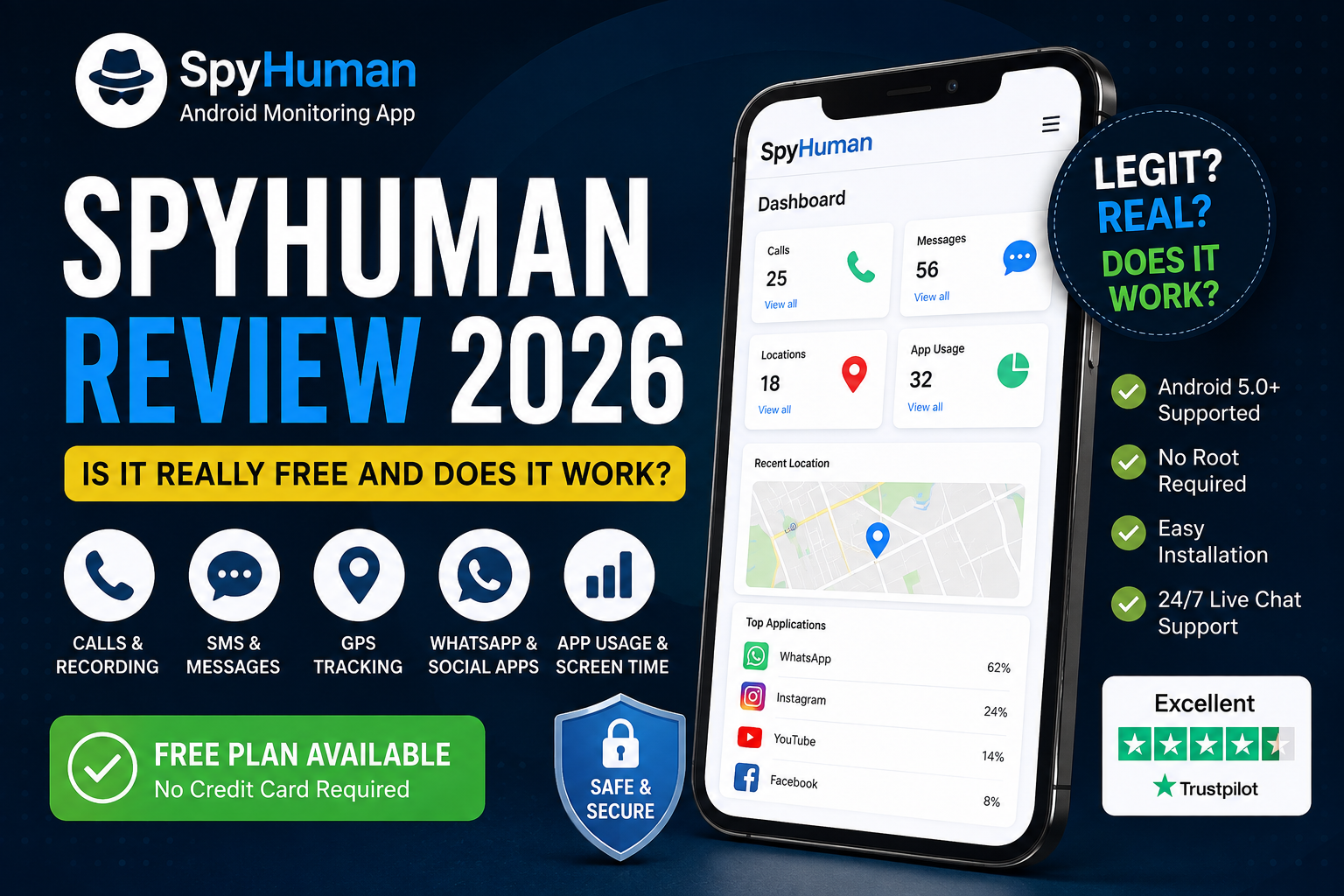
Spy Human review 2026: Is It Really Free, and Does It Work?
Wondering if SpyHuman is legit and actually free? Our SpyHuman review 2026 breaks down its features, free plan, pricing, Android compatibility and real-world usability to help you decide if SpyHuman is worth…
-
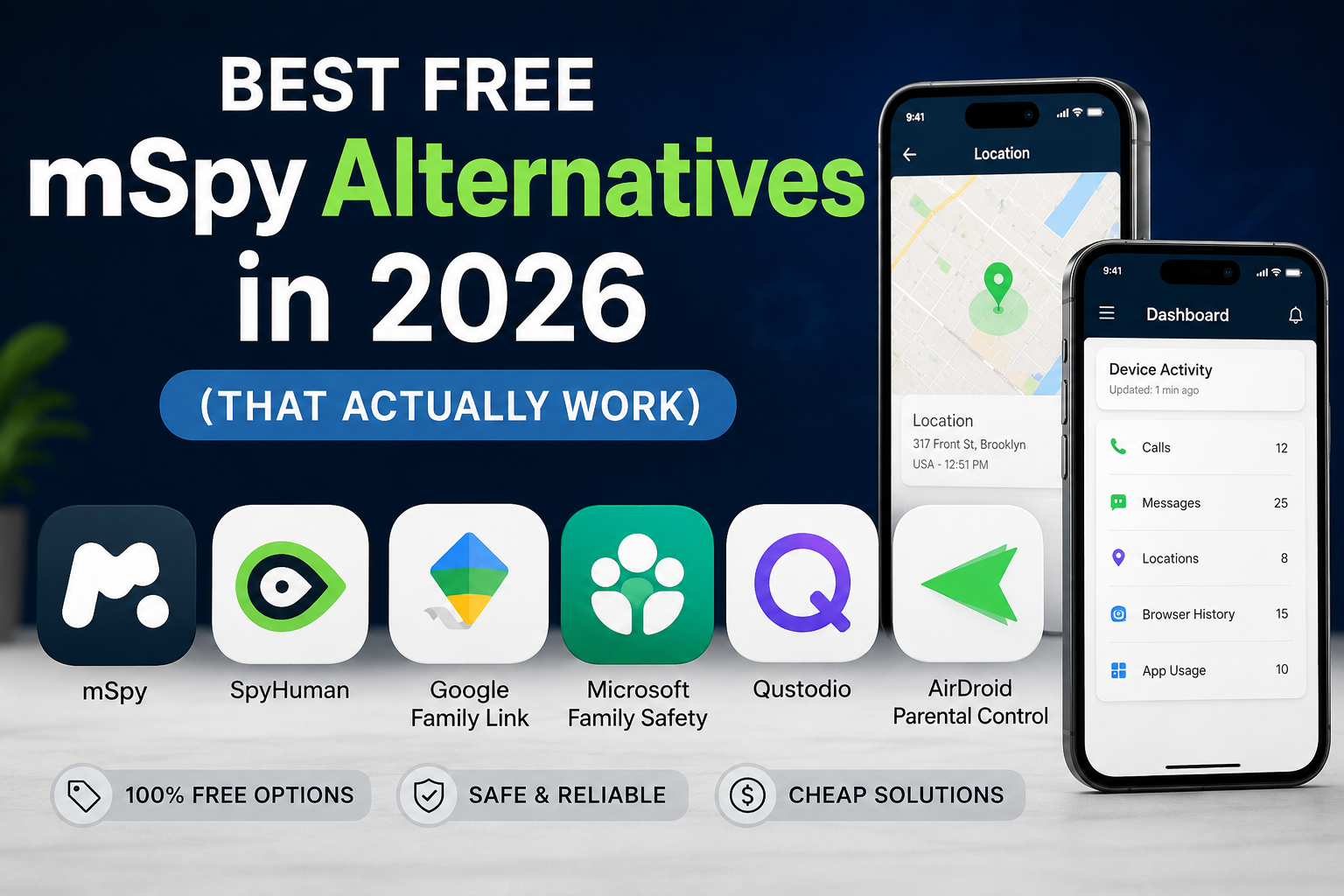
Best Free mSpy Alternatives in 2026 (That Actually Work)
Looking for mspy free alternatives? Compare 7 top free and cheap monitoring apps in 2026, including features, limits, pricing, and device compatibility.
-
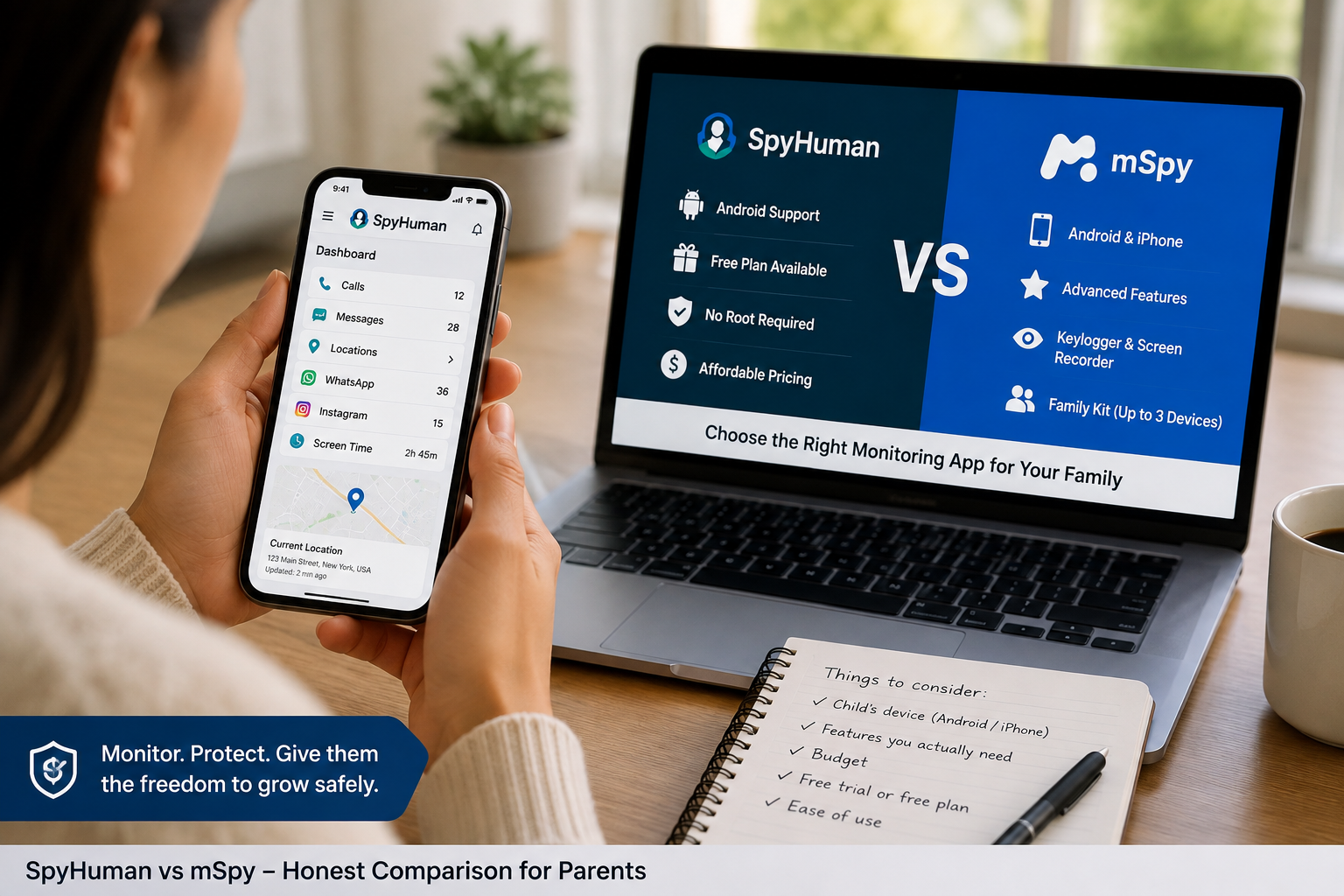
SpyHuman vs mSpy: Honest Comparison for Parents
Parents searching for SpyHuman vs mSpy usually want an answer to a simple question: which app gives them the right level of phone monitoring for their child without paying for features they…
-

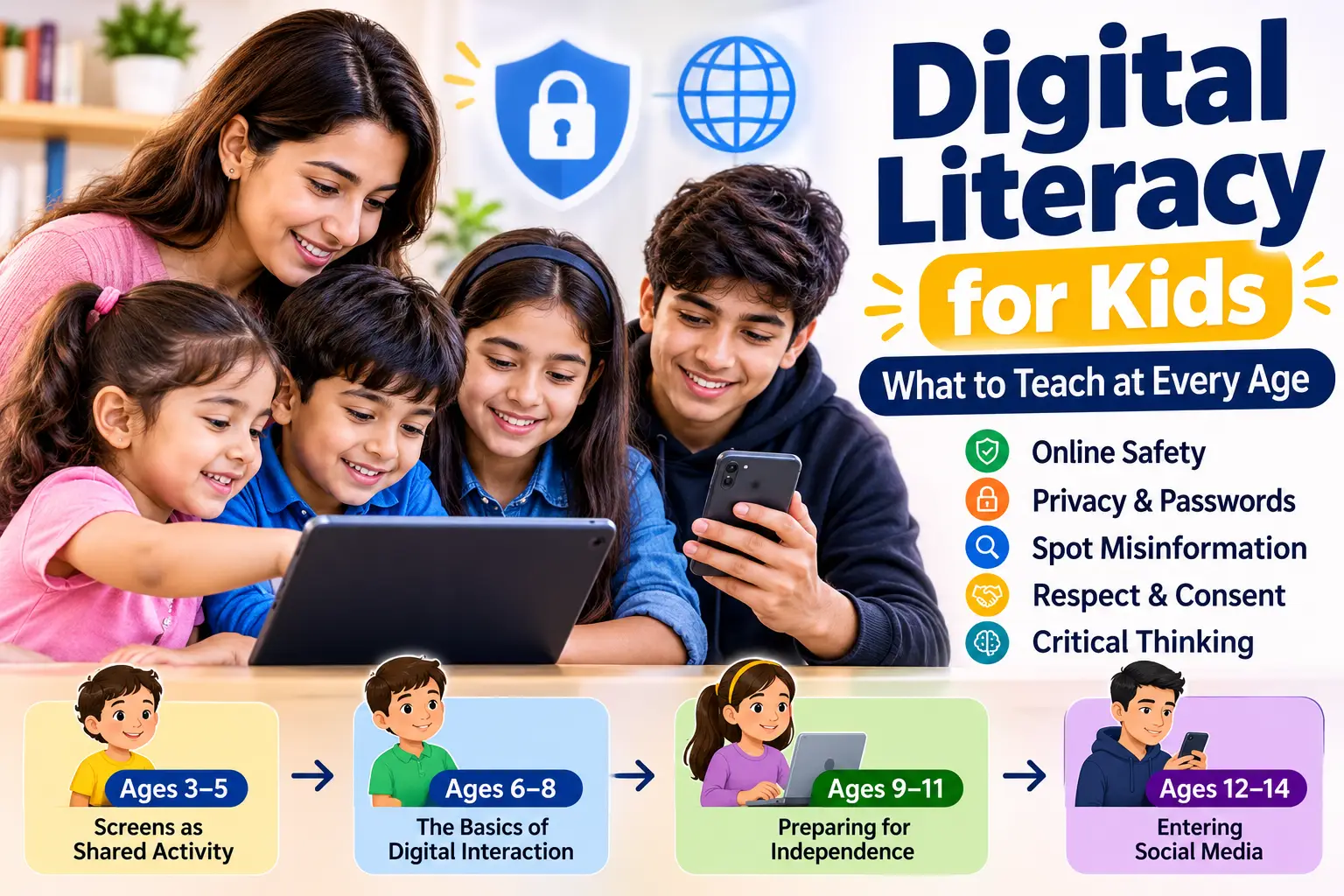
At What Age Should Parents Start Monitoring a Child’s Phone?
eciding when to monitor your child’s phone depends on age, maturity, and risk. Use our age-by-age guide to balance safety and privacy.
-
How to Set Up Parental Controls on an Android Phone
Protect your kids online with built-in Android settings and Google Family Link. Our complete step-by-step guide covers screen time limits, app blocking, web filtering, and remote phone management.