
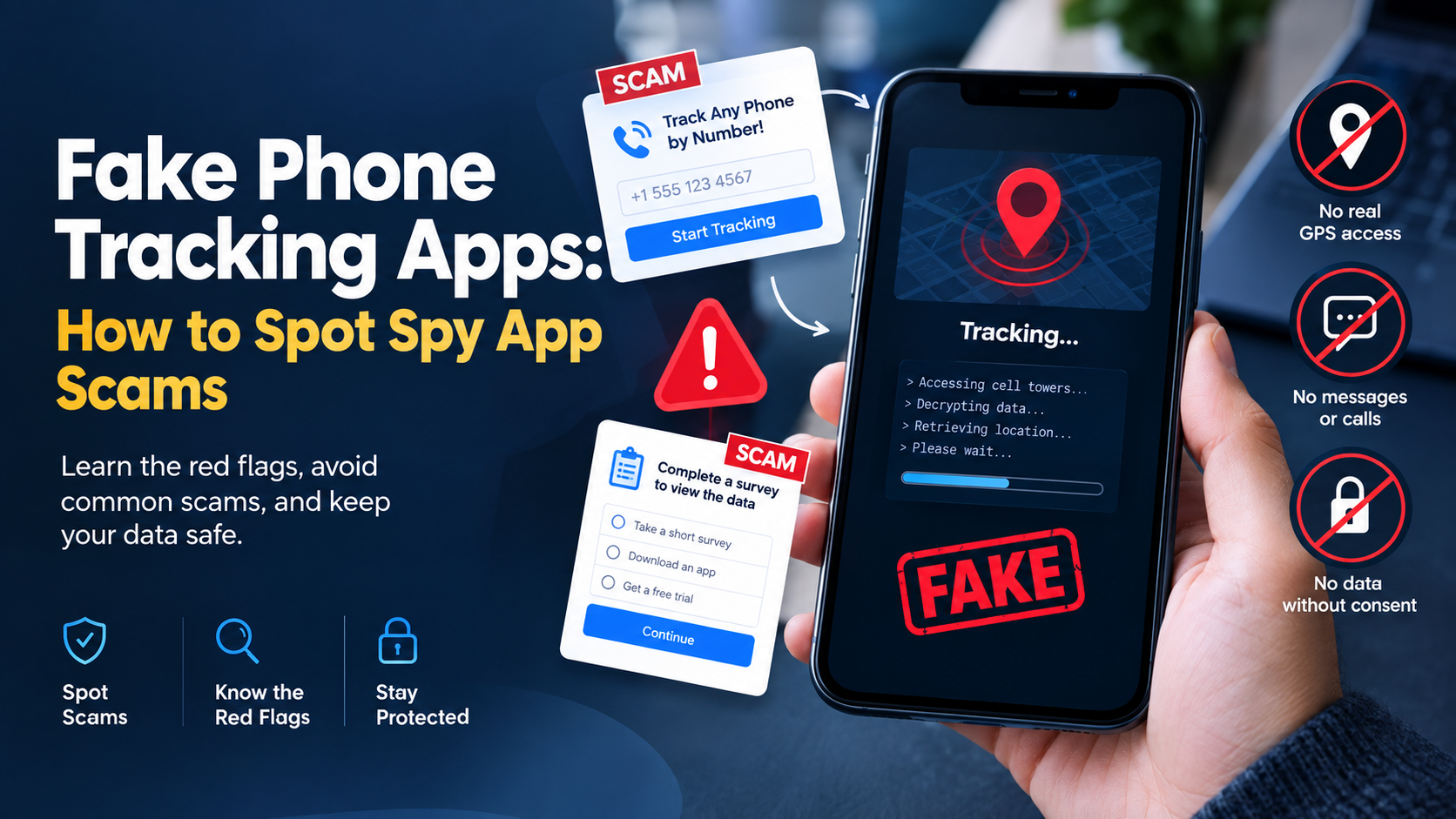
Finding a reliable way to monitor a phone often leads straight into a minefield of online scams. A quick search for parental control or phone tracking tools returns hundreds of flashy websites promising instant, free access to any phone number in the world.
Most of these tools are completely fake.
The market for monitoring software is flooded with predatory sites designed to capture credit card details, trick users into completing endless paid surveys, or infect devices with malicious software. Knowing how fake spy apps operate keeps your personal data safe and prevents financial loss.
How Fake Spy App Scams Work
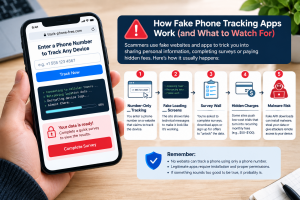
Fake phone tracker platforms rely on social engineering and deceptive marketing. They target stressed parents or concerned employers who need immediate answers and might overlook clear warning signs.
1. The “Number-Only” Tracking Fallacy
The most common online scam promises remote phone tracking by simply typing a phone number into a web box. These sites display dynamic loading screens with fake terminal text claiming to access cellular towers or decrypt device logs.
Modern mobile operating systems like Android and iOS use strict sandboxing and encryption. Cellular networks do not expose live location data or text messages to random web pages. Accessing a phone’s internal data without installed software or authorized cloud credentials is legally and technically impossible through a simple web portal.
2. The Verification Wall (Survey Scams)
Once the fake site finishes its simulated loading screen, it displays a lock screen stating that the retrieved data is ready. To view it, the user must complete “human verification.”
This verification step redirects users to third-party survey networks, app download offers, or paid subscription services. The scammer earns an affiliate payout for every completed survey or app install. The user never receives any phone data because no tracking ever occurred.
3. Subscription Traps and Hidden Billing
Some fake spy apps offer downloadable files but hide predatory subscription terms in fine print. Users signing up for a low-cost trial often find recurring monthly charges ranging from $50 to $100 hidden in dark-pattern checkout pages. Canceling these charges often proves difficult, forcing victims to dispute the fees directly with their banks.
Major Risks of Downloading Unverified Tracking Software
Attempting to install unverified tracker apps carries severe security risks for both the target device and the controller’s phone.
| Threat Category | Risk Level | Primary Impact |
| Malware & Trojan Delivery | Critical | Grants remote attackers access to banking apps, stored passwords, and camera feeds. |
| Identity Theft | High | Unverified APKs collect personal contacts, emails, and social security details. |
| Ransomware Exposure | High | Locks device storage, demanding payment to regain access to personal files. |
| Aggressive Adware | Medium | Forces pop-up advertisements, drains battery life, and slows down system performance. |
Malicious actors frequently package fake tracker installers with known Android Trojans like Cerberus or Alien. According to technical security frameworks maintained by the MITRE ATT&CK Mobile Matrix, unauthorized access tools frequently abuse accessibility services to bypass standard system security controls. These threats run silently in the background while exfiltrating sensitive data to remote servers.
Technical Realities: What Real Phone Monitoring Software Can and Cannot Do
Legitimate monitoring software operates within strict technical boundaries defined by mobile operating systems. Understanding these limitations makes spotting a fake app simple.
Operating System Security Controls
- Android Protection: Android requires explicit user permission for location access, notification reading, and storage usage. Legitimate tools must be installed directly onto the device, often requiring users to disable Google Play Protect warnings manually.
- iOS Protection: Apple isolates app environments completely. Non-jailbroken iOS devices cannot run hidden background monitoring software. Legitimate iOS monitoring relies entirely on iCloud backup synchronization, which requires the target device’s active Apple ID credentials and two-factor authentication (2FA) access.
Physical Access Requirements
Real software requires physical possession of an Android device to install the application package, grant system permissions, and configure background battery settings. Claims of installing software remotely on an Android phone via SMS or phone number alone are technically false.
How to Spot Fake Tracking Apps: Red Flags Checklist
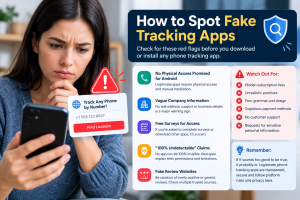
Before purchasing or installing any phone tracking software, run the provider through this evaluation checklist.
- No Physical Access Promised for Android: If a vendor claims their product monitors Android devices without physical access or manual app setup, it is a scam.
- Vague Company Information: Legitimate software providers state clear business details, office addresses, and accessible customer support channels. Scammers conceal their identity using registration privacy services and generic contact forms.
- Free Surveys for Access: Trustworthy software uses standard payment gateways like Stripe, PayPal, or credit card processors. Any site requiring completed surveys or third-party app downloads instead of a standard checkout is operating a pay-per-lead scam.
- Guaranteed “100% Undetectable” Operation: Modern operating systems display active status icons when location services, microphones, or cameras are in use. Honest providers explain how their app handles notifications rather than promising total technical invisibility.
- Fake Review Websites: Scammers run network sites featuring fake comparison reviews that rank their own fraudulent services at the top. Check third-party consumer sites like Trustpilot or independent cybersecurity forums before buying.
What Legitimate Phone Tracking Apps Look Like
Legitimate monitoring platforms serve legitimate purposes: parental control, employee device management, and personal phone recovery.
Real monitoring solutions operate openly about setup steps and requirements. A genuine application provides:
- Clear Installation Steps: Detailed instructions covering app installation, system permission configuration, and battery optimization tweaks.
- Transparent Pricing: Clear subscription plans without hidden fees or forced survey completions.
- Dedicated Support: Accessible customer support via email tickets, live chat, or phone lines to assist with installation issues.
- Data Security Compliance: Standard encryption protocols protecting monitored data stored on cloud servers.
If you need a reliable monitoring solution, review our guide on how SpyHuman features provide parental control tools with a straightforward installation process.
Step-by-Step Guide: How to Safely Test and Verify a Phone Tracker
To protect your personal data, follow this verification workflow before installing any device management tool.
-
Step 1: Verify Domain Age and Reputation
Use public WHOIS lookups to check how long the app vendor’s domain has been registered. Fake spy app websites routinely pop up on brand-new domains and disappear within months once flag reports accumulate.
-
Step 2: Test Customer Support Response
Send a pre-sale question to the company’s support team. Fake services rarely respond to technical inquiries or offer live chat support with real agents.
-
Step 3: Review the Installation Manual
Check if the provider offers a public installation guide. A real service explains the exact setup steps required on the target device.
-
Step 4: Use Dedicated Test Devices
When testing new monitoring software, install it on a secondary spare phone rather than your primary personal device.
-
Step 5: Inspect App Permissions
After installation, check device settings to verify what permissions the app uses. Legitimate tools request access only to features required for monitoring, such as GPS, call logs, or SMS access.
What to Do If You Installed a Fake Spy App
If you accidentally downloaded a suspicious file or entered credentials into a phone tracking scam site, take immediate remedial action to secure your device and accounts.
1. Disconnect Network Access
Turn on airplane mode immediately to stop background malware from transmitting logged keystrokes, passwords, or personal files to remote servers.
2. Boot Android into Safe Mode
Booting into Safe Mode prevents third-party apps from running automatically at startup. On most Android devices, press and hold the Power button, then tap and hold Power Off until the Safe Mode prompt appears.
3. Remove Suspicious Administrative Apps
Navigate to Settings > Security > Device Admin Apps. Revoke administrative privileges for any unrecognized applications, then uninstall them from the main Apps menu.
4. Perform a Full Malware Scan
Run a full system scan using a reputable mobile security app available on the official Google Play Store.
5. Secure Financial and Personal Accounts
If you entered payment info on a scam site, contact your bank immediately to freeze the card and dispute unauthorized charges. Change passwords for sensitive accounts (email, banking, and cloud storage) from a separate, secure device.
Legal and Ethical Considerations of Phone Tracking
Using tracking software requires strict adherence to privacy laws. Installing monitoring software on a device without proper authorization can violate local and national privacy regulations.
Regulatory bodies such as the Federal Trade Commission (FTC) strictly enforce laws regarding hidden monitoring applications, taking legal action against vendors that market tools for illegal surveillance. Always ensure your use case aligns with local laws before purchasing or deploying software.
For detailed legal guidelines on device monitoring, read our overview on legitimate phone tracker use cases.
Avoid Scams: Choose a Real App
Avoiding fake spy apps comes down to recognizing technical limitations. No web portal can extract live phone data using just a phone number, and legitimate software always requires standard installation steps and direct device configuration.
If you are looking for a genuine, reliable parental monitoring solution that provides real-time location tracking, call logging, and social media management, check out our SpyHuman pricing plans or read our about SpyHuman page to learn how we protect families safely.
Ready to monitor your family’s devices safely? Choose a real app today and start your risk-free trial with SpyHuman.
Frequently Asked Questions
Can I track a phone using only the phone number for free?
No. Free websites claiming to track live GPS locations, text messages, or call histories using only a phone number are scams designed to capture user data or generate survey revenue.
Why do fake spy apps ask for survey completions?
Fake spy apps use survey walls to monetize victim traffic. Scammers receive pay-per-lead commissions whenever users complete survey questions or sign up for trial services.
Are hidden spy apps safe to use?
Downloading unverified applications from unofficial third-party websites exposes devices to malware, ransomware, and identity theft. Always use legitimate monitoring services from verified providers.
How can I tell if an app installed on my phone is tracking me?
Check your device for common warning signs like rapid battery drain, unexpected high data usage, system overheating, or unfamiliar background apps listed under system permissions.
Is physical access always required to install an Android phone tracker?
Yes. Installing monitoring software on an Android device requires physical access to download the application, grant system access permissions, and configure background battery settings.
What should I do if a website charges hidden fees after a free trial?
Contact your payment provider or bank immediately to dispute the unauthorized charges, block future recurring billing, and request a replacement card.


Leave a Reply