Author: SpyHuman Team
Posted Date:
-
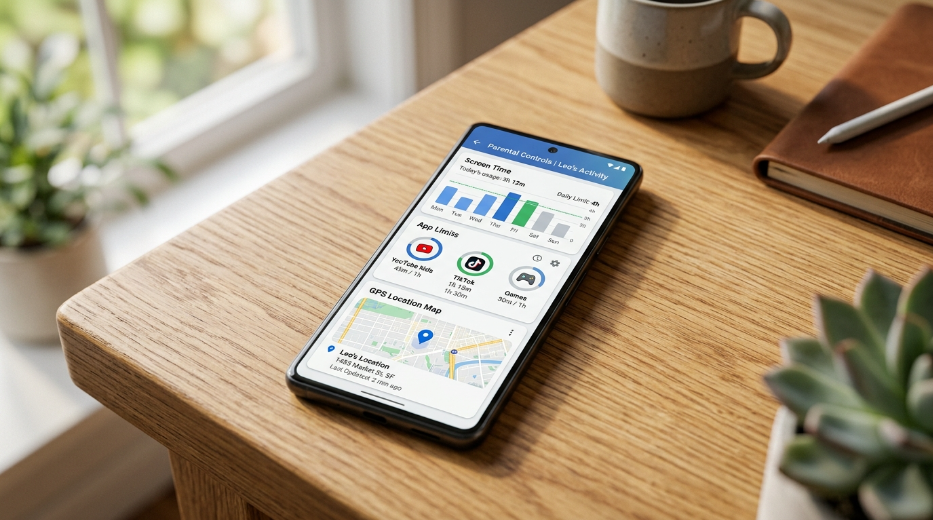
Best parental control app Android: 8 free and paid options for 2026
Choosing the right parental control app for Android depends on what you actually need to manage. Some parents only want screen-time limits and app blocking. Others need Android phone tracking, website filtering,…
-
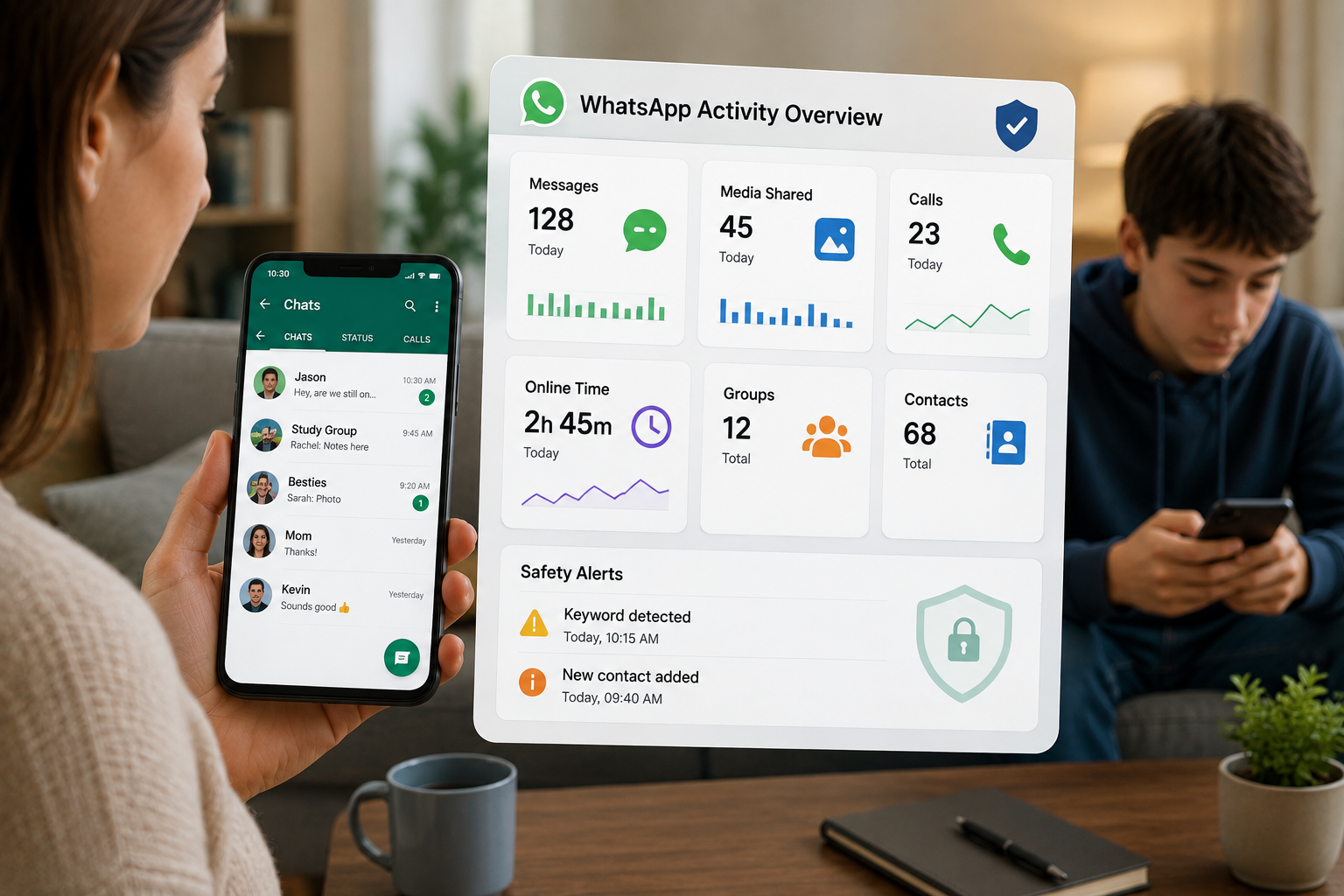
Best WhatsApp Tracker Apps for Parents in 2026
If you’re looking for a WhatsApp tracker app because you’re worried about who your child is talking to, what they’re sharing or how much time they’re spending on WhatsApp, you have several…
-

How to Track Phone Number Location: 5 Methods That Work
Someone texts you from an unknown number. Or your kid is late and isn’t picking up. Or you left your phone in a cab and need it back. Three different situations, three…
-

How to Set Healthy Screen Time Limits on Android for Kids
If you’ve caught your child scrolling at 11 p.m. or arguing over “five more minutes” for the third time tonight, you’re not alone. Setting screen time limits on Android devices is one…
-
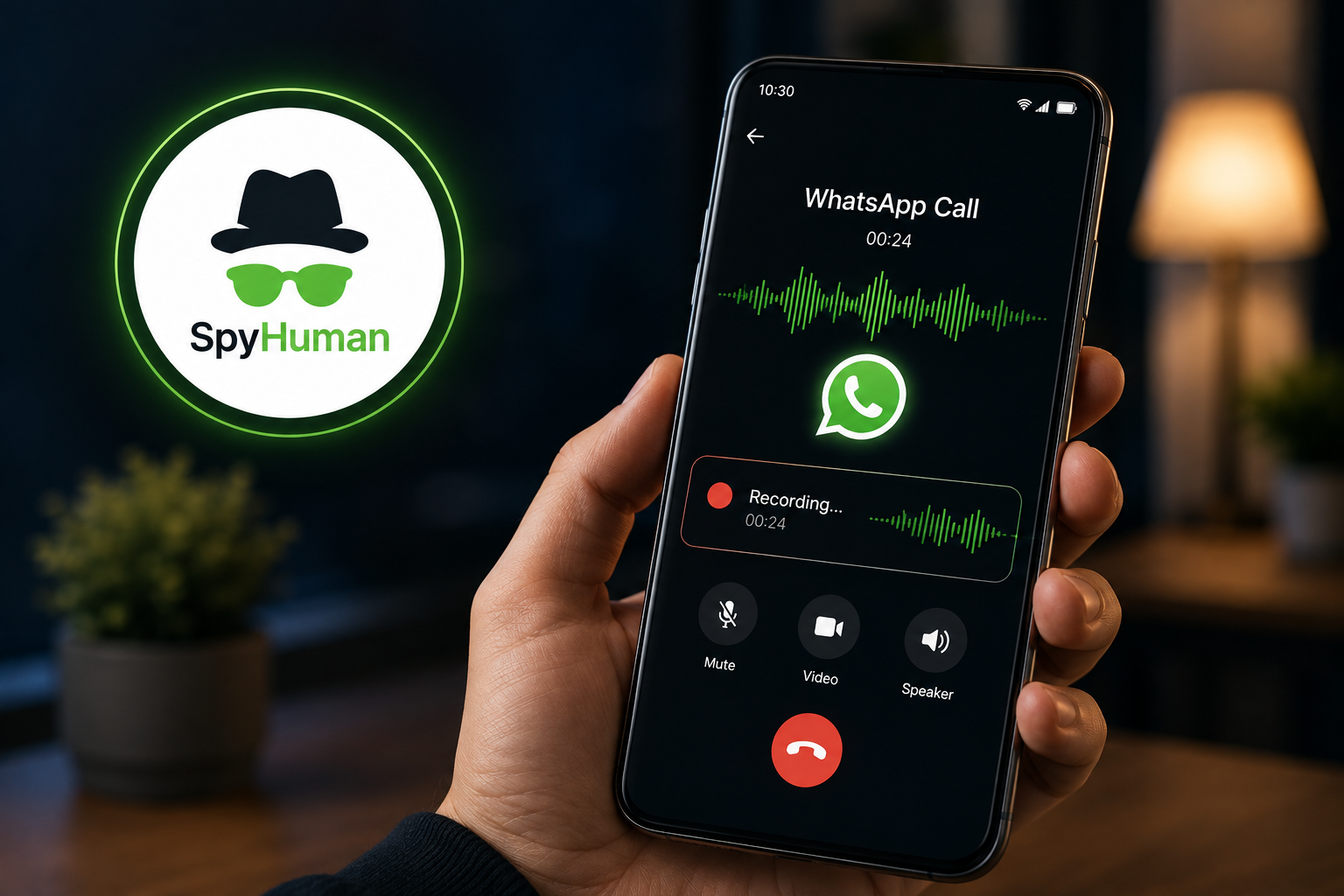
Best call recording app for Android without root (2026): what actually works after Google’s ban
Quick answer For regular phone calls, your phone’s built-in dialer is the most reliable recorder in 2026 (Samsung, Xiaomi, Pixel all have native recording). For WhatsApp call recording without root, SpyHuman is…
-

The best WhatsApp monitoring app for parents in 2026 (tested, ranked, and honestly compared)
Quick answer WhatsApp monitoring apps fall into 3 categories. Full-access monitors like SpyHuman can read messages, media files, and calls. AI keyword scanners flag only potentially concerning content, while screen time managers…
-
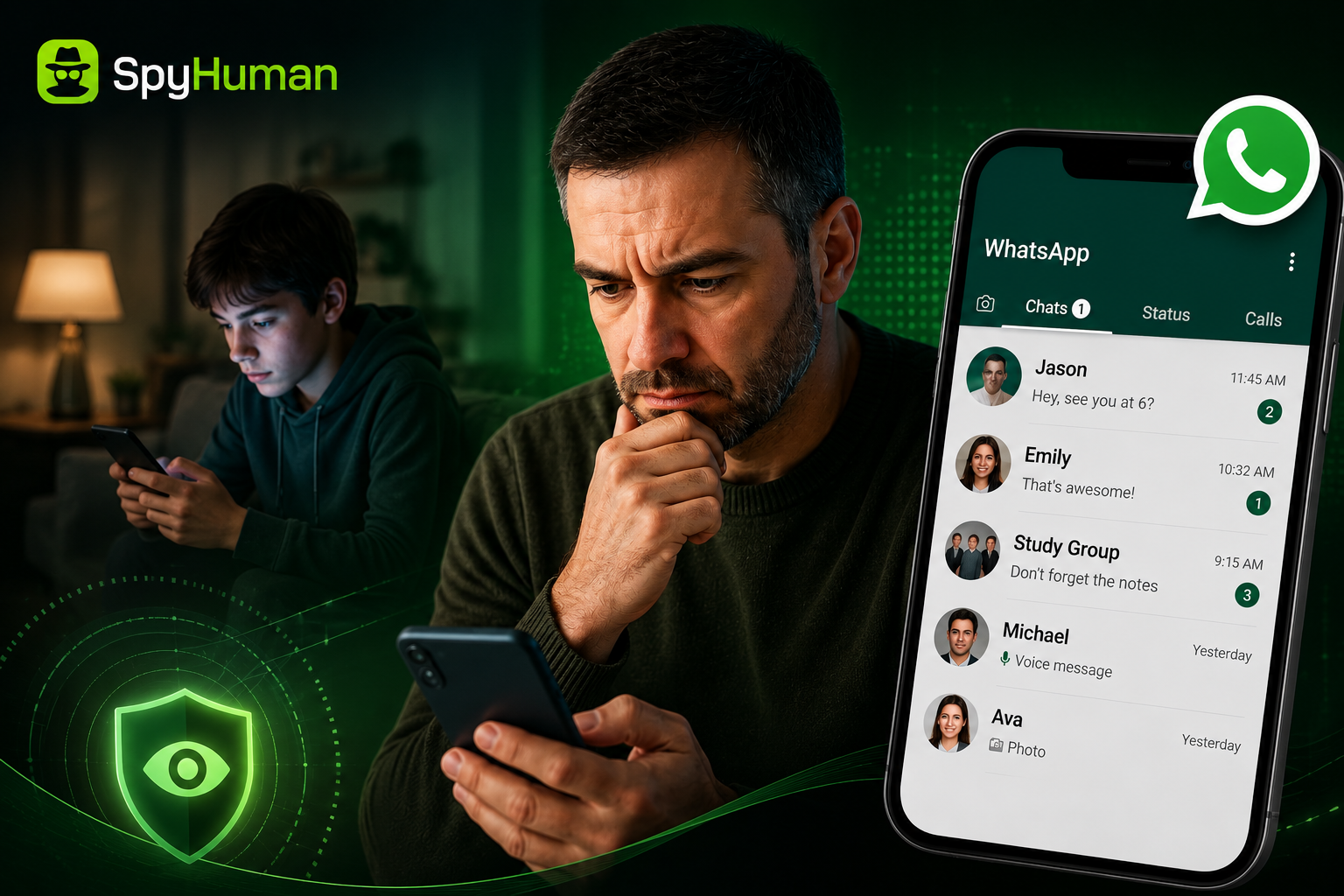
How to read your child’s WhatsApp messages on Android (the methods that actually work in 2026)
Quick answer To read your child’s WhatsApp messages on Android, install a monitoring app like SpyHuman on their phone (one-time, 5 minutes, no root). It captures texts, photos, voice notes, deleted messages,…
-
How to See Incognito History on Android (2026)
Incognito mode is designed to leave no trace on the device, so let’s be honest up front: there is no button that reveals a tidy list of incognito sites after the fact.…
-
How to Install SpyHuman on Android (2026 Step-by-Step)
Installing SpyHuman takes about five minutes and one thing most guides gloss over: brief physical access to the phone you want to monitor. There’s no remote, number-only install — that’s a myth.…
-
SpyHuman Free vs Premium: Which Plan Do You Need?
SpyHuman has two ways in: a genuinely free plan you can use indefinitely, and a premium plan that unlocks the heavy features. Most people land here trying to figure out whether free…