Incognito mode is designed to leave no trace on the device, so let’s be honest up front: there is no button that reveals a tidy list of incognito sites after the fact. But “no history on the phone” isn’t the same as “no record anywhere.” A few methods can show part of the picture, and for parents, one approach works going forward. Here’s what’s real in 2026 and what isn’t.
Can you see incognito history on Android?
Not directly from the phone. When an incognito tab closes, Android and Chrome wipe that session’s local history, cookies and cache, so there’s nothing stored on the device to recover. You can, however, see partial traces from outside the phone — your Wi-Fi router’s logs, a signed-in Google account’s activity, or DNS records — and you can capture activity as it happens with a monitoring app you’re authorized to use.
So the realistic question isn’t “how do I recover deleted incognito history” — that data is gone — but “where else does this browsing leave a footprint, and can I catch it in real time?”
Why incognito hides history in the first place
Incognito (private browsing) tells Chrome not to save the session locally: no browsing history, no autofill, no cookies kept after you close the tab. As Google explains, it’s meant to keep activity off the device, especially on a shared one.
What it was never built to do is make you invisible on the network. Your internet provider, your employer or school network, and the websites you visit can still see the traffic. That distinction is the key to everything below: incognito hides things from the phone, not from the network the phone is on.
Method 1 — Check your Wi-Fi router logs
Your home router routes every request, incognito or not, and many routers keep a log of the domains devices visited.
- Find your router’s IP (often 192.168.0.1 or 192.168.1.1) and log into its admin page in a browser.
- Look for Logs, History, Security log or Administration.
- Browse for visited domains, often grouped by the connected device.
Limits: routers usually log domains (example.com), not full URLs or page content, and many overwrite logs quickly or don’t log by default. With HTTPS — almost all sites now — you’ll see that a site was visited, not what was read or typed.
Method 2 — Check the Google Account’s activity
If the person was signed into Google while browsing — even in incognito — searches and some activity can still be saved to that account. On the device, go to myactivity.google.com while signed in, and review Web & App Activity. This often surfaces searches that incognito “hid” locally.
Limits: it only works if they were signed in and activity-saving was on, and many people sign out of incognito specifically to avoid this.
Method 3 — DNS logs
If your network uses a custom DNS service (some routers or family-safety DNS providers), that service may keep a query log of domains looked up — again, incognito doesn’t bypass it. Check your DNS provider’s dashboard if you’ve set one up. As security explainers like Panda Security note, network-level records are where incognito’s “privacy” actually ends.
Method 4 — Monitoring apps (for going forward, on devices you supervise)
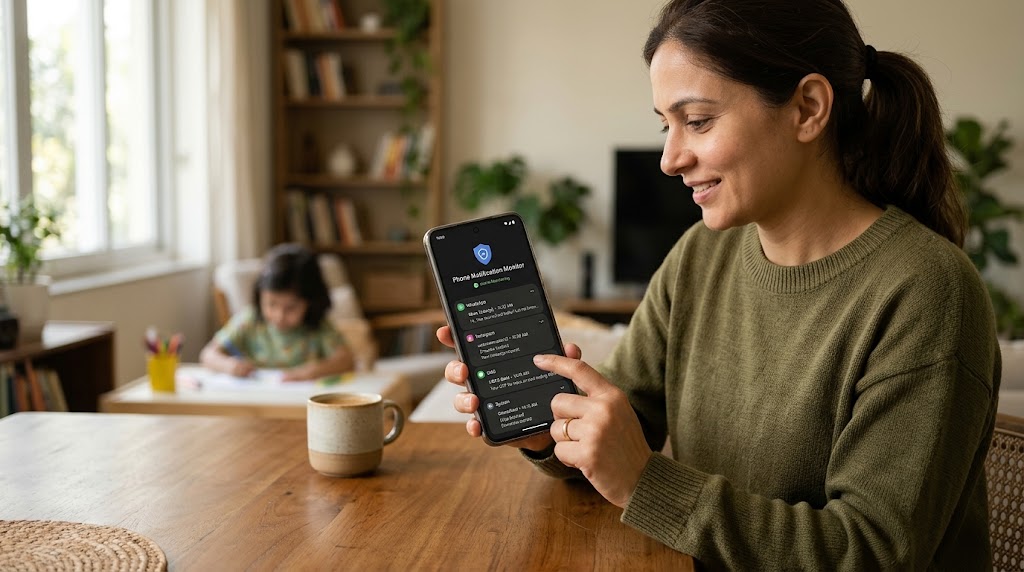
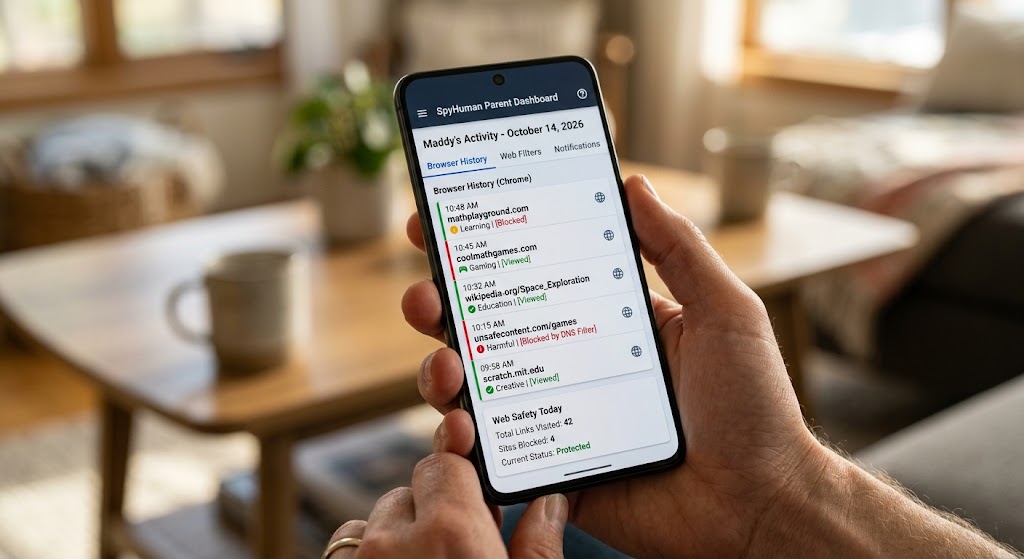
The cleanest answer for parents is to stop trying to recover the past and start capturing the present. A monitoring app installed on a phone you own or supervise records activity as it happens, before incognito can erase it. A keylogger logs what’s typed — including URLs and search terms entered in a private tab — and app/usage tracking shows when the browser was active.
SpyHuman’s Android keylogger is built for exactly this consent-based use on your own child’s device or a phone you’re authorized to monitor. Because it captures keystrokes and browsing activity at the device level, incognito’s “leave no trace” doesn’t apply — the input is recorded before the session closes. Pair it with social media monitoring if the concern is messaging apps rather than the browser. Note the free plan is limited; full browsing-history capture and the keylogger are premium features.
Avoid apps claiming to “recover deleted incognito history” — that data genuinely doesn’t exist on the device, so these typically demand root access, harvest data, or simply don’t work.
The honest limits
No method gives you a perfect, after-the-fact incognito history:
- Router and DNS logs show domains, not full pages or content, and may not be enabled.
- Google Activity only helps if the person was signed in.
- Monitoring apps only capture activity after they’re installed — they can’t retrieve past sessions.
If you need real visibility into a child’s browsing, real-time monitoring on a device you supervise is the only approach that reliably works, and it has to be done lawfully and ideally transparently.
Frequently asked questions
Can incognito history be recovered on Android?
Not from the device. Once an incognito tab closes, the local session data is wiped. You can only find partial traces off-device — router or DNS logs, or a signed-in Google account’s activity.
Do router logs show incognito browsing?
Often yes, at the domain level. Routers route every request regardless of incognito, but they typically log domains rather than full URLs, may not log by default, and HTTPS hides page content.
How can a parent see a child’s incognito activity?
By using a consent-based monitoring app on the child’s device that captures keystrokes and browsing in real time, before incognito erases the session. It records activity going forward, not past sessions.
Does incognito hide browsing from my internet provider?
No. Incognito only stops the device from saving history. Your ISP, network admin and the sites you visit can still see the traffic.
Lawful use only: monitor devices you own, your minor child’s device as a parent or guardian, or a company device with the user’s consent.