

he right time to learn when to monitor child phone use is usually the moment they get their first connected device. That doesn’t mean reading every private message or checking the phone every night. For a younger child, parents may need close supervision.
As the child matures and demonstrates responsible habits, routine checks should gradually decrease. The ultimate goal is to guide children toward managing their digital lives safely while earning independence. There isn’t a single “magic age” that applies to every family; a 9-year-old with their first smartphone typically needs closer oversight than a mature 13-year-old.
Conversely, a 16-year-old who has repeatedly broken online boundaries may require closer attention than a responsible 14-year-old.
The Phased Approach: First-Year Ownership & Research
According to digital safety guidance from Western Sydney University, taking a phased approach to phone ownership yields the healthiest long-term outcomes. Research suggests focusing heavily on safety, basic boundaries, and direct guidance during the first 12 months of phone ownership.
After roughly a year of active setup and oversight, routine phone checking can gradually fade as ongoing, open family conversations take center stage.
Readiness Checklist: Maturity vs. Chronological Age
Before deciding how closely to supervise your child, evaluate these key indicators:
- Safety Awareness: Do they know not to share passwords, full names, addresses, or live locations?
- Communication: Will they proactively tell you if content or a stranger’s message makes them uncomfortable?
- Boundary Management: Can they follow screen-time rules without constant arguments?
Western Sydney University - Technical Skills: Do they ask before downloading unfamiliar apps, and do they know how to block/report abusive users?
Age-Based Phone Supervision Framework
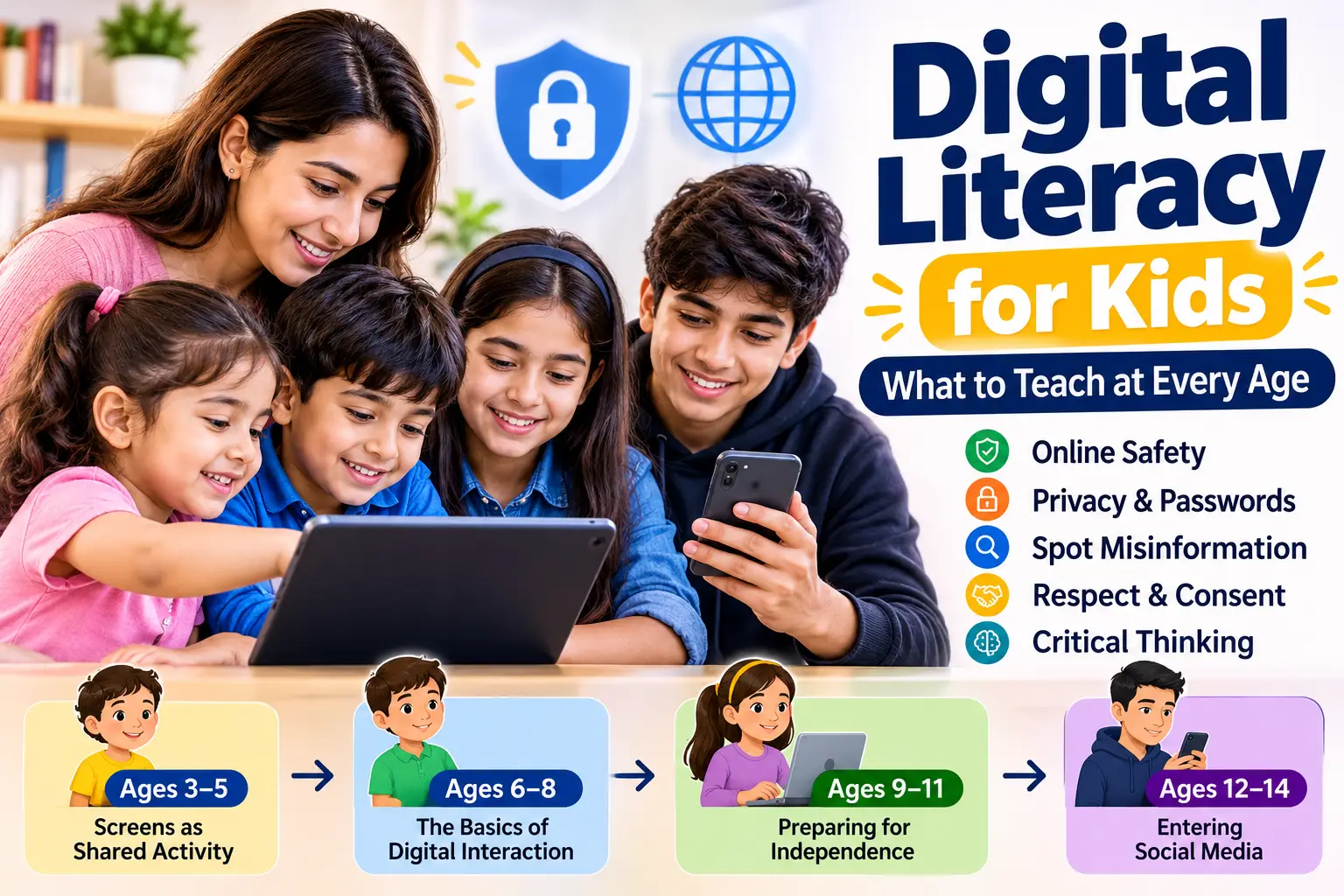
While individual maturity varies, this framework offers a practical guide for monitoring levels and primary focus areas as kids grow:
| Age Bracket | Supervision Level | Core Focus & Action Items |
| Under 8 | High Supervision | Strict app permissions, curated contact lists, web content filters, screen time caps, and location tracking. |
| 8–10 | High Supervision | Establishing safety rules, managing in-app messaging, restricting downloads, and setting bedtime device curfews. |
| 10–12 | Moderate to High | Overseeing group chats, monitoring social app downloads, checking privacy settings, and teaching online etiquette. |
| 13–15 | Moderate | Focus on social media boundaries, managing screen time health, privacy education, and targeted safety checks. |
| 16–17 | Lower Routine Checks | Maintaining agreed safety protocols, discussing digital reputation/scams, and encouraging full digital autonomy. |
| 18+ | Adult Privacy | Routine monitoring ends; any continued device oversight legally requires explicit consent. |
When Parents Should Increase Monitoring
Age sets the baseline, but specific situational triggers justify stepping in with closer oversight regardless of how old your child is:

1. Receiving Their First Smartphone
The first few months are an active training period. Even if your child navigates apps quickly, they rarely understand algorithmic recommendations, privacy risks, or digital footprints.
Using tools like SpyHuman’s Android parental control app allows parents to oversee device activity directly from a remote dashboard managing calls, SMS, WhatsApp interactions, web browsing, and app usage while kids adapt to device ownership.
2. Joining Social Media Platforms
The American Psychological Association (APA) recommends adult monitoring for young people using social media during early adolescence (ages 10 to 14), while gradually increasing autonomy as digital skills develop. Focus on understanding which platforms your child frequents, learning their privacy features, and maintaining open dialogue about what appears on their feeds.
3. Contact from Strangers
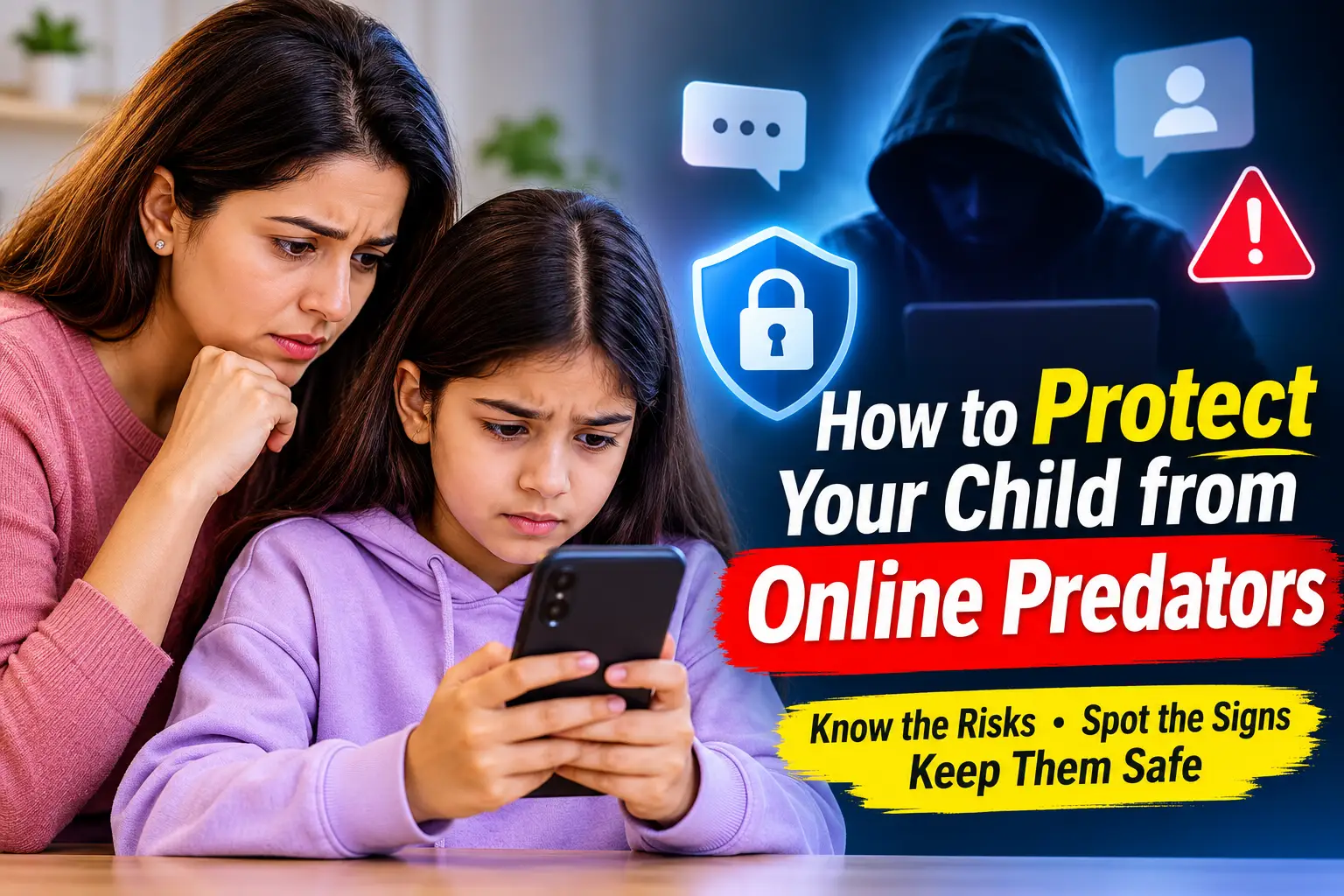
If an unknown contact reaches out through a game, messaging app, or social platform, step in immediately. Reinforce that sensitive information (address, school name, photos, or live location) should never be shared. Ensure your child knows they can report strange contacts to you without fear of immediately losing phone access; otherwise, they may hide future incidents.
4. Signs of Cyberbullying or Behavioral Shifts
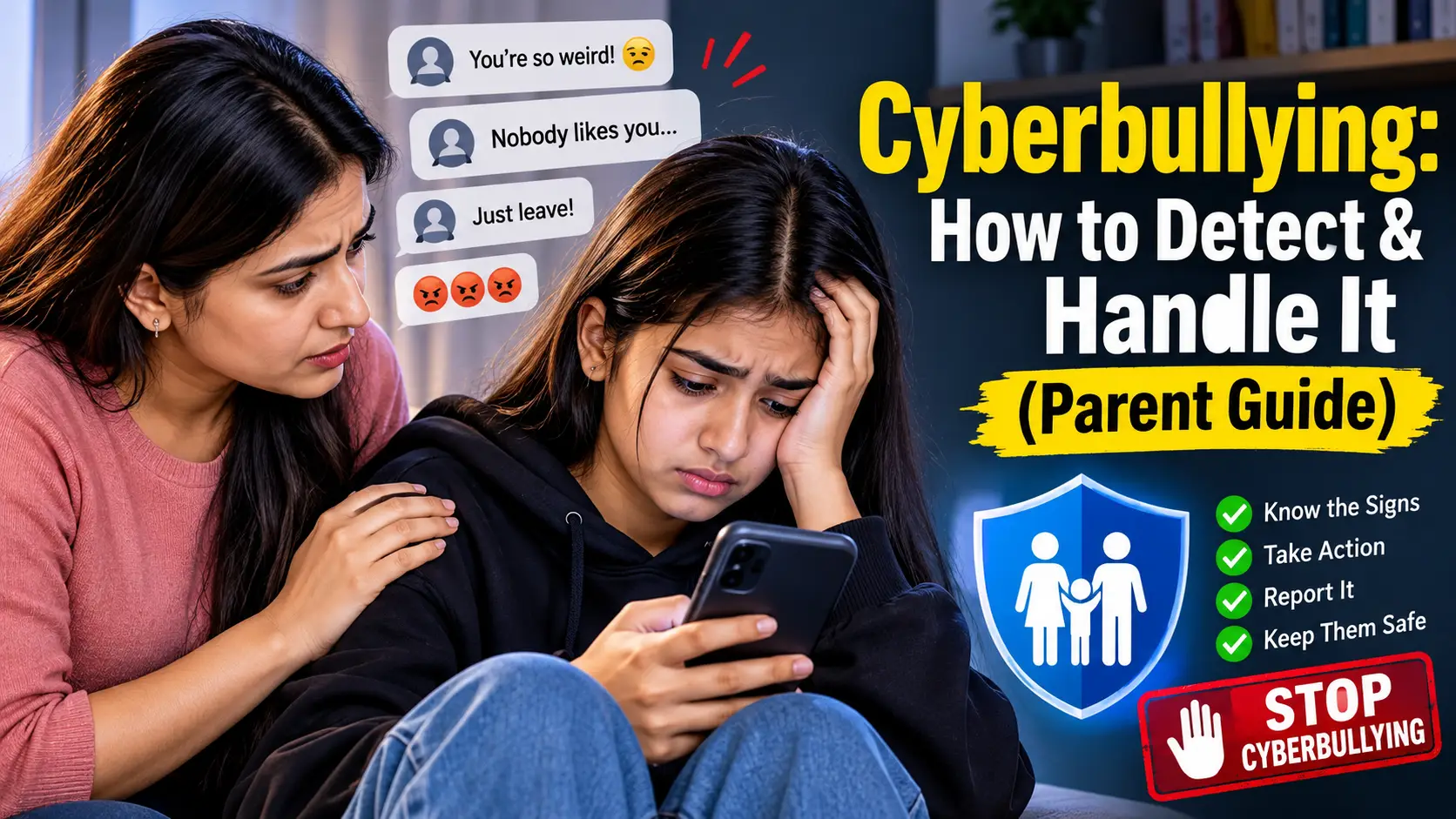
Sudden shifts in behavior often indicate online distress. Key signs include:
- Becoming anxious or withdrawn after receiving notifications.
- Rapidly hiding or turning off the screen when an adult walks by.
- Unexplained drops in academic focus or sudden sleep disruption.
- Abruptly deleting social media accounts or withdrawing from group chats.
5. Late-Night Phone Usage
Devices active past midnight directly impair physical health and academic performance. The American Academy of Pediatrics (AAP) recommends creating clear screen-free zones, especially during meals and bedtime. Automated tools like SpyHuman’s app management feature allow parents to schedule daily downtime remotely, automatically restricting distracting apps during sleep hours.
The right time to learn when to monitor child phone use is usually the moment they get their first connected device. Aligning with American Academy of Pediatrics recommendations, supervision should focus on digital safety, healthy sleep, and screen-time balance rather than constant intrusion.
What to Monitor vs. What to Leave Private
Effective parental oversight targets safety risks rather than inspecting every aspect of a child’s personal life. Finding the right balance preserves trust while maintaining protection:
Webwatcher
| Monitor for Safety Concerns | Usually Respect as Private |
| Unrecognized adults or strangers contacting your child | Normal everyday conversations with close friends |
| Clear indicators of cyberbullying or harassment | Harmless jokes, memes, and routine group-chat chatter |
| Exposure to dangerous or age-inappropriate content | Personal creative interests, hobbies, and web searches |
| Major, repeated sleep disruptions due to late-night use | Ordinary, age-appropriate peer disagreements |
| Suspicious app installations or hidden secondary accounts | Standard app usage within agreed screen-time limits |
| Specific safety-related location checks | Continuous, intrusive minute-by-minute tracking |
Built-In Controls vs. Dedicated Parental Control Apps
Parents don’t always need complex third-party tools, but native settings have limitations when managing multiple devices or remote networks:
| Monitoring Need | Built-In OS Controls (Android/iOS) | Dedicated Parental Control Apps |
| Basic Screen-Time Limits | Usually Included | Included |
| App Store Restrictions | Usually Included | Included |
| Remote Dashboards | Limited Cross-Platform Ability | Fully Supported Across Devices |
| Detailed Usage & App Logs | Basic Summaries | Granular (Times Opened, Duration, Patterns) |
| Location Safety Tracking | Platform-Dependent | Real-Time GPS Logs & Geofencing Alerts |
How to Reduce Phone Monitoring Over Time
Monitoring should never remain static until a child turns 18. Establish a clear transition plan to reduce routine checks when your child consistently:
- Follows family screen-time and bedtime rules.
Western Sydney University - Protects personal data and maintains strong privacy settings.
- Reports suspicious links, unwanted contacts, or inappropriate content.
- Demonstrates healthy screen balance without constant parental reminders.
Frequently Asked Questions
What is the best age to start monitoring a child’s phone?
Start when your child gets their first internet-connected phone. Younger children usually need closer supervision. As they become more responsible, parents can gradually reduce routine monitoring.
Should I monitor my 10-year-old’s phone?
Most 10-year-olds still benefit from active parental supervision. Focus on apps, contacts, screen time, online safety, and privacy settings while teaching your child how to make safe choices.
At what age should parents stop checking a child’s phone?
There isn’t a fixed stopping age. Begin reducing routine checks when your child consistently follows safety rules and handles online problems responsibly. Older teenagers generally need more privacy than younger children.
Should I read my teenager’s private messages?
Routine message checking may create unnecessary privacy concerns when there is no safety issue. If you have a specific concern such as bullying, threats, or contact from an unknown adult, discuss the concern and review the relevant information together where possible.
Is parental control appropriate for teenagers?
Yes. The level of control should change with age and maturity. Teenagers can still benefit from screen-time limits, app restrictions, and safety settings while gaining more control over their digital lives.
What should I do if my child refuses phone monitoring?
Ask what specifically makes them uncomfortable. Explain what you want to monitor and why. You may be able to agree on screen-time controls or safety checks while giving your child more privacy around ordinary conversations.
Final thoughts
So, when to monitor child phone use?
Start when your child gets a connected phone.
For younger children, keep supervision close and teach basic digital safety. During the first year, establish clear rules around apps, contacts, screen time, privacy, and bedtime.
As your child gets older, shift the focus.
Watch for responsible behavior. Reduce routine checks when your child shows good judgment. Keep stronger monitoring for genuine safety concerns such as unknown contacts, cyberbullying, dangerous content, or serious sleep problems.
The goal is to help your child become capable of managing a phone without you standing over their shoulder.
If you want a simple way to manage Android screen time, app activity, and other parental controls remotely, start free with SpyHuman. Set the controls that make sense for your child’s age, then review them as your child grows.
Leave a Reply