
If you need to find a lost Android phone, start with Google’s built-in tools — they’re free, already on your device, and the fastest route to getting it back. Below is the step-by-step, followed by how families keep a child’s phone findable before it goes missing.
Find a Lost Android Phone with Find My Device (free, built-in)
Every Android phone signed in to a Google account supports Find My Device (recently rebranded “Find Hub”). From any browser — a friend’s phone, a laptop, even an iPhone — go to android.com/find and sign in with the same Google account. You can then:
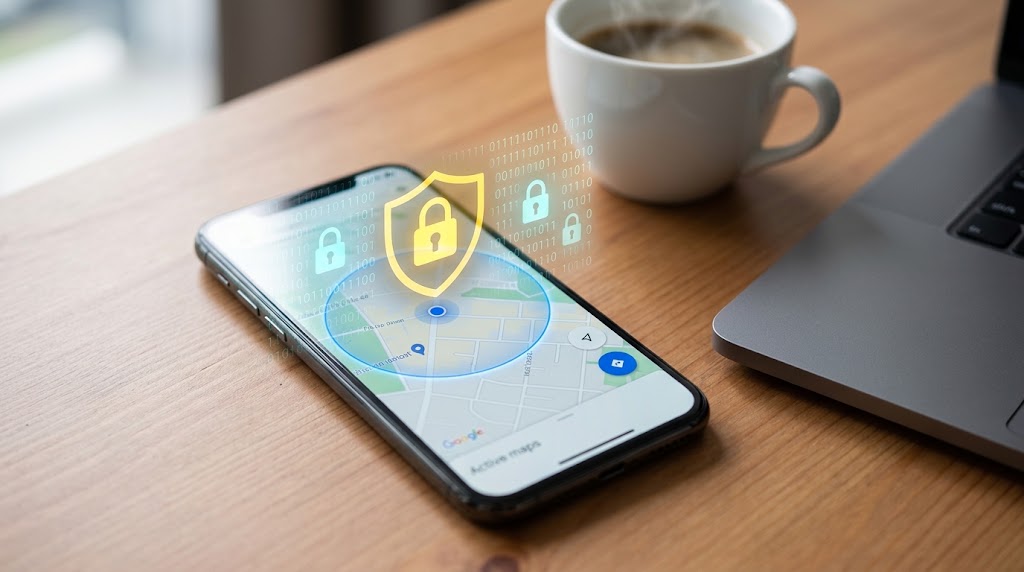
- See it on a map — its last known or live location.
- Play a sound at full volume for five minutes, even on silent (great for “it’s somewhere in the house”).
- Find Nearby — if you’re within about 10 metres, a guide fills in as you get closer.
- Secure the device — lock it and show a message with a callback number on the screen.
- Erase it — wipe the data if it’s truly gone (do this last; you can’t locate it afterward).
For this to work the phone needs to be on, signed in, connected to data or Wi-Fi, and have location enabled. Since Google’s offline finding network, newer Android phones can also surface a recent location even when offline, using nearby Android devices to relay it — you can switch this on under the Find Hub network settings.
Step 2: Retrace with Google Maps Timeline
If Location History is on, Google Maps → Timeline shows where the phone has been today — useful for “did I leave it at the café or the car?”
Step 3: Call it and check your carrier
Sometimes the simplest thing works — call from another phone. If it’s stolen, contact your carrier to suspend service and your local authorities with the IMEI number (dial *#06# on any phone with the SIM, or find it on the box).
Staying ahead: never lose a family phone unprepared
Find My Device is reactive — it helps after a phone goes missing, and only if everything was set up correctly beforehand. For a child’s phone, many parents want something proactive: continuous location, history, and alerts when the phone leaves or arrives somewhere expected.
SpyHuman’s location tracker gives live GPS and a full location history on a device you own or supervise, and geofencing alerts notify you automatically when the phone enters or leaves places you’ve marked — home, school, a friend’s house. So if a child’s phone is lost or left behind, you already know where it last was without scrambling to set anything up. It’s Android-only, runs without root, and starts free.
A quick checklist to find a lost Android phone faster next time
- Keep Find My Device on: Settings → Security → Find My Device.
- Keep Location and a screen lock enabled.
- Note the IMEI somewhere safe.
- For a family phone, set up proactive location so you’re never starting from zero.
Bottom line: how to find a lost Android phone
For a phone you’ve just lost, Google’s Find My Device is the free, built-in, fastest answer — locate, ring, lock, or erase from any browser. For a child’s phone you want to keep findable at all times, proactive location and geofencing mean it’s never truly “lost” — you already know where it is.
Frequently Asked Questions
How do I find a lost Android phone for free?
Use Google’s Find My Device at android.com/find — sign in with the phone’s Google account to see it on a map, ring it, lock it, or erase it. It’s free and built into Android.
Can I find my Android phone if it’s offline?
Newer Android phones can show a recent last-known location even when offline via Google’s finding network. A phone that’s off and stays off can’t report its position.
Can I locate a lost phone by its number?
Not directly as a consumer — that’s why Find My Device uses the Google account, not the number. Carriers and authorities can use the number or IMEI in limited cases.
How can I make sure I never lose track of my child’s phone?
Set up proactive location and geofencing on the device so you get its live position and automatic alerts when it leaves or arrives at set places — rather than relying on reactive tools only after it goes missing.
Is it legal to track a phone’s location?
Track only your own phone, your minor child’s device, or a consented company device. Tracking another adult without consent is illegal.
Keep every family phone findable — start free with SpyHuman. Create your free account.



Leave a Reply