
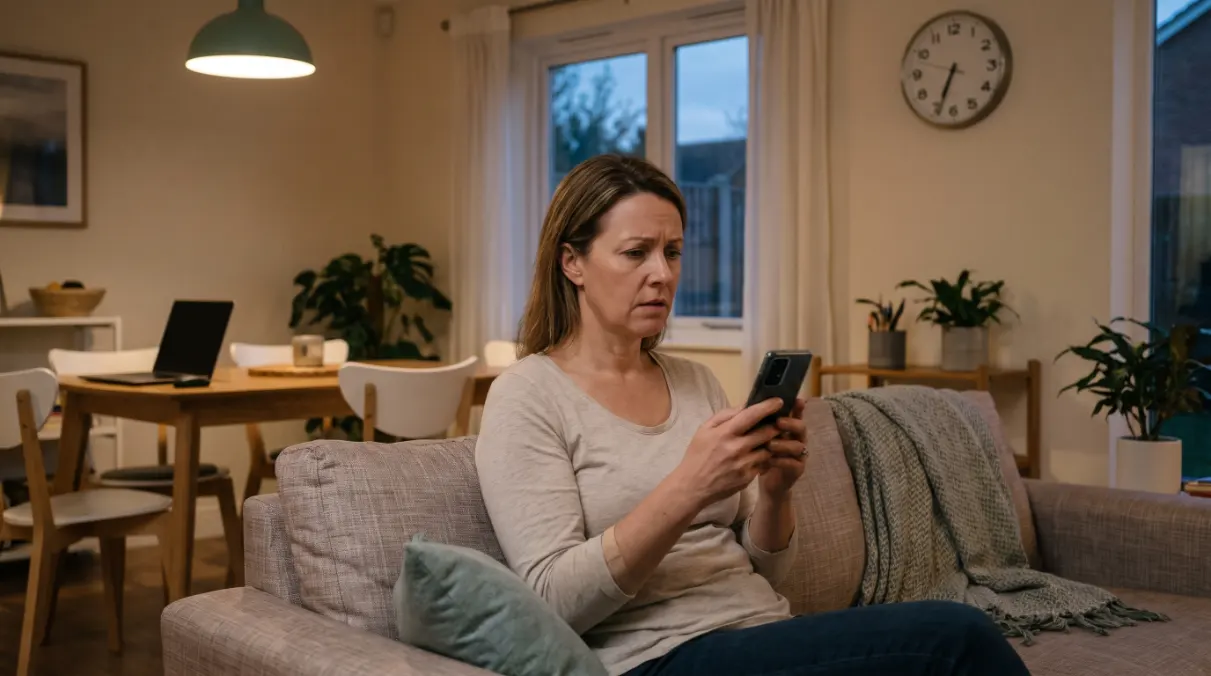
It’s 6:40 in the evening and your child should’ve walked in by 6. You’ve called four times already. Every unanswered ring makes your mind run a little faster. A child not answering phone calls can turn an ordinary evening into a long, tense hour.
The good news is that you don’t have to sit and guess. In a few minutes, you can see where their phone is, when it last updated and whether they’ve used it recently. That’s usually enough to know if you should wait, text or get moving.
Why kids miss calls more often than you think
Kids almost always have their phones with them. Pew Research Center found that 95 percent of US teens have access to a smartphone. Nearly half say they’re online almost constantly. So a missed call rarely means the phone is gone.
Most of the time, the reason is pretty boring. Schools and coaching classes ask for phones on silent, metro tunnels kill the signal for a few minutes and a busy group chat can bury a ringing call. Some kids also just don’t want to talk while their friends are around.
None of this means your worry is silly. It only means the first step is to check calmly before you assume the worst. A quick look at the right information usually tells you which of these everyday reasons fits.
Child not answering phone calls? Check the live map first
If SpyHuman sits on your child’s Android phone, you can see your child’s live location on a map from any browser. Open your dashboard on your own phone or laptop and look at the pin. It takes about 10 seconds.
The map shows more than a dot. You get a readable address, the time of the last update and an accuracy radius around the pin. A small radius means a precise fix, while a big circle usually means the phone sits indoors or among tall buildings.
The free plan shows the last 5 location points, which is honestly enough for most missed call moments. Premium adds real time refresh, the full day’s history and route playback. That last one helps you see how your child got somewhere, so you can tell if they took the usual way home.
What the last known location tells you
When the phone switches off or loses internet, the map keeps the last recorded spot with its time. That timestamp matters a lot. A pin at home from two hours ago usually points to a dead battery, while a pin outside the school gate from 10 minutes ago means they just left.
SpyHuman also stores location points while the phone is offline and uploads them once it reconnects. So if the pin looks stuck, give it a few minutes and refresh. For more on this, read what to do when your child’s phone turns off.
Look at recent calls before you panic
The map tells you where the phone is. Recent calls tell you whether your child is actually using it. You can check your child’s recent call history to see if your calls show up as missed and whether they’ve called anyone else in the last hour.
If they called a friend 10 minutes ago, the phone works and they’re probably just busy or ignoring the ring. If there’s no activity at all since lunch, the phone is likely off or forgotten somewhere. You can also see calls, messages and location together in one dashboard, which saves you from jumping between apps when you’re already stressed.
Put the two together and the picture gets clear fast. Location shows where the phone is, while calls show whether your child actually has it in hand. Here’s a simple way to read what you see and decide what to do next:
What to send instead of calling again
Calling ten times in a row usually makes a teen less likely to pick up, especially in front of friends. A short text often works better because they can reply without anyone noticing. Try something simple like “Saw you’re at Rahul’s place, all good? Just reply OK.”
Keep the tone light, even if your heart is racing. Kids who feel they’re in trouble tend to go quiet, while a calm message usually gets a quick thumbs up. If there’s still no reply after 15 minutes, move to the next row in the table above.
When should you stop waiting and act?
Trust the full picture over a single missed call. If the phone sits somewhere unfamiliar, hasn’t moved for a while and the people you call haven’t seen your child, it’s time to act. Call the friend’s parent, the coach or anyone near that spot and ask them to check.
If something still feels wrong, don’t wait it out. In the US, the National Center for Missing and Exploited Children points out that federal law stops police from making you wait before they take a missing child report. Wherever you live, call your local emergency number as soon as your gut tells you to.
When you do call, the location data really helps. Share the last known address, the time of the last update and the route your child took. Clear details like these give the people helping you a real place to start.
Set it up before the next missed call
All of this only works if the app sits on the phone before you need it. You need your child’s Android phone in your hand once. The SpyHuman installation guide for Android phones walks you through every screen. After that, everything happens from your dashboard.
While you’re at it, get an alert when your child arrives at school or home. Geofence alerts tell you the moment they reach or leave a place, so you often won’t need to call at all. Just know that SpyHuman works on Android 5.0 and up only, so it won’t help with an iPhone.
Agree on a simple check in plan with your child
Tracking works best when your child knows about it. Tell them it’s for moments like these and agree on what happens when a call goes unanswered. SpyHuman is for your own child under 18. The SpyHuman lawful use policy for parents explains the full rules.
A plan like this takes five minutes to agree on and saves hours of worry later. Write it down and stick it on the fridge so everyone remembers it on a busy day. If your child is getting their first phone, this guide to setting up your child’s first smartphone safely covers the other rules worth talking about early.
Stay calm, check, then act
A child not answering phone calls is scary, but it rarely means real trouble. Check the live map, look at the last known spot and glance at recent calls. Most of the time, you’ll have an answer within a couple of minutes.
You can register free with no card and set up location tracking today. Test it once this week so you know exactly where to look when it matters. If you want real time refresh, route playback and geofence alerts too, try SpyHuman Premium free for 3 days.





Leave a Reply