
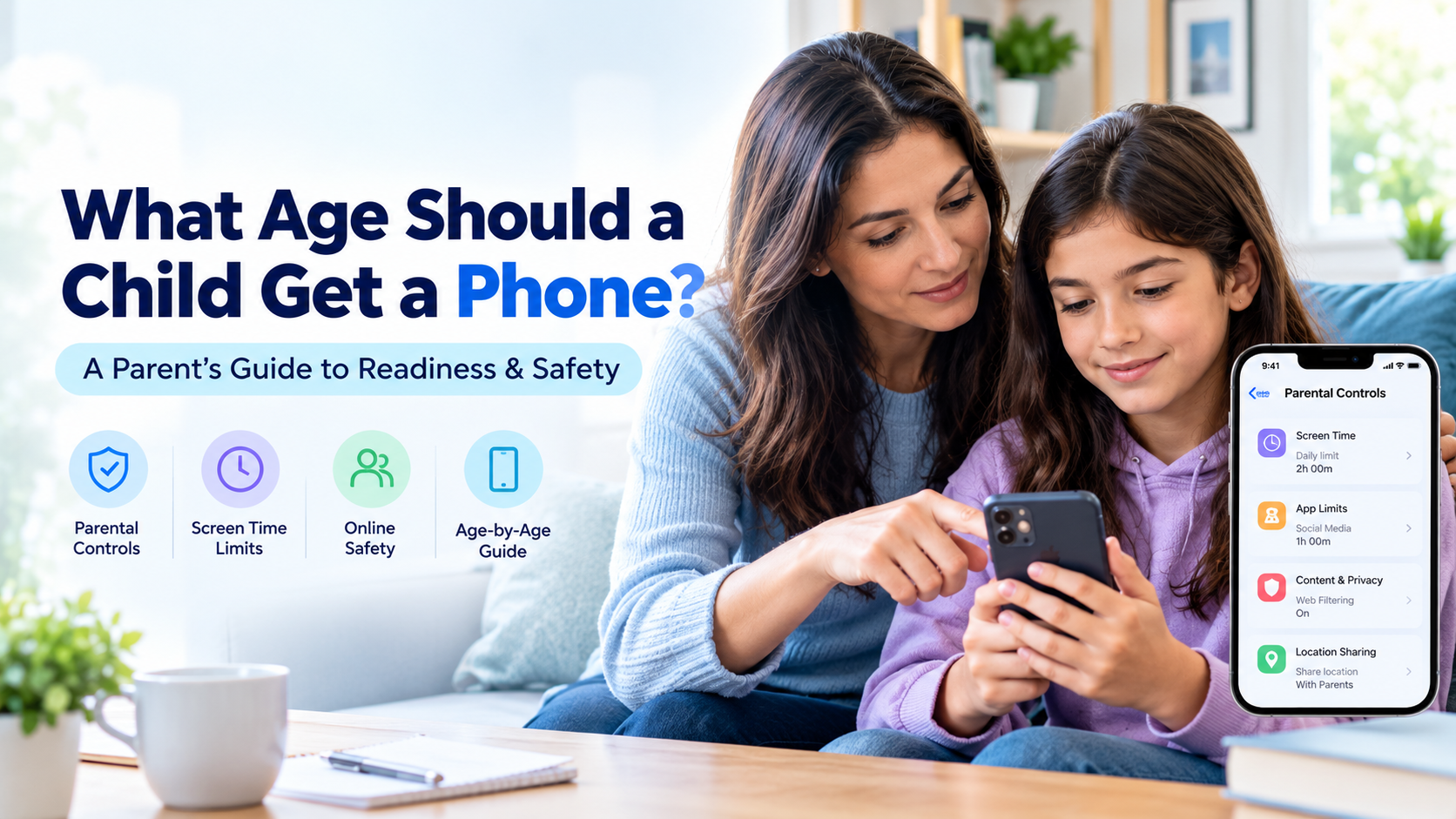
“What age should a child get a phone?” is a question many parents ask when their child says, “But everyone else has one.”
Online, you will find plenty of answers, from “never” to “as soon as they can hold one.” But no single age is right for every child.
The right time depends on your child’s maturity, practical needs, family circumstances, and your willingness to establish appropriate boundaries and parental controls.
This guide explains what research can tell us, which questions parents should consider, how readiness changes at different ages, and how to introduce a phone safely. Whether your child is seven or seventeen, you will learn how to make a decision that fits your family.
What Age Should a Child Get a Phone? What the Research Says
Research and guidance from child-health organizations can help parents make informed decisions, but they do not provide one universal age for a child’s first smartphone.
The important distinction is between owning a phone, using a shared device, and having unrestricted access to a smartphone. These are different levels of access, and each comes with different responsibilities.
What Does the American Academy of Pediatrics Recommend?
The American Academy of Pediatrics (AAP) encourages families to develop a media plan that considers children’s developmental needs, sleep, physical activity, family time, and the content they access.
Its guidance does not establish one mandatory age at which every child should receive a smartphone. Instead, parents should consider the individual child and the family’s circumstances.
For practical guidance, explore the American Academy of Pediatrics and its resources on children’s media use and family media plans.
What Does the World Health Organization Say?
The World Health Organization (WHO) provides guidance on sedentary screen time for young children, particularly children under five. This guidance concerns screen use and physical activity rather than setting a minimum age for smartphone ownership.
You can review the WHO’s guidance on physical activity, sedentary behaviour, and sleep.
At What Age Do Children Usually Get Their First Smartphone?
The age varies by country, family, and generation. In India, children may start using a parent’s phone for games or video calls at an early age and receive their own device later, often when they need to communicate independently or participate in school groups.
However, an average age is not a recommendation. Just because many children have smartphones at a particular age does not mean every child is ready for one.
The key takeaway: Do not make the decision based on age alone. Consider your child’s maturity, practical needs, understanding of online safety, and ability to follow reasonable rules.
Five Questions to Ask Before Giving Your Child a Phone
Before choosing an age, think about these five questions. They can help you decide whether your child needs a phone now, whether a basic device would be enough, or whether waiting is the better option.
1. Does My Child Need a Phone or Simply Want One?
A practical need might include:
- Walking home from school independently
- Travelling between school, tuition, and extracurricular activities
- Contacting parents or caregivers during an emergency
- Coordinating arrangements between separated parents
- Accessing essential school announcements or communication groups
A preference might include wanting to play games, watch videos, or join friends on social media.
Both needs and preferences are normal, but they do not necessarily require the same solution. If your child mainly needs to contact you, a basic phone may be enough. If schoolwork requires particular apps, a supervised smartphone may be more practical.
2. Can My Child Follow Rules Consistently?
Your child does not need to be perfect. However, they should be able to follow reasonable household rules most of the time.
Consider how they handle homework, bedtime, chores, and agreed responsibilities. Can they stop an activity when asked? Can they accept limits without repeatedly trying to bypass them?
If basic rules are already difficult to maintain, introducing a smartphone may create additional challenges. You may want to establish more consistent routines before giving your child independent access.
3. Will My Child Tell Me When Something Goes Wrong?
This is one of the most important questions to consider.
Children may encounter uncomfortable messages, cyberbullying, inappropriate content, online scams, or pressure from strangers. A child who feels safe asking for help is better positioned to deal with these situations.
Explain that they can come to you if something online worries, scares, or confuses them. Make it clear that asking for help is more important than worrying about losing phone privileges.
4. Am I Prepared to Set Up the Phone Properly?
Giving a child a smartphone involves more than purchasing a device.
Parents should be prepared to configure age-appropriate parental controls, review privacy settings, establish screen time boundaries, and discuss online safety.
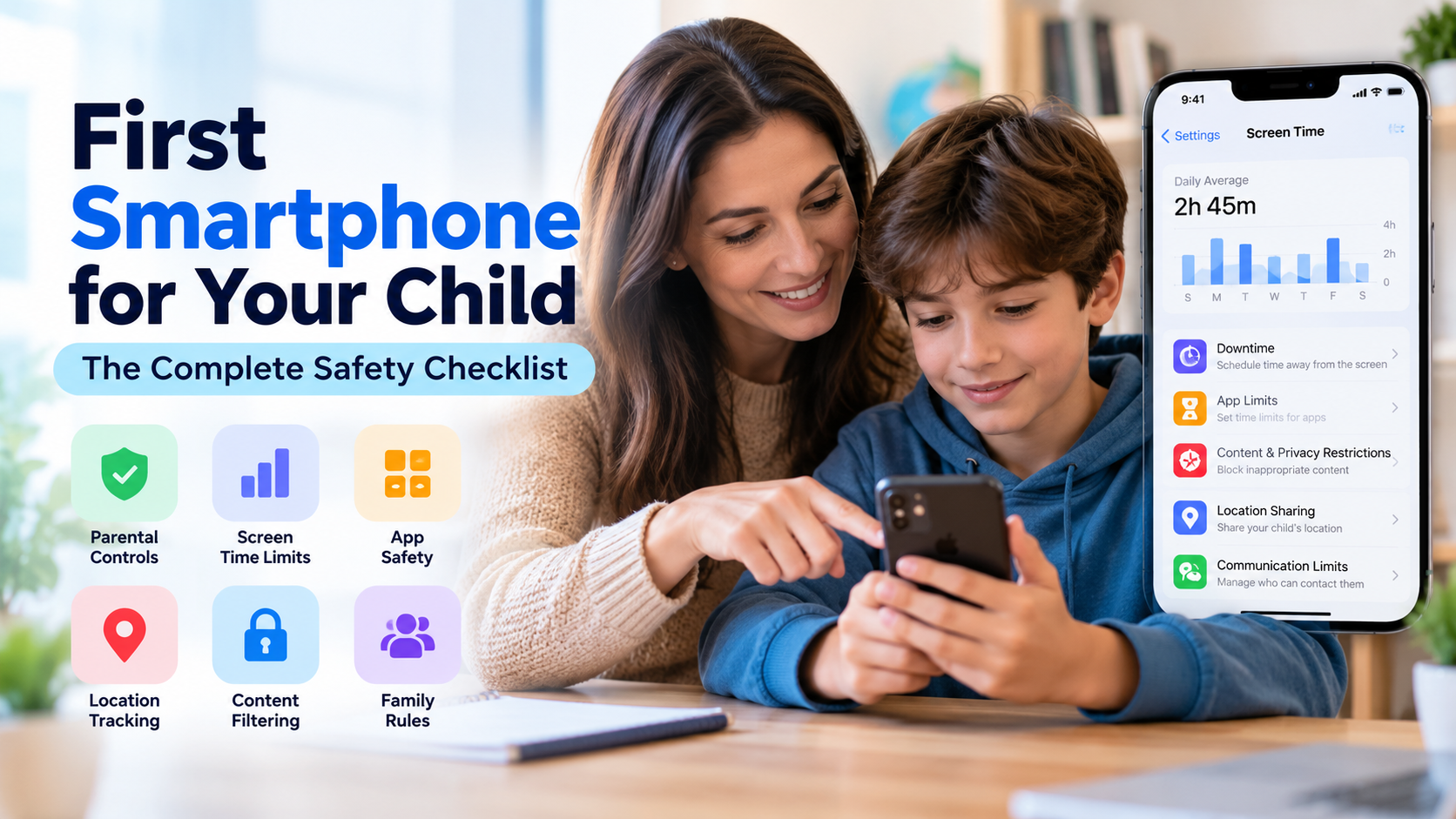
For a practical walkthrough, read our first smartphone safety checklist.
You can also explore our guides to setting up parental controls on Android and setting up iPhone parental controls.
5. Can I Model the Phone Habits I Expect?
Children learn from the behaviour they observe.
If parents constantly check their phones during meals, interrupt conversations to respond to notifications, or scroll late into the night, children may copy those habits.
Try establishing family-wide rules around meals, bedtime, and device-free activities. Demonstrating healthy phone habits yourself can make your expectations more credible.
Age-by-Age Guide: When Is a Child Ready for a Phone?
The following guide offers a practical starting point rather than strict age-based rules. Children develop at different rates, so adjust the recommendations according to individual needs and maturity.
Under 7: Shared Devices and Supervised Access
For most children under seven, an independently managed smartphone is unnecessary.
If your child uses your phone for occasional games or video calls with relatives, keep the sessions supervised and age-appropriate.
If the main concern is being able to reach your child, consider a basic phone with calling capabilities rather than a full smartphone.
At this age, focus on:
- Supervised use of shared devices
- Age-appropriate games and videos
- Consistent screen time boundaries
- Device-free meals and bedtime routines
- Teaching simple rules about strangers and personal information
Ages 7–9: Basic Phone or Restricted Smartphone
Some children in this age group may benefit from a basic phone or a carefully configured smartphone, particularly if they travel independently or need to contact family members.
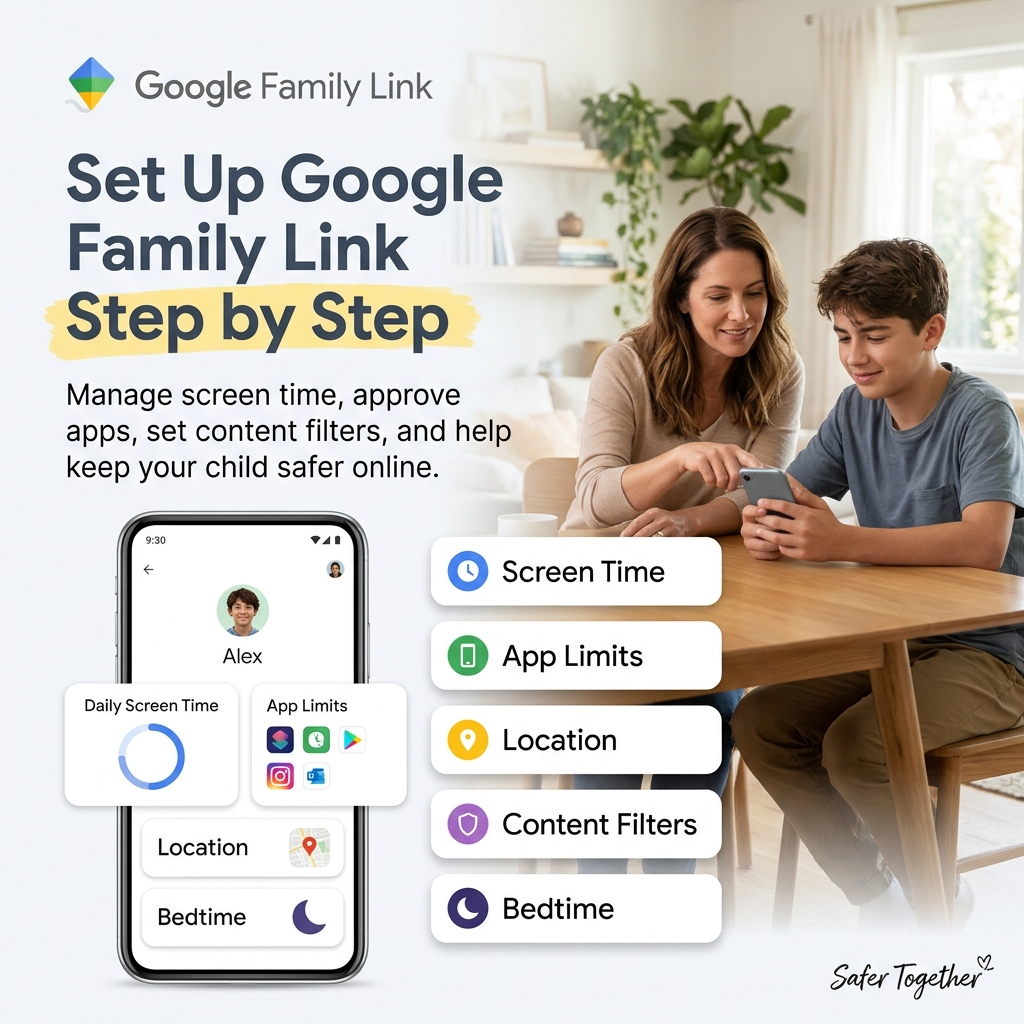
If you choose a smartphone, configure a supervised child account through Google Family Link on a compatible Android device or Apple’s Family Sharing and Screen Time features on an iPhone.
Consider these boundaries:
- Keep social media access restricted according to the child’s age and the platform’s rules.
- Approve app installations where supported.
- Set appropriate screen time and bedtime limits.
- Keep the phone outside the bedroom overnight.
- Review location-sharing settings where there is a genuine safety need.
A calling-enabled smartwatch may also be an alternative if your child needs communication and location features without a full smartphone experience.
Ages 10–12: A Common First-Smartphone Stage
Between ages ten and twelve, some children begin needing a phone for school communication, family coordination, or independent travel.
Others may still be better suited to a basic phone or shared device. Readiness matters more than whether classmates already own smartphones.
If you decide to introduce a smartphone, consider:
- Setting up Google Family Link or Apple Screen Time.
- Establishing daily screen time boundaries and bedtime routines.
- Reviewing app downloads and purchases.
- Discussing online privacy, cyberbullying, and suspicious messages.
- Introducing apps gradually rather than installing everything at once.
- Reviewing age requirements before allowing social media accounts.
For WhatsApp, Instagram, Snapchat, and other services, check the platform’s current minimum-age requirements and available parental supervision features before creating an account.
For detailed setup instructions, read our first smartphone safety checklist.
Ages 13–15: More Independence With Clear Boundaries
Teenagers in this age group may be ready for greater independence, but that does not mean they automatically have the skills to manage every online situation.
Continue using appropriate parental controls, but gradually involve your teenager in managing their own settings.
Useful steps include:
- Introducing social apps individually and reviewing their safety settings.
- Using app-specific limits instead of relying only on a single daily limit.
- Discussing privacy, location sharing, digital footprints, and online relationships.
- Encouraging teenagers to review their own screen time reports.
- Having regular conversations about their online experiences.
- Agreeing on when parents may need to intervene over a serious safety concern.
Instagram and Snapchat generally require users to be at least 13, subject to their current terms and local requirements. Meeting a platform’s minimum age does not automatically mean a child is ready to use it independently.
Explore our guides to Instagram parental controls and Teen Accounts and Snapchat parental controls.
Ages 16–17: Preparing for Independent Phone Use
Older teenagers should increasingly learn to manage their own digital lives.
Parental controls may remain useful, but their purpose should evolve towards agreed safety boundaries and self-management rather than unnecessary restriction.
Encourage your teenager to:
- Monitor their own screen time and notifications.
- Recognise suspicious links, scams, and manipulative online behaviour.
- Protect passwords and personal information.
- Make informed decisions about location sharing.
- Maintain healthy sleep and study routines.
- Ask for help when an online situation becomes uncomfortable or unsafe.
Parents and teenagers can agree on which safety settings remain in place and when they should be reviewed.
The long-term goal is not to control every aspect of a teenager’s phone use. It is to help them develop the judgement and skills they will need as independent adults.
What Parents in India Should Consider
For families in India, the decision may be influenced by school communication, travel arrangements, family structure, and the availability of affordable devices.
School WhatsApp Groups
Some schools use WhatsApp to share homework, announcements, timetable changes, and other information.
Before giving your child a smartphone solely for school communication, check whether you can receive these updates through your own device or another school-approved channel.
If the child genuinely needs independent access, choose an age-appropriate arrangement and review the service’s minimum-age requirements and account rules.
Tuition Classes and Independent Travel
Children may travel to tuition classes, coaching centres, or extracurricular activities without a parent as they grow older.
A phone can make communication easier during these journeys. Location-sharing features may also help in certain situations, provided they are configured appropriately and used transparently.
However, a phone is not a substitute for travel safety education or a plan for what your child should do if something goes wrong.
Joint Family Arrangements
In a joint family, children may already use phones belonging to parents, grandparents, or other relatives.
This can make it difficult to maintain consistent rules around screen time, app access, and content.
Agree on shared expectations with the adults who supervise your child. A consistent family approach may be more effective than introducing a separate device without discussing how it will be used.
Budget and Mobile Data
Affordable Android phones and mobile data plans can make smartphone ownership more accessible to families in India.
However, the initial purchase price is only part of the cost. Consider the mobile plan, accessories, repairs, replacement costs, and any paid apps or subscriptions.
If your child only needs to make calls, a basic phone may provide the necessary functionality at a lower cost.
Basic Phones and Feature Phones
A basic phone may be a sensible choice for families who want their child to remain reachable without providing unrestricted access to apps and websites.
Check the actual capabilities of the model before buying it. Some feature phones support internet access or messaging apps, so they may not provide the level of restriction you expect.
How to Respond When Your Child Says, “Everyone Else Has a Phone”
When children compare themselves with classmates, dismissing their concerns may lead to frustration. Giving in immediately may also mean introducing a device before the child is ready.
Instead, acknowledge their feelings and explain how the decision will be made.
Acknowledge Their Feelings
You might say:
“I understand that it feels like everyone else has a phone. I know it can be frustrating when your friends have something you want.”
This shows that you are listening without promising an immediate purchase.
Explain That You Are Considering Readiness
Tell your child that having a phone is a possibility, but the decision depends on their needs and responsibilities.
Explain which skills matter, such as following agreed limits, protecting personal information, and coming to you when something goes wrong.
Agree on Readiness Milestones
You can establish a few reasonable conditions before introducing a phone.
For example, your child might demonstrate that they can follow existing screen time rules, complete responsibilities before recreational screen use, and discuss online safety scenarios with you.
Choose milestones that teach useful skills rather than creating an arbitrary test your child cannot realistically pass.
Make the Decision a Shared Process
Invite your child to help create the family phone agreement. Discuss when the phone can be used, which apps are appropriate, where it charges overnight, and what happens if the rules are broken.
This gives your child a sense of ownership while making your expectations clear.
What Type of Phone Should You Choose?
The best device depends on what your child needs it to do.
Basic Phone
A basic phone may be suitable when the main requirement is calls and, where supported, text messages.
It can provide communication without the full range of distractions associated with a smartphone.
Android Smartphone
An Android smartphone can be a practical choice for children who need school apps, maps, messaging, or other digital tools.
Compatible devices support Google Family Link and other parental control options. Review the exact device and operating system before buying it.
iPhone
An iPhone may be suitable if your family already uses Apple devices and wants to manage supported parental controls through Family Sharing and Screen Time.
Review the device’s compatibility, software support, and available settings before choosing an older model.
A Hand-Me-Down Phone
A previously owned phone can be a cost-effective option.
Before handing it over, back up anything you need, factory-reset the device, install available software updates, and configure it with the child’s own account.
Do not give your child a phone that remains signed in to your personal accounts or contains your private messages, browsing history, or stored payment information.
Create a Family Phone Agreement
A written family phone agreement helps everyone understand what is expected.
Rather than using rules only when a disagreement occurs, discuss and record them together before the phone is introduced.
Your agreement can cover:
- When the phone can be used: Set expectations for school days, weekends, homework, and family meals.
- Where the phone stays at night: Choose a charging location that supports healthy sleep routines.
- Which apps are permitted: Agree on how new apps will be requested and reviewed.
- Online safety: Explain what to do about suspicious messages, bullying, inappropriate content, and requests for personal information.
- Privacy and supervision: Explain which parental controls are enabled and how they will be used.
- Consequences: Agree on fair, proportionate responses if a rule is broken.
- Review dates: Revisit the agreement after a few months and adjust it as your child matures.
Both parent and child can sign the agreement and keep a copy somewhere accessible.
The purpose is to establish clear expectations, not to create a contract that can never change.
Frequently Asked Questions
My child’s school requires WhatsApp. Can I avoid giving them a phone?
Possibly. You may be able to receive school updates on your own device or use another school-approved communication method. If independent access is genuinely necessary, consider an age-appropriate device and check the messaging platform’s current account requirements before setting it up.
Is a tablet a safer alternative to a smartphone?
A tablet without a SIM card may reduce some risks associated with calls and mobile messaging, but it can still provide access to websites, social media, games, and online communication over Wi-Fi. It may be suitable for supervised learning and home use, but it does not meet every child’s need to remain reachable while travelling.
Should siblings get phones at the same age?
Not necessarily. Children differ in maturity, responsibilities, and practical needs. Apply the same decision-making principles to each child, but do not assume that fairness requires giving every sibling a phone at exactly the same age.
My child already has a phone without parental controls. Is it too late?
No. Explain why you want to review the settings, then configure the appropriate controls together. It may take more discussion than setting up a new phone, but introducing reasonable boundaries is still worthwhile.
What should I do if my child breaks the phone rules?
Respond according to the seriousness of the situation and the agreement you made together. A proportionate consequence, followed by a discussion about what happened, can help your child learn. Avoid responses that encourage them to hide problems instead of asking for help.
Should parents monitor everything their child does on a phone?
No single monitoring approach suits every family. Start with built-in parental controls and the level of supervision appropriate to your child’s age and safety needs. Be transparent about the settings you use, respect privacy where possible, and increase supervision when there is a genuine safety concern.
Final Thoughts: The Right Age Depends on Readiness
So, what age should a child get a phone?
There is no universal answer. A basic phone may be suitable for a younger child who needs to contact family, while a supervised smartphone may make sense for an older child who needs school apps or independent communication.
The most important considerations are your child’s maturity, practical needs, ability to follow reasonable boundaries, and willingness to ask for help.
Before handing over a smartphone, establish parental controls, discuss online safety, and create a family phone agreement. Review these arrangements as your child grows and becomes more independent.
For practical next steps, read our first smartphone safety checklist and learn how to configure parental controls on Android or iPhone.
The goal is not simply to choose the right age. It is to help your child build the habits, judgement, and confidence to use technology safely and responsibly.



Leave a Reply