
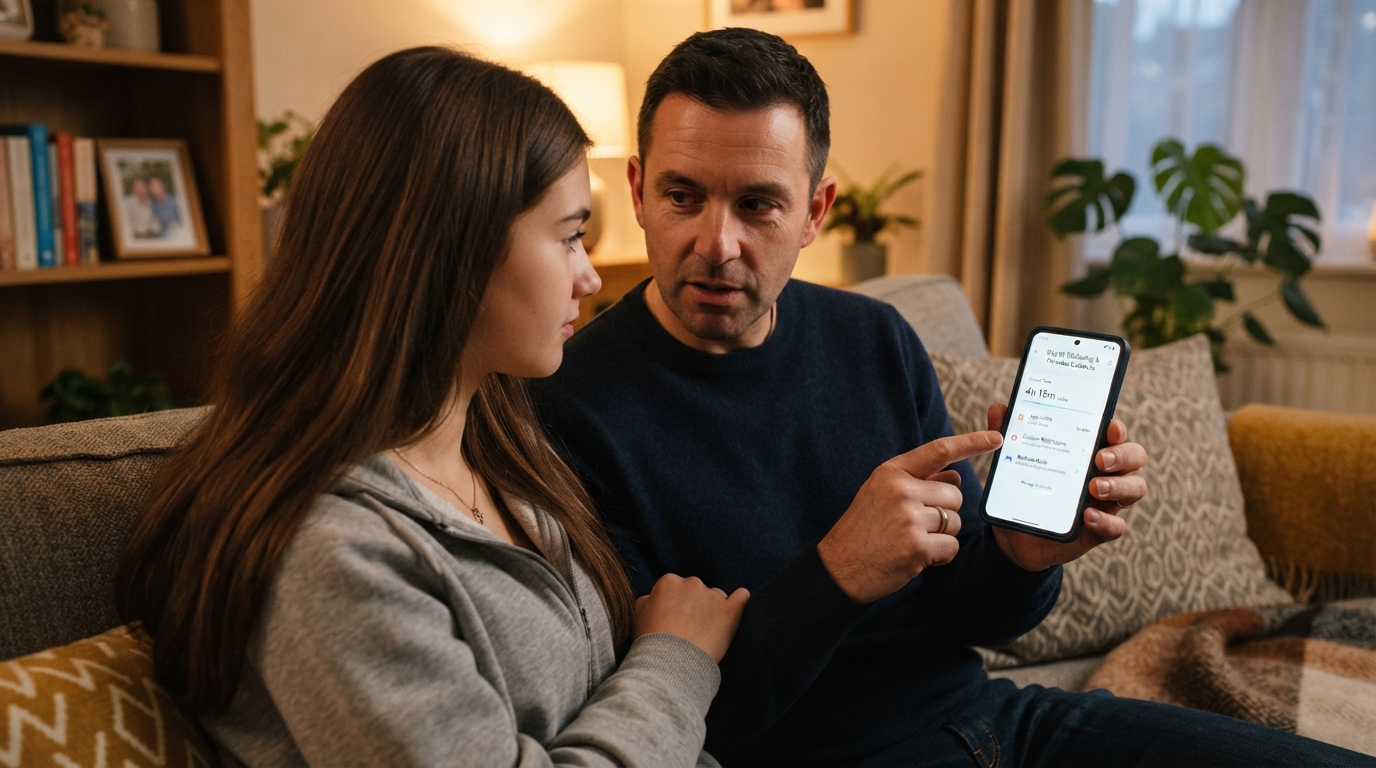
Your child is on WhatsApp. Maybe you set it up for a family group. Maybe they got it on their own. Either way, learning how to monitor your child whatsapp safely is about keeping them protected without turning their phone into a surveillance state.
This guide covers every honest method available, from WhatsApp’s own parent-managed accounts to device-level tools to dedicated monitoring apps. I’ll tell you what each one can and can’t see, because the biggest mistake parents make is assuming a tool does something it doesn’t and then feeling safe when they shouldn’t.
Start with built-in tools: How to monitor your child WhatsApp safely via Meta
WhatsApp features parent-managed accounts for pre-teens and PIN-protected parental controls for teenagers. You link your WhatsApp to theirs during setup, allowing you to manage who can contact them, which groups they join, and their privacy settings behind a 6-digit PIN only you know. Message requests from unknown contacts are filtered for parent approval, and parents receive activity alerts when their child joins or leaves groups.
This is genuinely good for contact-level safety and controlling exposure to Meta AI or public channels. However, built-in controls do not let you read personal messages, view shared photos, or listen to private calls due to default privacy protections. The protection focuses on who can reach the child and what settings they can access, rather than disclosing message contents.
For the full setup walkthrough and limits, see WhatsApp parental controls: complete guide.
Layer 2: Google Family Link (device-level)
Family Link doesn’t read WhatsApp messages either, but it adds controls that WhatsApp’s own system doesn’t have.
| Feature | What Family Link Does for WhatsApp |
| App Time Limits |
Set a daily time limit on WhatsApp (e.g., 1 hour on weekdays, 2 hours on weekends). |
| Usage Oversight |
View daily time spent inside the app. |
| Downtime & Lock |
Remotely lock the device at bedtime or during school hours. |
| Location Sharing |
Track physical device location in real time. |
This is the free, built-in tool for Android, and it pairs well with WhatsApp’s managed account. The managed account handles who contacts the child; Family Link handles how much time they spend and when the phone goes dark. Setup instructions are in how to Set Up Google Family Link.
For iPhones, Apple Screen Time provides similar features: app limits, downtime scheduling, and content restrictions.
Layer 3: checking WhatsApp directly (on the device)
If your child knows you check their phone (and they should know), you can look at WhatsApp directly by picking up the device.
-
Review the Chat List: Look for contacts or numbers you don’t recognize.
-
Check the Calls Tab: Scan for unknown incoming or outgoing voice/video calls.
-
Audit Linked Devices: Open WhatsApp > Linked Devices to make sure nobody has connected their account to an unknown computer.
-
Confirm Privacy Settings: Ensure privacy settings haven’t been altered from your baseline.
This is low-tech and high-trust. It works because the child knows you check, which changes their behavior in the right direction. It doesn’t work if you do it in secret and the child discovers it, because then the lesson they learn is “my parent sneaks through my phone,” which destroys trust.
-
10-year-olds: Weekly checks.
-
14-year-olds: Occasional checks with a lighter touch.
-
16-year-olds: Only if a specific safety issue arises.
Layer 4: a dedicated monitoring app
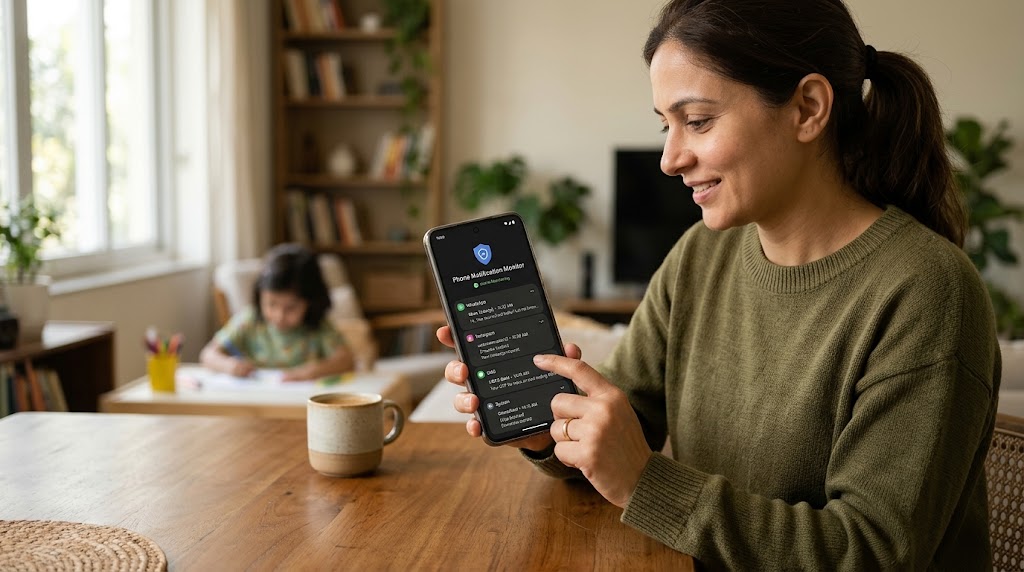
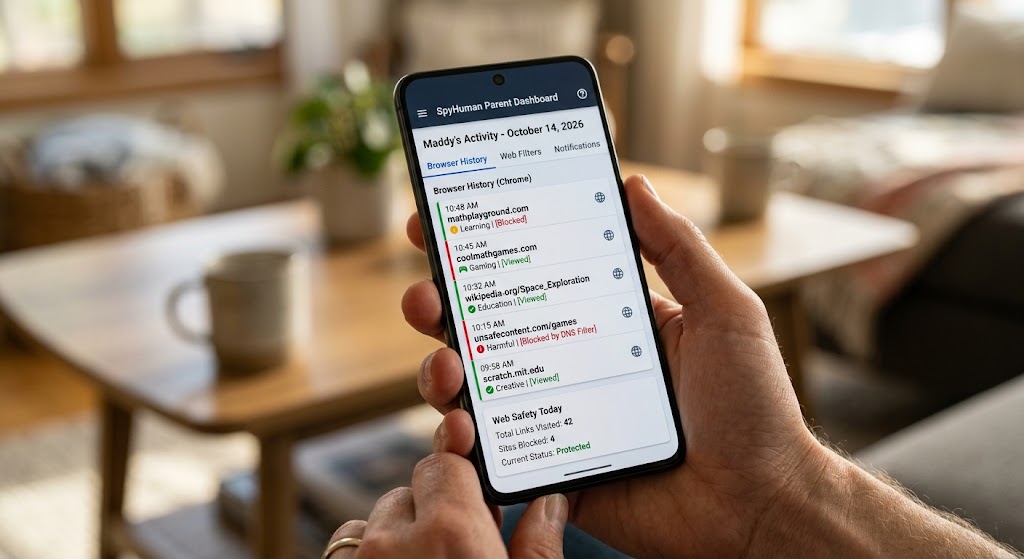
If you need to see message content, call logs, and app activity from your own device without picking up the child’s phone each time, a monitoring app fills that gap.
SpyHuman’s WhatsApp tracker is built for this. Install it on the child’s Android device, grant the required permissions, and WhatsApp messages, calls, contacts, and media are reported to a dashboard you check from anywhere.
-
What it CAN see: Incoming/outgoing text and media, call logs with timestamps, contact names, group chats, and deleted messages captured before deletion.
-
What it CANNOT see: Messages are read exclusively on WhatsApp Web on another device without syncing to the monitored phone. The tool reads from the device, not from the network.
What “end-to-end encryption” means for parents
End-to-end encryption protects messages while they travel from one phone to another. Nobody in the middle (WhatsApp, hackers, or internet providers) can read them in transit.
-
On the Device: Messages exist in readable form on the phone itself so the user can see them. That is where monitoring apps read them: after decryption on the device, with the permissions granted during installation.
-
In Cloud Backups: WhatsApp chat backups to Google Drive or iCloud are not end-to-end encrypted unless the user specifically turns on encrypted backups.
Encryption prevents remote network interception; it does not prevent authorized on-device monitoring or physical device checks.
Avoid “track WhatsApp by phone number” scams
Searching online for “how to see someone’s WhatsApp messages” yields dozens of misleading services:
-
SMS-Link Services: Claim to track WhatsApp but actually send a location-permission SMS. This is just basic location sharing sold under a false name.
-
Unauthorized QR Scanning: Scanning a QR code via WhatsApp Web works technically, but it alerts the phone owner through persistent notifications and violates privacy laws if done secretly.
-
Phishing & Hijacking Scams: Sites that ask for your target’s phone number or your own verification code often hijack your account instead.
If you want to monitor a child’s WhatsApp, use a dedicated monitoring app on their device with their knowledge, which requires physical access for installation. There are no shortcuts.
The legal position
Monitoring your minor child’s WhatsApp on a device you manage is legal in most jurisdictions, including India under the Digital Personal Data Protection (DPDP) Act.
Monitoring another adult’s WhatsApp without their consent is illegal under the IT Act and data protection laws. This includes a partner, an ex, an adult child, or a colleague. See is it legal to track a phone for details and track with consent for ethical guidelines.
The WhatsApp Web risk
WhatsApp Web lets users mirror accounts on a browser by scanning a QR code. If someone else scans the code on your child’s phone when they aren’t looking, that person gains access to their messages.
To secure this:
-
Open WhatsApp on your child’s phone > tap menu > Linked Devices.
-
Review active sessions and remove unfamiliar devices.
-
Enable App Lock inside WhatsApp settings (Settings > Privacy > App Lock), requiring biometric authorization to open the app.
Frequently asked questions
Can I read my child’s WhatsApp without installing anything?
No. End-to-end encryption prevents remote interception, and WhatsApp does not provide a remote message-reading portal. You need physical access to check the device or install a monitoring app.
Will my child know if I use a monitoring app?
They should. Open monitoring is legally safer and more effective as a safety tool. SpyHuman’s Lawful Use Policy requires that monitoring be consent-based.
Can I monitor WhatsApp calls?
Monitoring apps log call times, durations, and contact names. Recording actual call audio depends on device permissions and local wiretap laws.
What if my child deletes messages before I check?
A real-time monitoring app captures messages upon arrival before deletion. Manual device checks cannot recover deleted chats unless a recent backup is restored.
Is WhatsApp safe for a 10-year-old?
With a parent-managed account, time limits, and open communication, it is significantly safer than an unmanaged setup.



Leave a Reply