

Figuring out how to monitor child text messages is a priority for many parents who tend to focus only on WhatsApp and Instagram. Those matter, but SMS the plain text message that was here before any app is still how scam links arrive, how OTP codes travel, how unknown numbers make first contact, and how some older messaging services deliver content that apps would filter. It’s the quiet channel that slips under the radar while everyone watches the loud apps.
This guide covers why SMS monitoring still matters in 2026, how to set it up on your child’s Android phone, what RCS (the upgraded text format) changes, and the honest limits of what any SMS monitoring tool can and can’t see.
How to monitor child text messages: why SMS still matters for child safety
Three specific risks travel through SMS that don’t come through app-based messaging.
Scam and phishing links. The “your parcel is waiting, click here” and “KYC update required, verify now” messages arrive by SMS because scammers buy phone number lists in bulk and SMS reaches every phone, smartphone, or not, app or not. A child who taps one of these links can land on a phishing site, install malware, or hand over personal data. In India, the Sanchar Saathi Chakshu facility was specifically built to combat this, but teaching a child to recognize and ignore these is the first line of defense.
OTP interception. SIM-swap scams and social-engineering attacks target the verification codes banks and apps send by SMS. A child who doesn’t understand what an OTP is might forward it to someone who asks. Monitoring SMS lets you see if your child received an OTP they shouldn’t have requested or if codes are arriving for services the child shouldn’t have accounts on.
Contact from unknown numbers. When an unknown adult wants to reach a child without going through an app that might have parental controls, SMS is the path of least resistance. There’s no friend request to approve, no message-request filter, just a direct message to the phone number. Seeing these messages is a basic safety measure.
Method 1: Check the phone’s messaging app directly
The simplest route. Open the Messages app on the child’s phone and scroll through conversations. On Android, Google Messages is the default on most devices, and Samsung Messages on Galaxy phones.
You see every SMS and RCS conversation, with the full text, sender, timestamp, and any links or media attached. This costs nothing, needs no app, and is complete. The limit: the child can delete individual messages or entire conversations, and deleted messages are gone unless you have a backup or a monitoring app that captured them in real time.
For children under 12, a weekly check of the messaging app alongside a conversation about anything unfamiliar is usually sufficient. For teenagers, an automatic monitoring tool is more practical because manual checking requires physical access and the teen manages their own phone.
Method 2: Google Messages spam protection
Google Messages has built-in spam protection that automatically detects and warns about suspected scam messages. It flags messages from unknown senders that contain suspicious links or impersonate businesses.
Make sure this is turned on: open Google Messages, tap the profile icon, then Messages Settings, then Spam Protection, and toggle it on. It won’t block every scam (new scam patterns take time to be recognized), but it catches the high-volume ones and adds a warning banner.
This is prevention, not monitoring. It reduces the scam messages the child sees, but it doesn’t give you visibility into who is messaging them. For that, you need one of the methods below.
Method 3: SpyHuman SMS tracker
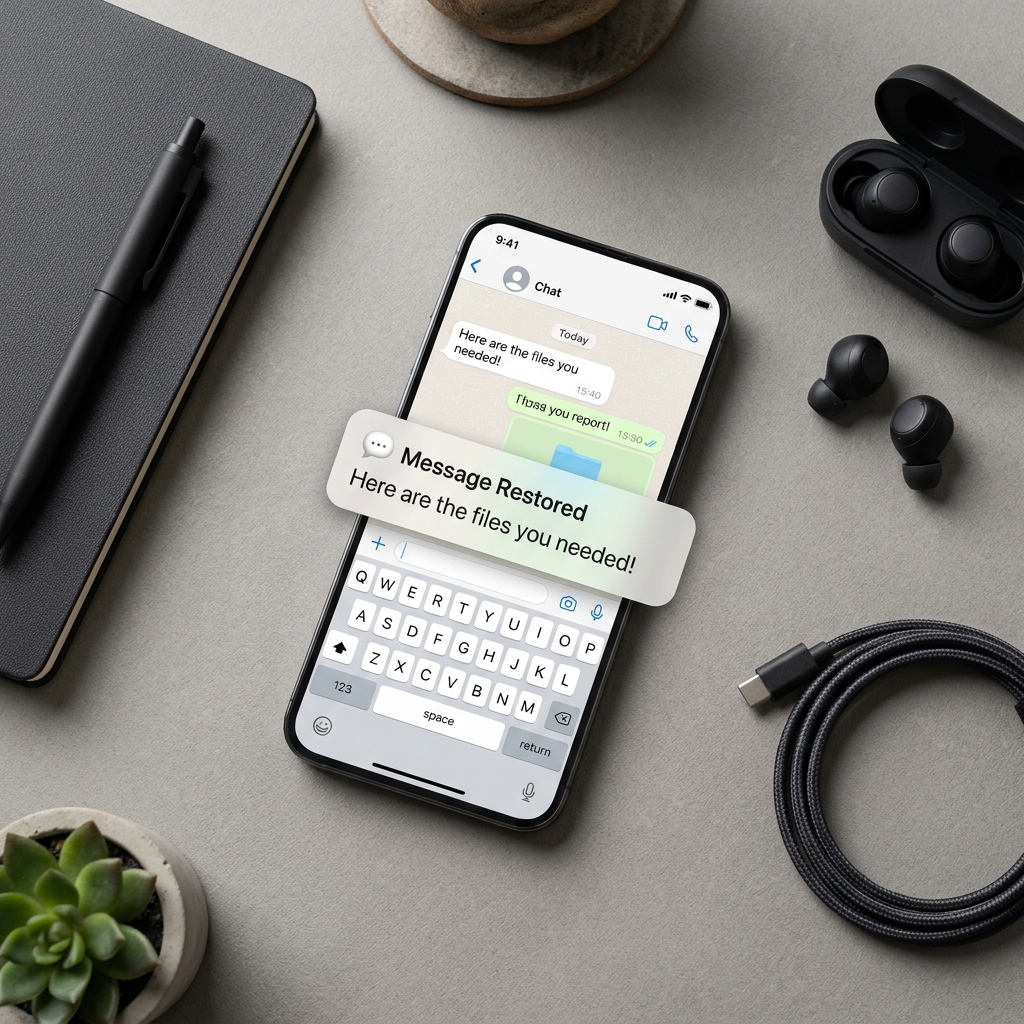
SpyHuman’s SMS tracker feature logs every incoming and outgoing text message to a parent dashboard, including the sender or recipient number, the contact name (if saved), the full message text, the timestamp, and any links in the message. Messages are captured in real time, so even if the child deletes a conversation on the phone, the monitored log retains it.
This is the most complete SMS monitoring option for Android. You check the dashboard from any browser on your own device, and you can search by contact, date, or keyword. For parents whose primary concern is unknown contacts messaging their child or scam links arriving by SMS, this catches both.
Setup is through the standard SpyHuman installation. See the installation guide and tell your child the monitoring is active, as required by our Lawful Use Policy.
Method 4: carrier-level message logs
Some Indian telecom operators provide basic SMS logs (sender, receiver, time) through their customer portal or app. This shows metadata (who texted, when) but not message content. Content-level access requires a monitoring app on the device.
The carrier route is a lightweight option if you just want to see whether unknown numbers are messaging the child, without reading the actual messages. Check your operator’s app or call customer care to see what’s available.
What about RCS?
RCS (Rich Communication Services) is the upgrade to SMS that Google has been pushing through Google Messages. It adds read receipts, typing indicators, high-resolution photos, group chats, and end-to-end encryption for one-to-one conversations (when both people use Google Messages with RCS).
For parents, the encryption piece matters. When RCS encryption is active, the messages are encrypted in transit, similar to WhatsApp. A monitoring app that reads messages on the device (like SpyHuman) still captures them because the messages are decrypted on the phone, just as with WhatsApp. But a network-level intercept (which only law enforcement can do anyway) wouldn’t see the content.
RCS doesn’t change the practical monitoring picture for parents: a device-level monitoring app still works, and checking the messaging app directly still shows everything. The encryption protects the messages from third parties in transit, which is good for the child’s security, not a barrier to parental oversight on the device itself.
SMS vs app messaging: which matters more?
Both, but for different reasons. Here’s the honest comparison.
SMS is where scam links, OTP codes, and unsolicited contact from strangers arrive. Monitoring it catches threats that originate outside the child’s social circle.
App messaging (WhatsApp, Instagram DMs) is where the child’s actual social life happens. Monitoring it shows you who they talk to and what about. See the WhatsApp monitoring guide and the app activity guide for those.
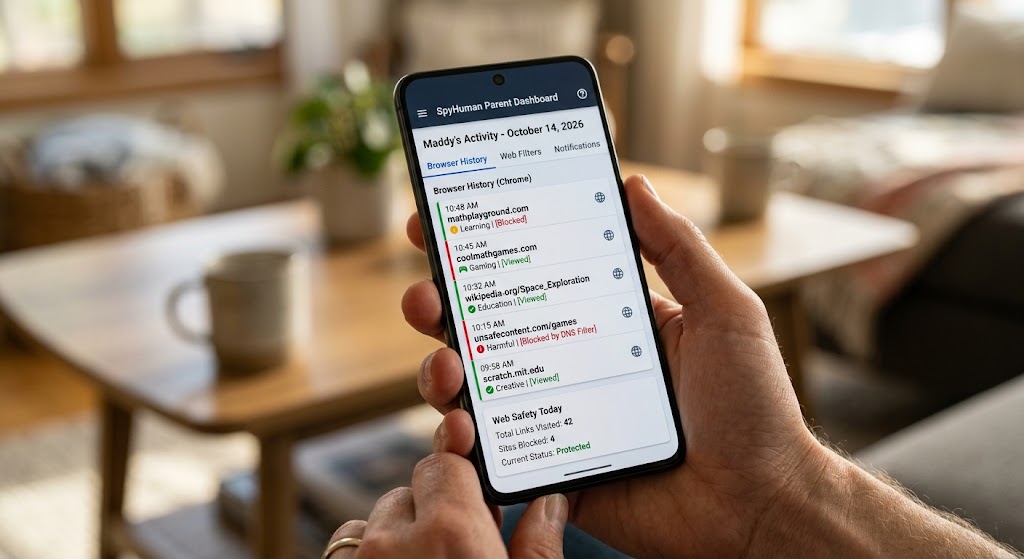
Most parental monitoring apps cover both SMS and WhatsApp in the same dashboard, so you don’t have to choose. SpyHuman’s dashboard shows SMS, WhatsApp, call logs, and app activity together, which gives you the complete picture from one place.
Spam and scam messages: teaching your child
Monitoring catches the problem. Teaching prevents it. Both matter.
The rules are simple enough for a 10-year-old to follow. Never tap a link in a message from someone you don’t know. Never forward an OTP code to anyone, even if they claim to be from a bank or a company. If a message says you’ve won something and asks you to click or call, it’s a scam. If a message creates urgency (“your account will be blocked in 24 hours”), it’s almost certainly a scam, because real companies don’t operate that way.
Report scam SMS through the Sanchar Saathi Chakshu facility and on the 1930 cybercrime helpline. If money was taken, report immediately, because fast reporting gives the best chance of recovery.
Blocking unwanted SMS
Once you identify a number sending unwanted messages, block it. On Google Messages, long-press the conversation, tap Block, and confirm. On Samsung Messages, open the conversation, tap the three-dot menu, then Block Number.
Register for DND (Do Not Disturb) through your carrier or the TRAI DND app. DND reduces promotional SMS but doesn’t fully stop scam messages from new numbers.
For a child’s phone, blocking unknown senders entirely is an option on some devices. On Google Messages, go to Settings, Spam Protection, and consider enabling “Only show messages from contacts” if available on your device, which filters all unknown senders into a separate folder.
The “read someone’s texts by their number” myth
Just like with WhatsApp, there is no way to read someone’s SMS messages by entering their phone number into a website. SMS messages are delivered to the SIM and stored on the device. No consumer tool can access them remotely without software installed on the phone.
Sites promising this are the same scams I covered in can you track a phone by its number. Don’t enter your number, your child’s number, or your payment details on any of them.
India-specific SMS scam patterns to watch for
Indian children are targeted by specific scam patterns through SMS. Knowing them helps you teach your child and spot them in the monitoring log.
“Your KYC is expiring, update now.” Banks and wallets send this, but so do scammers. The difference: real KYC messages never include a clickable link or ask for an OTP. Teach your child that any “KYC update” SMS with a link is fake.
“Your parcel is held at customs, pay Rs 50 to release.” India Post and courier services do not request payment via SMS links. This is a classic phishing pattern targeting the “I might have ordered something” uncertainty.
“Congratulations! You have won Rs 25 lakh in a lucky draw.” No legitimate lottery contacts winners by SMS, and real winnings never require an advance payment to “process” the prize.
“Dear customer, your SIM will be deactivated in 24 hours.” TRAI and operators do not deactivate SIMs via SMS threat. This is designed to create panic and get the recipient to call a fake number or click a link.
If any of these arrive on your child’s phone, don’t just delete them. Use them as a teaching moment: show the child the message, explain how to recognise the pattern, and report it on the Sanchar Saathi Chakshu facility. A child who can spot a scam SMS is safer than a child whose scam SMS was silently deleted by a parent.
Frequently asked questions
Can I see deleted text messages?
If a monitoring app was installed before the message was deleted, the app’s log retains it. Otherwise, deleted SMS is gone unless a device backup captured it.
Does SMS monitoring work on iPhones?
SpyHuman is Android-only. For iPhones, Apple’s Screen Time doesn’t show SMS content. iCloud backups can be checked if you have the Apple ID, but this is a clumsy process compared to a dedicated monitoring app.
Is it legal to monitor my child’s texts?
In most jurisdictions, yes, as a parent of a minor. Do it openly. See is it legal to track a phone.
What about iMessage?
iMessage is Apple’s encrypted messaging and doesn’t exist on Android. If your child uses an iPhone, iMessage monitoring requires different tools. This guide covers Android SMS and RCS.
Can my child use a messaging app to bypass SMS monitoring?
Yes. SMS monitoring covers text messages, not app-based messaging. For complete coverage, monitor both SMS and apps (WhatsApp, Instagram DMs) through a combined tool. See the comparison guide for what each tool covers.


Leave a Reply