
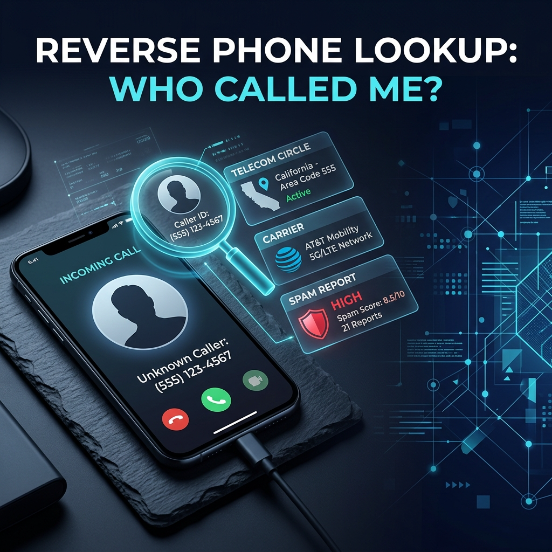
You get a missed call from a number you don’t recognize no voicemail, no text, just a number sitting in your call log. Running a reverse phone lookup is how you check who called before you decide whether to dial back.
Here is what it really does: where it shines, and where it quietly falls apart, so you can screen an unknown caller in under a minute without getting fooled by a fake “owner details” page.
What reverse phone lookup actually is
A normal phone search goes name to number. You know the person; you want their digits. Reverse lookup runs the other way. You start with the number and try to find what is attached to it: a business name, a spam tag, the carrier, or the region it came from.
The result gets stitched together from a few sources at once:
- Community reports: Where app users have saved or tagged the number.
- Public business listings: Where companies published the number themselves.
- Telecom records: For identifying the initial operator and telecom circle.
- Scam databases: These collect numbers flagged for fraud.
You type a number in, the tool checks all of those sources, and hands back whatever matches. So a lookup is a search across several messy databases, presented as one tidy answer. Knowing that is the key to reading the result correctly.
What you can expect to find
For a business or a spam number, quite a lot. If a call center has hammered thousands of phones, its number is already tagged, so you see a name or a “spam” flag right away. A bank, a courier, or a shop that lists its number publicly shows up the same way, often with reviews attached.
For a private individual, it is usually very little, and that is by design. Personal numbers are not meant to be searchable, so when a lookup shows nothing, it often means the number belongs to a regular person, not that the tool failed.
Set your expectations by who is likely calling:
- Sales call: Gives you a name fast.
- Unknown personal number: Gives you the carrier and circle, and not much else.
- Courier confirming delivery: Might show a partial business name.
Once you stop expecting a stranger’s full identity, the tool becomes genuinely useful for what it can do.
How accurate is it, really?
Accuracy depends entirely on which part of the result you are looking at. Here is the honest breakdown.
| Data point | How reliable | Why |
| Carrier and line type | High | Comes directly from telecom records |
| Telecom circle (region) | High for origin | Portability can mislead current location |
| Spam or scam flag | Medium to high | Based on user report volume |
| Business name | High if listed | Companies publish these publicly |
| Private person’s name | Low | Crowd guess, often stale or incorrect |
| Home address | Do not trust | Guessed roughly from the circle |
Read a spam flag or a business name as a strong signal. Read a private name as a weak one, because a number can carry an old owner’s tag for years after changing hands. Treat any promised home address as fiction, because no legitimate lookup pulls a stranger’s real address from a number in India.
Free vs. paid tools
Most of what you need is free. Caller ID apps, search engines, and basic carrier and circle lookups cost nothing and cover common cases.
Paid “reverse lookup” and “background report” sites are where people get burned. Many charge a fee, then return the same community and circle data you could have seen free, wrapped in a slick report. In India, no legitimate service can sell you a stranger’s verified identity, because that data sits behind KYC records only law enforcement can reach. So a site charging you for a “full owner report” is selling either recycled free data or a fantasy.
Rule of thumb: If a lookup ever asks you to pay to “reveal the owner’s name,” close the tab. That is the tell.
A safe way to check a missed call
Run these steps in order to screen almost any unknown call in under a minute:
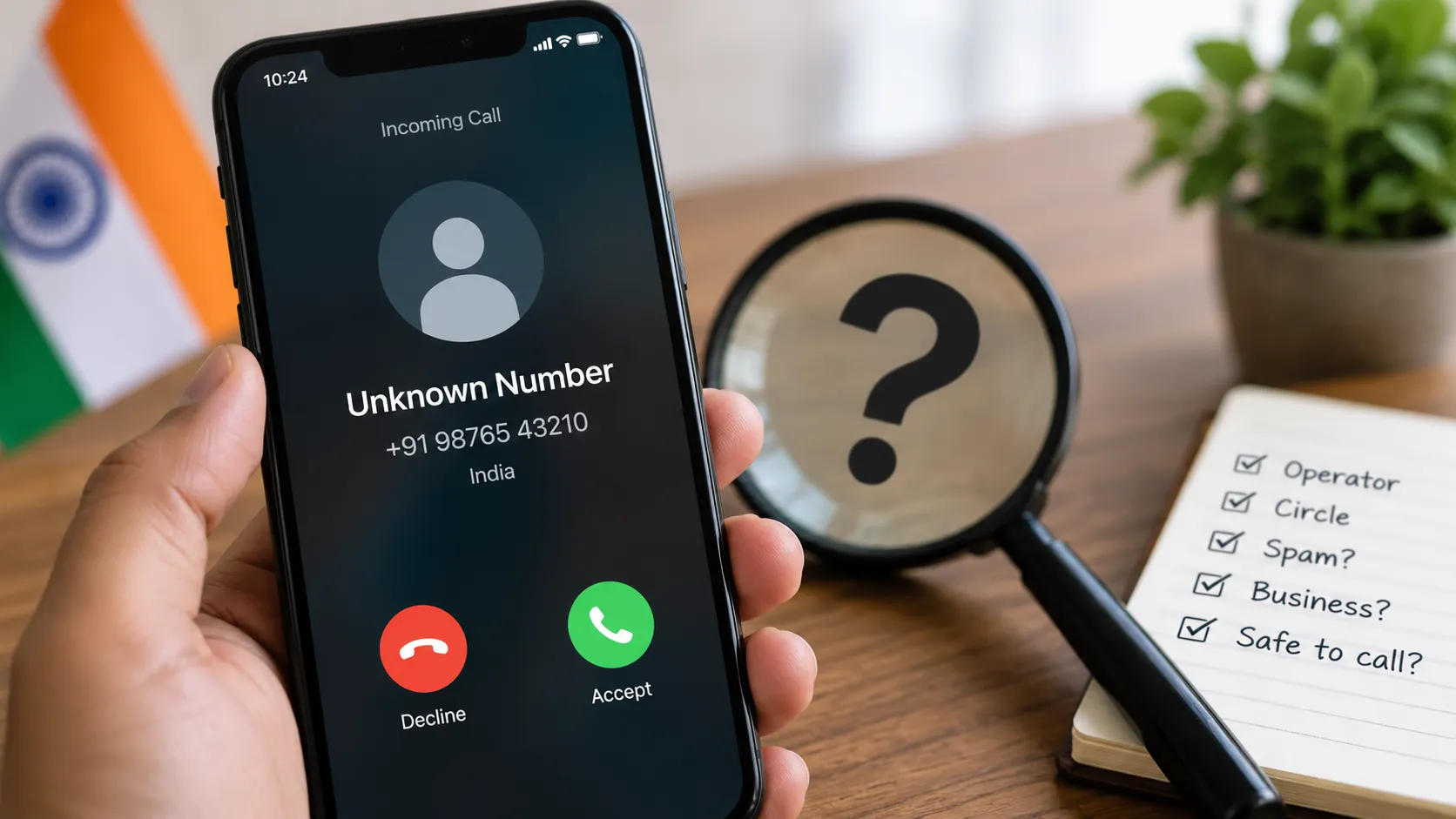
- Clean the number: Copy the number from your call log. If it starts with +91 or a 0, drop that and keep the 10 digits.
- Check caller ID: Run it through a caller ID app to check for a spam label or a business name.
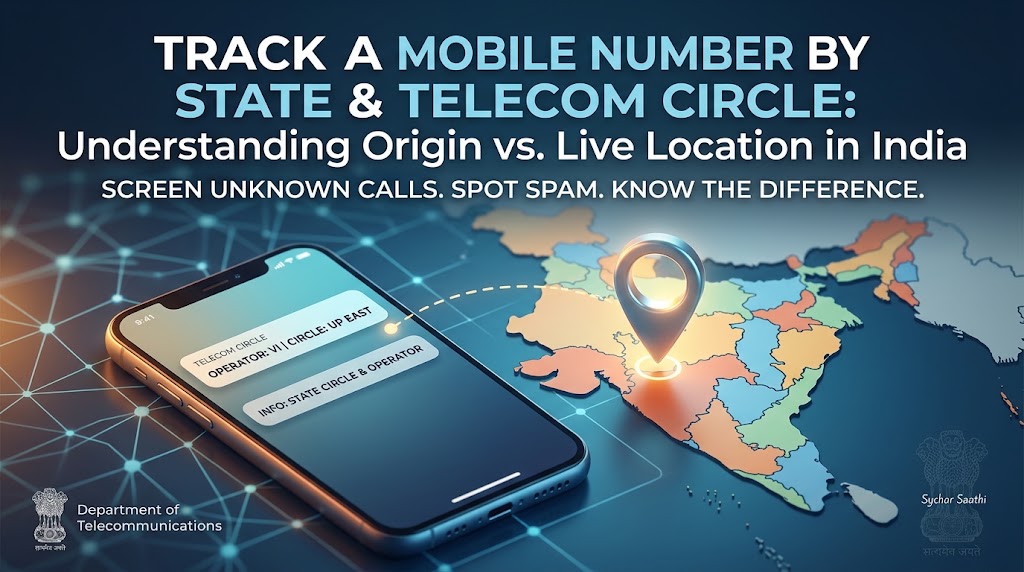
- Verify the origin: Check the carrier and circle to see the region it came from. Our guide on how to track a mobile number by state and telecom circle explains how that mapping works and why the region is not the caller’s live location.
- Search publicly: Paste the number into a search engine in quotation marks. Try the plain 10 digits, then the +91 version. Real businesses usually surface.
- Report fraud: If it looks like fraud, do not call back. Report it on the 1930 cyber helpline or through official government portals instead.
Notice what steps 1 through 4 have in common: none of them involve calling the number back. That is deliberate, because calling back is exactly what a wangiri scam (one ring, premium-rate trap) wants you to do.
What kind of caller is it?
The pattern of the call tells you almost as much as the lookup. Match yours here:
| The call pattern | Usually indicates | Recommended action |
| Repeated calls, distant circle | Telemarketer or spam | Block, report on DND |
| Recorded voice (KYC, parcel, refund) | Scam | Do not respond; report on 1930 |
| International code on WhatsApp | Fraud ring | Block and report in WhatsApp |
| One ring then cut | Delivery agent or Wangiri scam | Search before calling back |
| Silent calls at odd hours | Harassment | Log times, take screenshots, involve police |
A single missed call from your own city’s circle is probably a courier. Ten silent calls after midnight is a matter for law enforcement, not a lookup app.
International and WhatsApp numbers
Unknown international calls and WhatsApp calls from foreign codes are a category of their own and usually serve as a warning sign.
Check the country code first by doing a quick search for +[code] country code. A local bank or delivery service calling from a foreign code is almost always a scam. On WhatsApp, scammers lean on the app to skip normal call screening. If an unknown international number reaches you there, do not call back and do not tap any links.
Use WhatsApp’s built-in “Report and Block” feature, which also trains its spam filter. Genuine businesses on WhatsApp carry a verified badge, so its absence on a “company” account is an immediate red flag.
How to block and report
Once you identify a number as spam or a scam, take action properly:
- Block on device: Block it directly on your phone so it cannot reach you again.
- Register for DND: Register for Do Not Disturb (DND) through your operator or the TRAI DND app to cut telemarketing at the source.
- Report financial fraud: Report financial fraud on 1930 or via cybercrime.gov.in, moving fast if money is involved.
- Report spam & impersonation: Report suspected fraud calls and messages through the Department of Telecommunications’ Sanchar Saathi Portal, specifically via their Chakshu facility, which feeds the official crackdown on scam numbers.
Protect your own number
Reverse lookup works on you too, so close the easy gaps:
- Unlist your number from major caller ID apps using their official removal pages.
- Register your number for National Do Not Disturb (DND).
- Avoid posting your phone number in public comments or online classified ads where web scrapers can collect it.
You cannot erase your number from everywhere, but you can significantly shrink how easily a stranger identifies you.
The privacy line
Checking who called you is your right. Using these tools to hunt down and monitor another adult is not.
Reverse lookup exists so you can screen your own calls and dodge scams. Pointing it at tracking a person who has not agreed to it moves from caller safety into unlawful surveillance. Our Lawful Use Policy draws that boundary clearly.
For the complete picture of what a number can and cannot reveal, and the official CNAP caller ID system rolling out in India, read our primary guide on how to identify an unknown number. If you are trying to keep a child safe or find your own device, our consent-based phone number tracker is the lawful route.
Landline and STD-code calls
Not every unknown call comes from a mobile. A landline shows an STD code and the area prefix that maps to a city or district (e.g., 011 for Delhi, 022 for Mumbai). A quick search for [STD code] which city names the place in seconds, which is often enough to judge whether a “local branch” call is actually local.
Landlines are actually easier to trace to a business than mobiles, because companies register them openly and list them on official websites. For a landline, a standard search engine query often provides more answers than any caller ID app.
Why some numbers return nothing
A blank result can be frustrating, but it usually means the system is working properly:
- Brand-new SIMs: Have no call history, so no one has tagged them yet.
- Privacy-conscious individuals: Keep their details out of apps that harvest contact lists.
- Clean record: A number that has never spammed anyone has no reason to appear in a scam database.
An empty result simply means the number belongs to an ordinary private person who has done nothing to make themselves searchable. Do not reach for a paid site to reveal more. Judge the call by its behavior instead: did they leave a message, does the circle match who they claim to be, and does their request make sense?
Frequently asked questions
Is reverse phone lookup free in India?
The useful parts are. Caller ID apps, search engines, and carrier/circle lookups cost nothing. Sites charging for a “full owner report” are usually reselling free data or scamming users.
Can I find the exact name of a private caller?
Rarely, and never in a verified way. You may see a crowd-sourced name tag, but it can easily be inaccurate or years out of date.
Does reverse lookup show live location?
No. It shows the circle where the SIM was originally issued, not where the phone is currently located.
A number keeps calling and hanging up. What is it?
Often a wangiri scam or an automated robocaller testing whether your line is active. Do not call back; block and report the number if it persists.
How do I report a scam call?
Use the 1930 helpline and cybercrime.gov.in for financial fraud, and the Sanchar Saathi Chakshu facility for suspicious calls and messages.
Why does my own number show a wrong name on caller ID apps?
Because crowd-sourced names come from how other people saved your contact in their phones. You can use the app’s unlisting/edit page to remove or update it.

Leave a Reply