Instagram has changed a lot for teens. After years of pressure, Meta rolled out Teen Accounts as the default for anyone under 18, then expanded supervision tools across its apps. If you’re a parent trying to make sense of what’s now on by default, what you can actually control, and where the blind spots are, here’s the complete 2026 picture.
What parental controls does Instagram have in 2026?
Instagram has two layers: Teen Accounts, a stricter default profile automatically applied to under-18 users (private account, restricted messaging, sensitive-content limits, sleep mode), and Family Center supervision, which lets a parent see their teen’s follower lists, recent interactions, and screen time. Family Center never shows message content or what a teen is actually viewing.
Teen Accounts: what’s on by default
This is the big shift. Every teen under 18 is now placed into a Teen Account automatically, and existing teen profiles were migrated into the stricter defaults. According to Instagram’s own announcement, that default package includes:
- Private by default for teens under 16 — new followers must be approved.
- Restricted messaging — teens can only be messaged by people they already follow or are connected to.
- Sensitive content limits, sleep mode that mutes notifications overnight, and time-use reminders.
- Under-16 lock — teens can’t loosen these settings without a parent’s approval.
For under-16s, that last point matters most. The controls aren’t suggestions they can switch off; changing them routes through you.
Family Center: setting up supervision
Teen Accounts handle the defaults. Family Center is how you get visibility. Meta consolidated supervision into a single hub at familycenter.meta.com, and a single invitation can now cover Instagram, Facebook, Messenger, and Meta Horizon at once.
Once your teen accepts, you can see:
- Their follower and following lists
- Accounts they’ve recently interacted with
- Daily and weekly screen-time totals
- The general topics their teen engages with, through the expanded “Your Algorithm” insights added in 2026
Meta also began notifying parents if a teen repeatedly searches terms tied to suicide or self-harm in a short window — a meaningful early-warning signal that didn’t exist before.
What Family Center still can’t show you
Supervision shows patterns, not content. That’s the line Meta draws, and it’s worth being clear about:
- No message content. You can’t read DMs.
- No liked posts or DM history.
- No view of what they’re actually looking at — only the broad topic categories.
- Consent-dependent. Your teen has to accept supervision, and an older teen can decline.
So you’ll know your 15-year-old spent 90 minutes on Instagram and started following three new accounts. You won’t know what’s in the DMs that came after.
How to close the gap with device-level monitoring
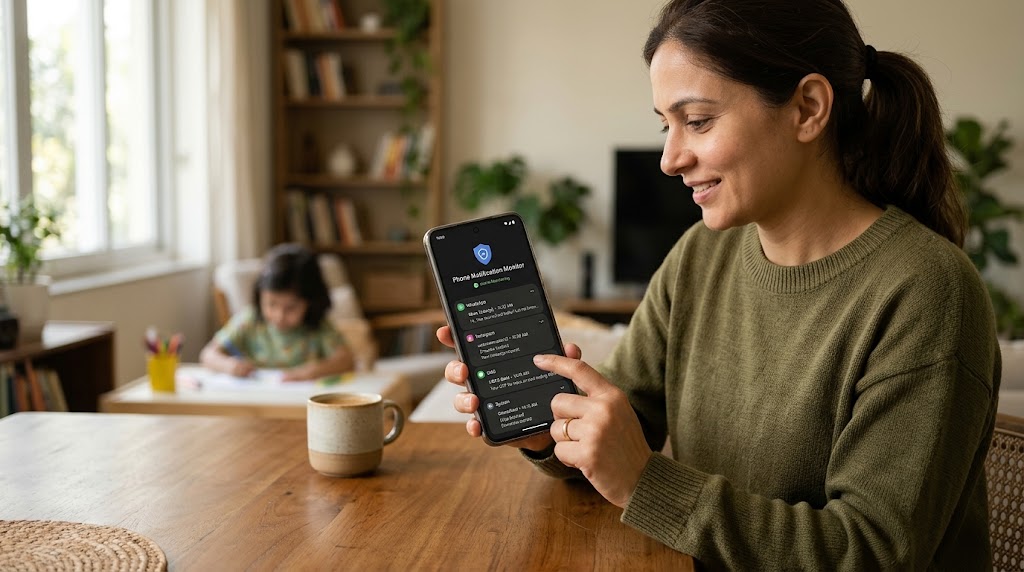
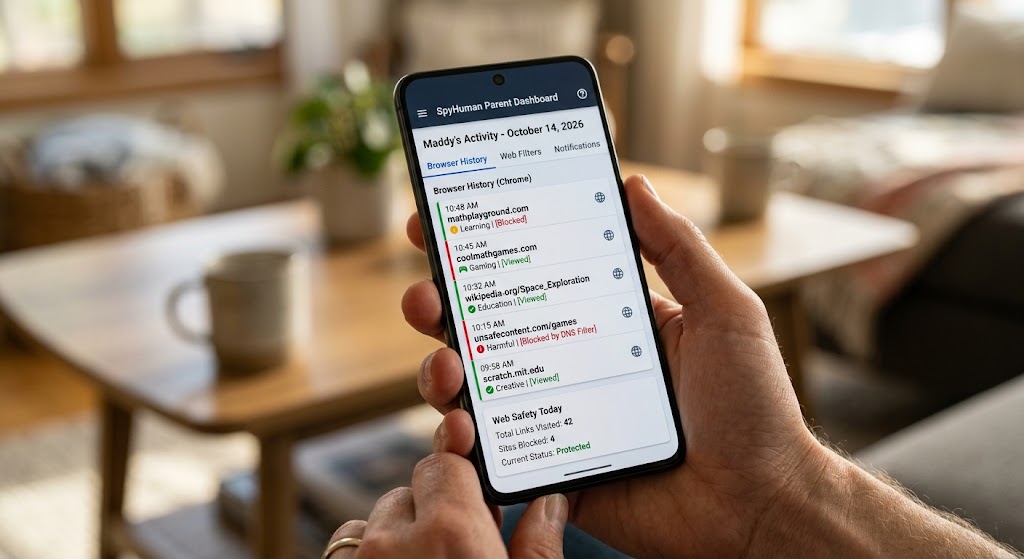
If your child is younger, has faced a problem before, or you simply need more than topic categories and follower counts, device-level monitoring picks up where Family Center stops. Installed openly on an Android phone you own and provide, SpyHuman’s Instagram tracker captures activity directly on the device rather than through Instagram’s privacy walls — and our broader social media monitoring does the same across the other apps teens jump between.
A combined approach usually looks like this:
| Layer | What it covers | What it misses |
|---|---|---|
| Teen Accounts | Privacy, messaging limits, content filters (auto) | Doesn’t report activity to you |
| Family Center | Followers, interactions, screen time, topics | No message content; teen can decline |
| Device monitoring | Messages, typed text, captures, full activity | Requires device ownership + transparency |
The aim isn’t to stack surveillance on a 17-year-old who’s earned your trust. It’s to match the level of oversight to your child’s age and the real risks in front of them.
A practical setup order
- Confirm your child’s account is a Teen Account (it should be automatic).
- Send a Family Center supervision invite and walk through it together.
- Set sleep mode and review their following list with them, not behind their back.
- For younger kids or active concerns, add device-level monitoring openly.
- Revisit the whole arrangement every few months and loosen it as they mature.
If your teen also uses Snapchat, the trade-offs are similar but the tools differ — see our guide on how to monitor Snapchat on your child’s phone.
Frequently asked questions
Can parents see Instagram DMs through Family Center?
No. Family Center shows who your teen interacts with and how much time they spend, but never the content of messages. Reading DMs requires a device-level monitoring app on a phone you own, used with your child’s knowledge.
Do Teen Accounts work without parent involvement?
Yes — the privacy, messaging, and content defaults apply automatically to under-18 users whether or not a parent sets up supervision. Family Center is the optional layer that reports activity to you.
Can my teen turn off Teen Account protections?
Teens under 16 can’t change the core settings without a parent’s approval. Older teens have more leeway, which is why some parents add separate monitoring for younger children.
Is there an age limit for Instagram?
Instagram’s minimum age is 13. Accounts for users under 18 default to the stricter Teen Account experience.
Lawful use only: monitor your own minor child’s device as a parent or legal guardian, or a device you own and have authorization to supervise.