
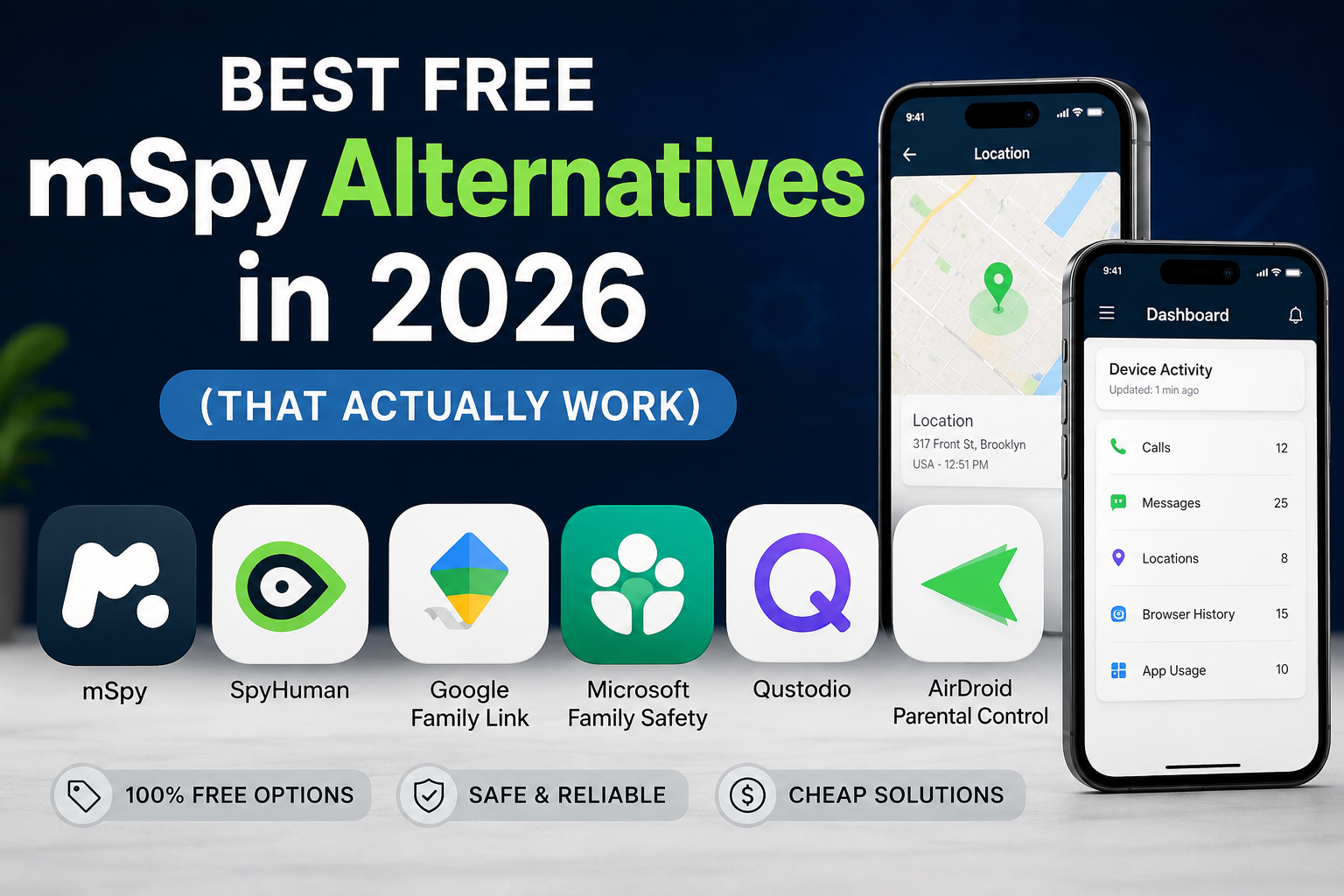
If you’re searching for mSpy free alternatives, you’re probably trying to solve one of 2 problems: mSpy costs more than you want to spend, or you want to test a monitoring app before paying.
That’s a fair reason to look around.
mSpy is a well-known phone monitoring service with tools for location tracking, messages, calls, social apps, and other phone activity. It supports Android and iPhone, but its paid subscription model can make it a poor fit if you only need basic Android monitoring.
So what can you use instead?
Below are 7 options worth considering in 2026. I’ve separated genuinely free or free-to-start services from apps that are simply cheaper. That distinction matters because plenty of sites call a 3-day trial a “free spy app” when you still need to pay for meaningful access.
Quick comparison: free mSpy alternatives in 2026
| App | Free option | Android | iPhone | Best for |
| SpyHuman | Yes | Yes | No | Free-to-start Android monitoring |
| Google Family Link | Yes | Yes | Yes | Basic parental controls |
| Microsoft Family Safety | Yes | Yes | Yes | Screen time and family management |
| Apple Screen Time | Yes | No | Yes | iPhone and iPad families |
| Qustodio | Limited free plan | Yes | Yes | Parental controls |
| AirDroid Parental Control | Limited free features | Yes | Yes | Device management |
| mSpy | No free tier | Yes | Yes | Advanced paid monitoring |
The best choice depends on what you actually want to monitor.
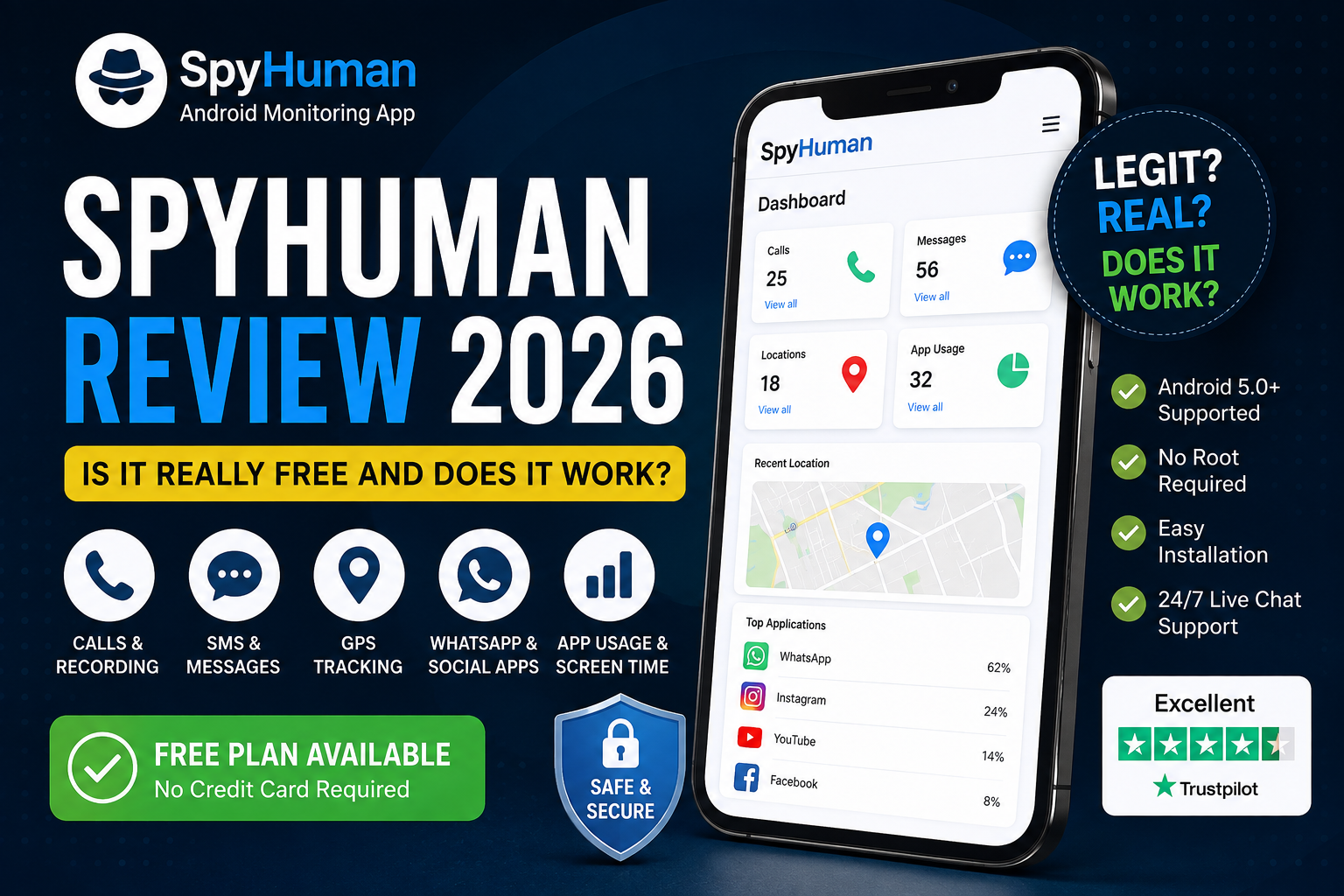
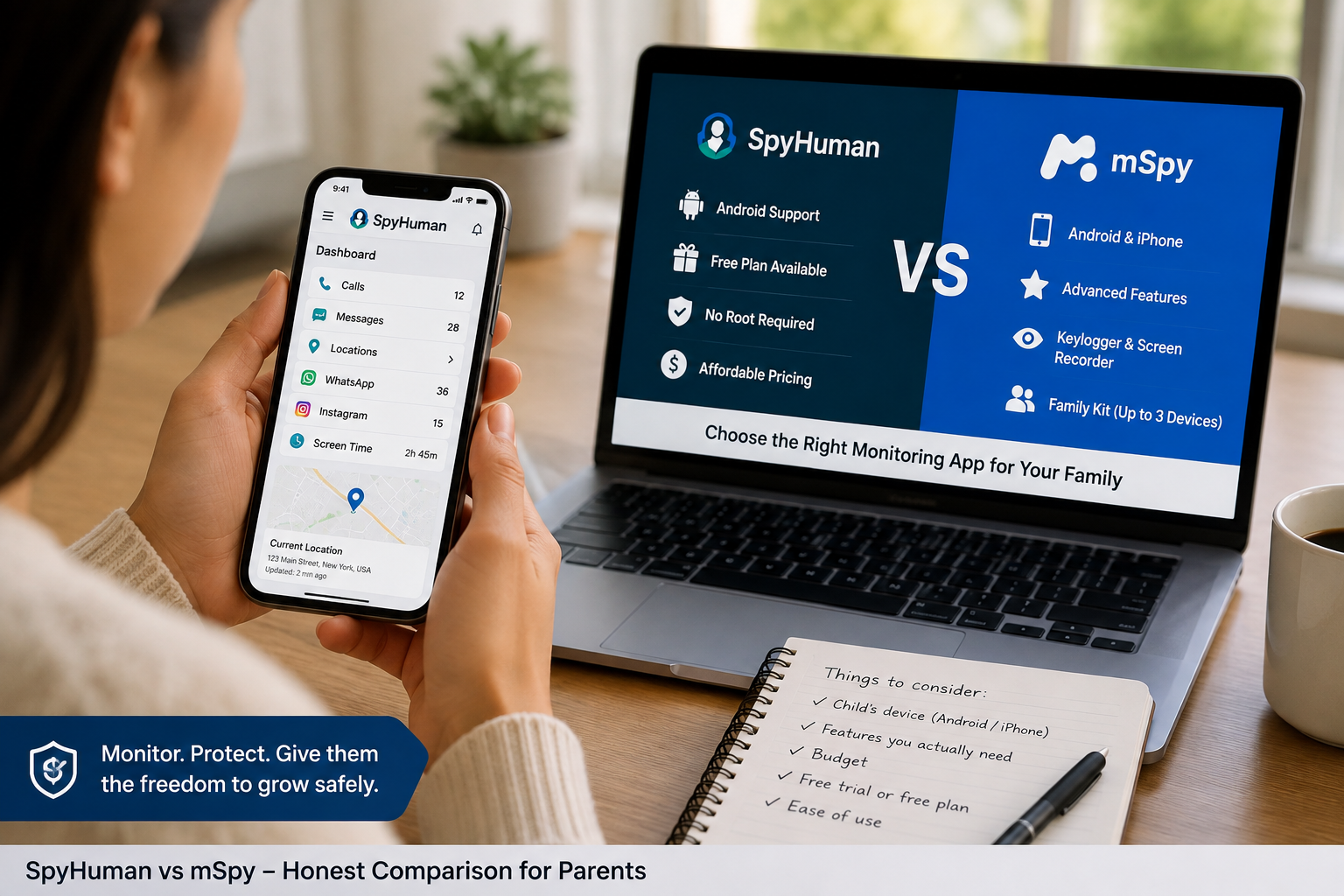
If you need Android monitoring with a free starting point, then SpyHuman is the closest fit to the search “mSpy alternative free.” You can register and install without paying upfront and then decide whether the premium tools are worth it.
1. SpyHuman: the best free mSpy alternative for Android
Best for: Parents and device owners who want to try monitoring before paying.
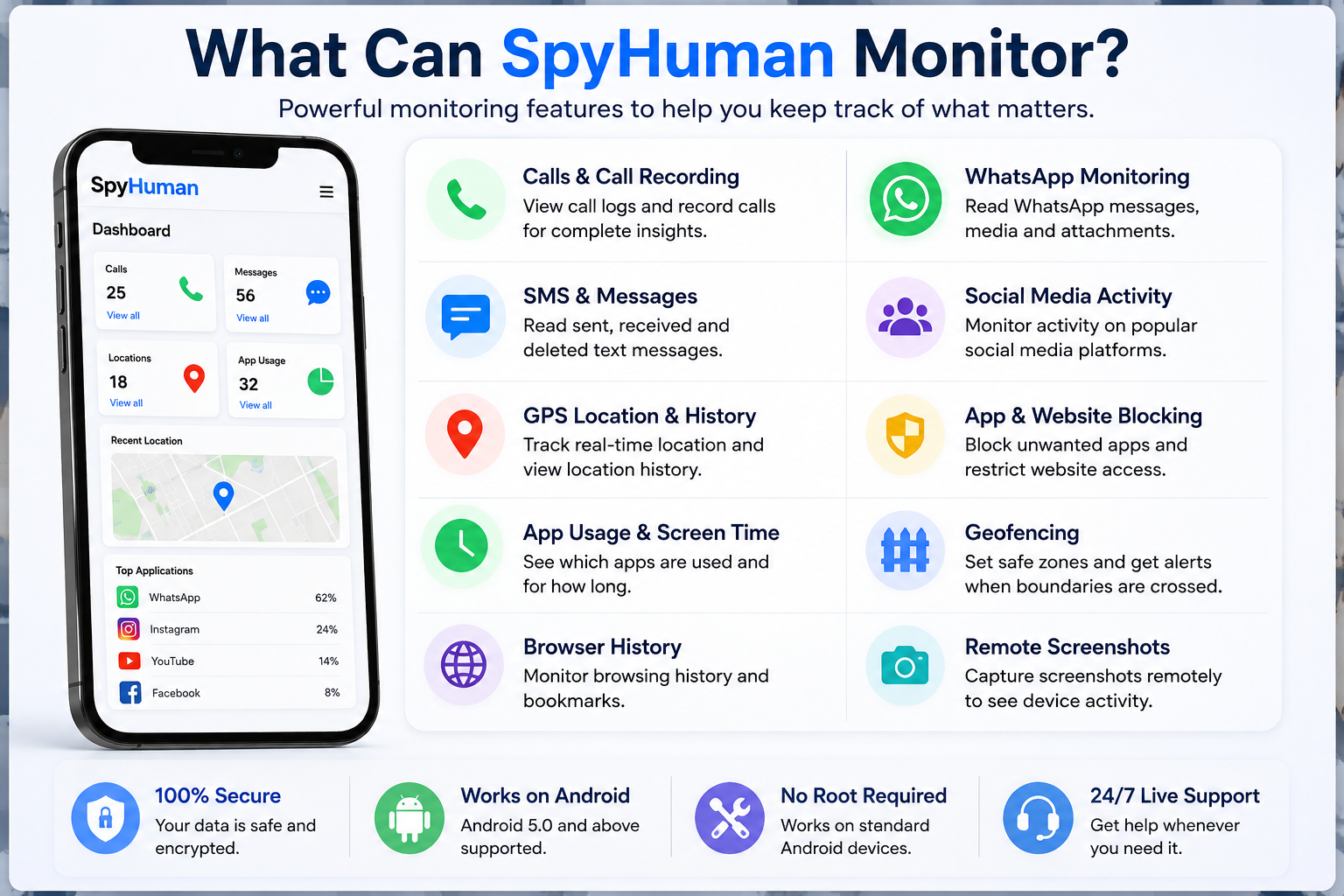
SpyHuman uses a freemium model. You can create an account and install the Android app at no cost, then view recent device activity through the online dashboard.
The free plan includes recent calls, SMS, and location information. Premium adds features such as unlimited history, call recording, and deleted-log recovery.
That’s useful if you’re comparing a free spy app with a paid service like mSpy. You get a chance to check whether the app works properly on your particular Android phone before spending money.
SpyHuman free plan
The free plan is designed for testing and basic monitoring.
You can use it to check:
- Recent call activity
- Recent SMS activity
- Recent GPS locations
- Device activity through the online dashboard
- Basic monitoring without root
- Android device compatibility
The free plan has limits. For example, the location tracker shows the last 5 location entries, while advanced features such as full location history and geofencing require Premium.
There’s also a daily login requirement on the free plan.
For someone searching for an mSpy alternative free option, this is probably the most important difference. You can actually start without entering a payment commitment.
Try SpyHuman free: Start with SpyHuman’s free Android monitoring
What does SpyHuman cost?
SpyHuman Premium is currently listed at $17.99 per month. The service also has a free plan, and premium purchases have a 14-day conditional refund policy. Premium subscriptions don’t automatically renew.
You can see the current plan breakdown on the SpyHuman pricing page.
SpyHuman limitations
There’s one big limitation: SpyHuman is Android-only.
It supports Android 5.0 and above but doesn’t work on iPhone or iOS.
So if the phone you’re managing is an iPhone, then you’ll need another option from this list.
2. Google Family Link: the best completely free option for basic parental controls
Best for: Parents who mainly need screen-time limits and app controls.
Google Family Link is one of the first tools worth checking if you don’t need detailed phone monitoring.
It can help parents manage a child’s Google account and Android device with tools for screen time, app management, and other parental controls.
The biggest benefit is price. There’s no monitoring subscription to buy.
The trade-off is the depth of information available. Family Link isn’t designed to replicate the type of detailed activity monitoring associated with commercial apps such as mSpy.
It’s a good choice when your main goal is managing how a child uses their phone.
If you’re trying to read messages, inspect detailed activity, or get broader monitoring features, then you’ll need to look at other options.
3. Microsoft Family Safety: good for families using Microsoft devices
Best for: Families already using Microsoft accounts and Windows devices.
Microsoft Family Safety focuses heavily on family management. Depending on the device and account setup, you can manage screen time and monitor certain types of activity.
It makes sense for families already using Windows PCs, Xbox, or Microsoft accounts.
For Android phone monitoring alone, it isn’t a direct mSpy replacement.
Think of it as a family-management tool rather than a dedicated phone monitoring service.
4. Apple Screen Time: the best free option for iPhone families
Best for: Parents managing iPhones and iPads.
Apple already includes Screen Time in its devices. That makes it one of the easiest free options if your household uses Apple hardware.
You can set limits for apps and categories and review usage information.
There’s no separate monitoring app subscription.
The catch is also obvious: it belongs to Apple’s ecosystem. If you’re trying to manage an Android phone, then Apple Screen Time isn’t relevant.
For basic iPhone parental controls, though, it’s hard to justify paying for a third-party service when the built-in tools already cover the basics.
5. Qustodio: good for parents who need stronger parental controls
Best for: Families that want parental controls across several platforms.
Qustodio is a more traditional parental control product. Its focus includes screen-time management, web filtering, and app controls across supported devices.
It can be a better fit than a traditional monitoring app when your main concern is what a child can access rather than collecting detailed phone activity.
There are free and paid options, but the free offering has limitations.
That makes Qustodio worth considering as a parental control app but less attractive if your only reason for switching from mSpy is to find a completely free replacement with broad monitoring features.
6. AirDroid Parental Control: good for remote family management
Best for: Parents who want remote device management.
AirDroid Parental Control combines parental controls with monitoring features.
Depending on the platform and plan, it can provide tools for screen time management, app monitoring, and device-related controls.
There’s a free way to get started, but some features require a paid plan.
For families who want more than basic built-in controls, it can be worth comparing against SpyHuman and Qustodio.
Before choosing it, check which features are available on your child’s exact phone. Android and iPhone capabilities aren’t always identical across monitoring apps.
7. mSpy: a useful benchmark if you need advanced paid monitoring
Best for: Users who want broad monitoring features and don’t require a free plan.
It might sound strange to put mSpy on a list of mSpy alternatives.
But if you’re comparing alternatives, you need a baseline.
mSpy supports Android and iPhone and includes features such as GPS tracking, call information, social media monitoring, and other phone activity tools. Its feature set varies by device and setup.
You can check the current details directly on mSpy’s official website.
The main issue for a budget-conscious user is simple: mSpy doesn’t give you the same free-start model as SpyHuman.
That’s why people searching for a cheap monitoring app often compare the 2.
Free vs. paid mSpy alternatives: what’s the real difference?
A free app sounds attractive until you find out what “free” actually means.
Some apps give you basic parental controls for nothing. Others provide a short trial and lock the useful features behind a subscription.
Here’s how I’d approach the decision.
| What you need | Best direction |
| Basic screen-time limits | Google Family Link |
| iPhone parental controls | Apple Screen Time |
| Microsoft family management | Microsoft Family Safety |
| Free-to-start Android monitoring | SpyHuman |
| More advanced parental controls | Qustodio |
| Remote family device management | AirDroid |
| Broad paid monitoring across Android and iPhone | mSpy |
The key is to compare the feature you actually need rather than the number of features listed on a sales page.
If you only need screen-time limits, there’s little reason to pay for an advanced monitoring subscription.
If you need location history, call activity, SMS monitoring, and broader Android activity from one dashboard, then a dedicated monitoring app makes more sense.
What should you look for in a free spy app?
Before installing any free spy app, check these 6 things.
1. Does it actually have a free plan?
“Free download” doesn’t mean free monitoring.
Check what you can access after installation. A service that lets you download an app but blocks every useful feature behind payment isn’t really a free alternative for your needs.
2. Which phones does it support?
This can eliminate an option immediately.
SpyHuman works with Android devices but doesn’t support iPhone. mSpy supports both Android and iPhone. Built-in tools such as Apple Screen Time are designed for Apple’s ecosystem.
Check the operating system before comparing feature lists.
3. Does it require root or jailbreak?
Rooting an Android phone can introduce unnecessary complications.
If you want a simple setup, look for an app that works without root on supported devices.
SpyHuman supports monitoring without root.
4. What does the free plan actually show?
This is where many comparisons get messy.
One service might give you location tracking for free but only show the last few entries. Another might provide unlimited history but charge for other features.
Read the limits.
5. Is there a clear refund policy?
If you eventually move to a paid plan, check the refund terms before purchasing.
SpyHuman currently lists a 14-day conditional refund for premium purchases.
6. Can you legally monitor the device?
This one matters more than the price.
Only monitor a device when you have the legal right to do so. For a parent’s own minor child or a device owned by the user, there may be a lawful basis for monitoring. Monitoring another adult secretly can create serious privacy and legal problems.
SpyHuman states that its service is intended for lawful monitoring and shouldn’t be used to secretly monitor an adult.
Are free mSpy alternatives really free?
Some are.
But “free” can mean very different things.
Google Family Link and Apple’s built-in Screen Time tools are free parental-control options. SpyHuman has a free plan that lets you register and install the app before deciding whether to upgrade. Other services may offer limited free features or trials.
That’s why I wouldn’t rank an app simply because its homepage says “free.”
Look at what you can actually do without paying.
For example, SpyHuman’s free plan gives you recent calls, SMS, and location data. Premium removes several limits and adds more advanced monitoring capabilities.
Is a cheap monitoring app better than mSpy?
Sometimes.
If you’re monitoring an Android phone and don’t need every advanced feature mSpy provides, then paying for a cheaper service may make more sense.
The bigger question is whether the cheaper app covers your required features.
For example:
Need basic location tracking? A free plan may be enough.
Need full location history and geofencing? You’ll probably need Premium.
Need iPhone support? SpyHuman won’t fit because it’s Android-only.
Need broad parental controls? A dedicated parental-control product may be a better choice.
Want to test Android monitoring before paying? SpyHuman’s free plan is a strong starting point.
You can also read our detailed SpyHuman vs mSpy vs Eyezy comparison before making a decision.
Free mSpy alternative vs. built-in parental controls
There’s another option people forget about: don’t install a monitoring app at all.
Android and iPhone already include parental-control features.
These are usually enough if you only want:
- Screen-time limits
- App restrictions
- Basic content controls
- Device usage reports
- Account and family management
A dedicated monitoring app becomes more useful when you need information that built-in parental controls don’t provide.
That’s why there’s no single “best” mSpy replacement for everyone.
Your requirements decide it.
SpyHuman vs. mSpy: Which should you choose?
Here’s the short version.
Choose SpyHuman if you’re using Android and want to start free. It gives you a way to install the app and check basic monitoring before committing to Premium.
Choose mSpy if you need iPhone support or prefer its broader paid monitoring feature set.
Choose Google Family Link if you mainly want basic parental controls at no cost.
Choose Apple Screen Time if you’re managing an iPhone or iPad and don’t need a separate monitoring service.
Choose Qustodio or AirDroid if parental controls and family management are more important to you than detailed phone monitoring.
For Android users who are mainly searching for an mSpy alternative free option, the decision is fairly simple: start with the free plan and see whether it covers your needs.
If you need more later, you can upgrade.
A better way to test a free monitoring app
Don’t install 5 apps at once.
You’ll end up comparing dashboards instead of solving the problem.
Pick the app that matches your phone and your main requirement. Install it on a device you’re legally allowed to monitor, then test the specific feature you care about.
For SpyHuman, that might mean checking whether recent location data appears correctly or whether calls and SMS activity are showing in the dashboard.
Once you’ve confirmed that the basics work, you can decide whether you need Premium.
You can also read our guide to the best Android monitoring apps in 2026 if you want a wider comparison.
Frequently asked questions
Is there a completely free alternative to mSpy?
Yes. There are free parental-control tools such as Google Family Link and Apple Screen Time. SpyHuman also has a free-to-start Android monitoring plan with access to recent calls, SMS, and location data.
What is the best mSpy alternative free for Android?
SpyHuman is a strong choice if you want to test a dedicated Android monitoring service without paying upfront. It supports Android 5.0 and above and has a free plan.
Is SpyHuman cheaper than mSpy?
SpyHuman gives users a free plan, while mSpy is a paid service. SpyHuman Premium is currently listed at $17.99 per month. Pricing for competing services can change, so check the current plan before purchasing.
Can I use SpyHuman on an iPhone?
No. SpyHuman is currently Android-only and supports Android 5.0 and above. If you need iPhone monitoring, you’ll need an iOS-compatible service.
Do free monitoring apps really work?
Some do. The bigger issue is what they let you access for free. A free plan may show recent activity while keeping features such as full history or advanced alerts behind a paid plan.
Is it legal to use a phone monitoring app?
It depends on the situation and local law. You should only monitor devices you own or have a lawful right to monitor. Monitoring an adult secretly can violate privacy or wiretap laws depending on where you live. Always check the rules that apply to your situation.
Final verdict
The best mSpy free alternatives depend on what you’re trying to monitor.
For basic parental controls, Google Family Link and Apple’s Screen Time are hard to ignore because they’re free and built into their respective ecosystems.
For dedicated Android monitoring, SpyHuman is the strongest free-to-start option on this list. You can register and install it without paying upfront, then check the basic dashboard and recent activity before deciding whether Premium is worth it.
If you need iPhone support, then look elsewhere because SpyHuman doesn’t support iOS.
And if you need advanced paid monitoring across Android and iPhone, mSpy remains a serious option.
For everyone else the same rule applies: start with the feature you actually need, then choose the app that gives you that feature at a price you’re comfortable with.
Want to try a free Android monitoring option first? Start with SpyHuman and see how it works on your device.

Leave a Reply