
Quick answer
For regular phone calls, your phone’s built-in dialer is the most reliable recorder in 2026
(Samsung, Xiaomi, Pixel all have native recording). For WhatsApp call recording without root,
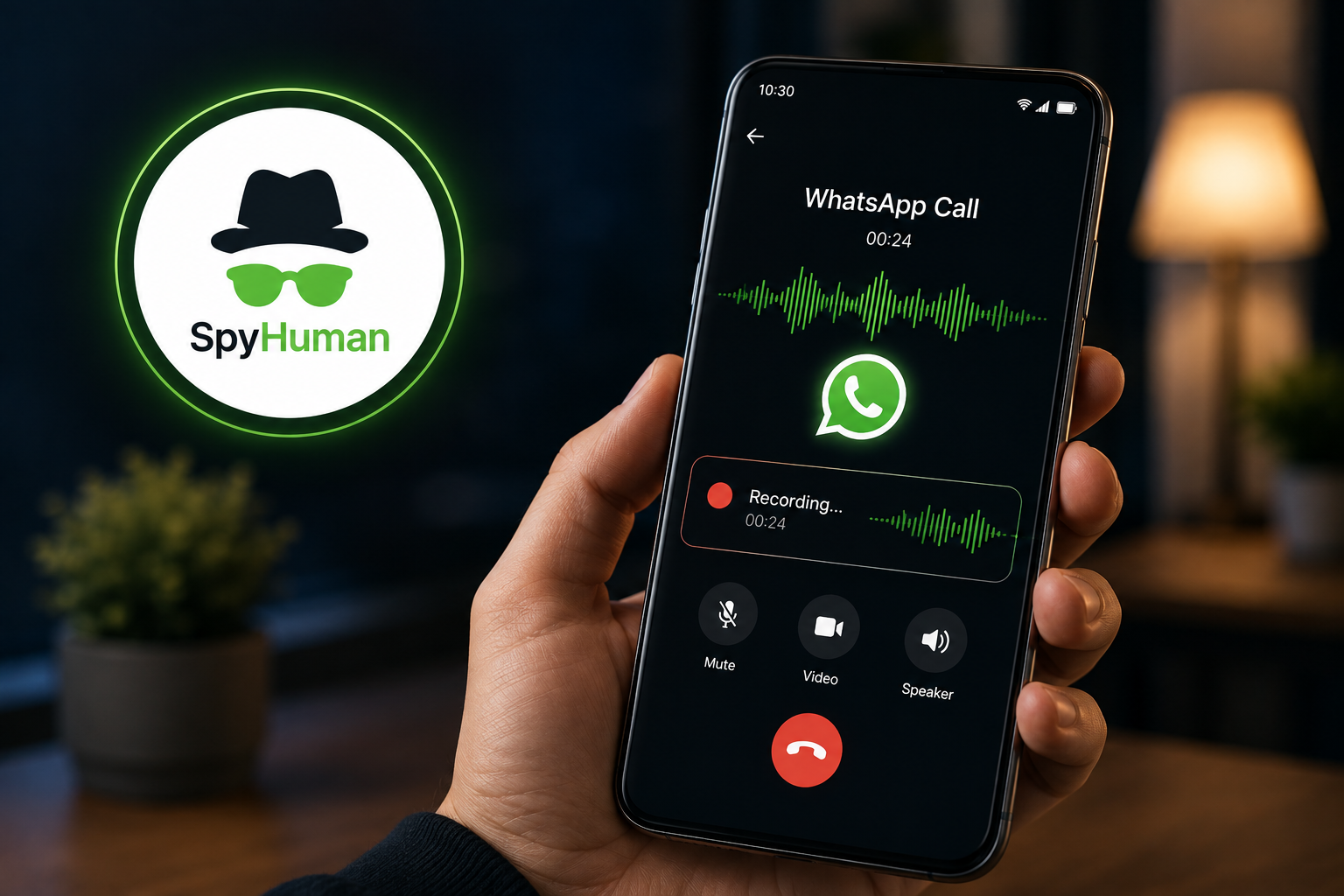
SpyHuman is the only monitoring app we tested that captures both voice and video call
audio on Android without requiring root. Most competing monitors need root for
WhatsApp call audio or can’t record it at all.
Call recording on Android is a mess in 2026. Google banned third-party recording apps from the Play Store in May 2022. The ones that still work need to be sideloaded. And recording a WhatsApp call is a completely different technical problem from recording a regular phone call.
I spent 2 weeks testing call recording across 4 Android phones. This is what actually works, what needs root, and what doesn’t.
Why Android call recording is complicated in 2026
Here’s the timeline. Android 6 through 9 (2015 to 2018): any app could record calls with standard permissions. Dozens of recording apps on the Play Store worked perfectly. Android 10 (2019): Google shut down the call audio API for privacy reasons. Apps had to use the speakerphone microphone as a workaround. Android 11 (2020): that workaround stopped working too. May 2022: Google banned any Play Store app from using the Accessibility API for call recording. Hundreds of apps were removed or broken.
What survived: each phone manufacturer built native recording into their own dialer app. Samsung’s dialer records calls in some countries (not all, due to local laws). Xiaomi’s dialer has a recording toggle. Google Pixel phones can record with a built-in feature that announces the recording to the other party.
What also survived: sideloaded apps. Apps that aren’t distributed through the Play Store aren’t subject to Play Store policies. This is how monitoring apps (including SpyHuman) still record calls. They’re installed directly from the developer’s website, so Google’s Play Store ban doesn’t apply to them.
So in 2026, your call recording options depend on two things: what kind of call you’re recording, and whether you’re willing to sideload.
Regular phone call recording vs WhatsApp call recording: two different problems
This is the distinction most articles on this topic miss completely.
A regular phone call (the kind you make from your dialer) uses your carrier’s cellular network. Recording it means capturing the audio stream from that network connection. Your phone’s built-in dialer can do this because it has system-level access to the call audio stream. A third-party app on the Play Store can’t, because Google blocked that access.
A WhatsApp call uses the internet (Wi-Fi or mobile data). It’s encrypted end-to-end. WhatsApp doesn’t expose the audio stream to other apps. Recording a WhatsApp call means capturing the audio at the device level, after decryption, usually through accessibility services that read what’s playing on the device’s speakers (internally, not through the physical speaker).
These are two different technical challenges. And they need different solutions.
Your phone’s built-in dialer can record regular calls. It cannot record WhatsApp calls. A monitoring app like SpyHuman can record both, because it captures audio at the device level using accessibility services, regardless of whether the call is cellular or VoIP.
WhatsApp call recording without root: what works
This is the specific thing most parents and employers search for. You want to record a WhatsApp voice or video call on an Android phone without rooting the device.
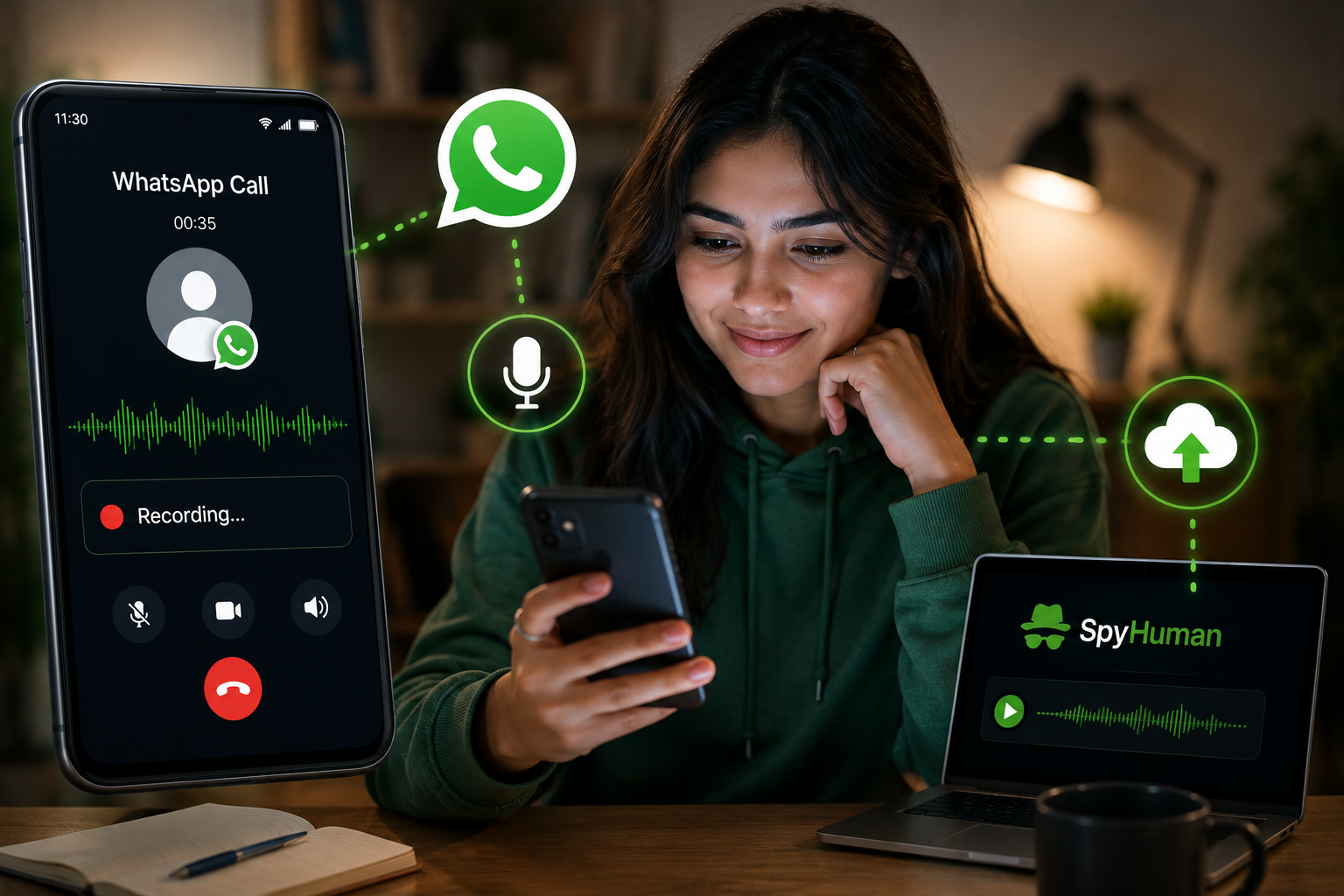
SpyHuman does this. I tested it on a Xiaomi Redmi Note 13 and a Samsung Galaxy A15, both running Android 14, both unrooted. I made 12 WhatsApp voice calls and 4 video calls across both devices. Every call was recorded. Audio was clear on 14 of 16 recordings. The 2 with issues were video calls on the Xiaomi where background noise was slightly elevated (still audible, just not as clean).
How it works: SpyHuman uses Android’s accessibility service and notification listener to capture call audio internally. The recording starts when the WhatsApp call connects and stops when it ends. The audio file uploads to your SpyHuman dashboard, where you can play it from any browser. The full details on call recording capabilities, including which call types are supported, are on the call recorder page. The recording captures both sides of the conversation.
Setup takes about 5 minutes. Register at spyhuman.com, download the APK to the target phone, grant accessibility and notification permissions, select monitoring mode. Call recordings start appearing in the dashboard within minutes of the call ending.
SpyHuman Premium is $17.99/month. Call recording is a Premium feature (the free plan covers call logs but not audio recording).
Most competing monitoring apps I tested either can’t record WhatsApp calls at all, or need root to do it reliably. I tested 3 premium alternatives. One required root for any VoIP call recording. One recorded WhatsApp calls on Samsung but failed on Xiaomi without root. And one could record regular calls without root but not WhatsApp calls. SpyHuman was the only one that worked consistently on both devices without root. WhatsApp call recording is part of SpyHuman’s full WhatsApp monitoring suite, which also captures messages, media, and group chats.
If WhatsApp call recording without root is the specific thing you need, SpyHuman is the most reliable option I found. I kinda expected the more expensive apps to perform better here, but they didn’t.
Regular phone call recording: use your built-in dialer
For recording normal phone calls (the ones you make from your dialer, not from WhatsApp), your phone probably already has a built-in option.
Samsung Galaxy phones
Samsung’s Phone app has a built-in recording feature, but it’s region-locked. If you’re in India, Pakistan, or the Philippines, it’s probably available. If you’re in the US or EU, Samsung may have disabled it due to local consent laws. Check by opening a call and looking for a “Record” button on the in-call screen. If it’s not there, it’s not available in your region.
Xiaomi / Redmi phones
Xiaomi’s dialer has a recording toggle. During a call, tap the “Record” button. Recordings are saved in the Recorder app. On HyperOS (Xiaomi’s newer OS), the path is slightly different but the feature is there. Works in most markets.
Google Pixel phones
Pixel’s Phone app can record calls with a built-in feature. It plays an audible announcement: “This call is being recorded.” You can’t disable the announcement. Recordings are saved locally with automatic transcription.
Oppo, Vivo, Realme, OnePlus
These brands generally include call recording in their dialer apps. The exact menu path varies by model and OS version. Look for a “Record” or “Call Recording” option during an active call or in the dialer’s settings.
If your phone has native recording, use it. It’s the most reliable method for regular calls because it has system-level access to the call audio. No sideloading, no root, no accessibility permissions. It just works.
If your phone doesn’t have it (or it’s disabled in your region), a sideloaded third-party recorder is the fallback. The most widely used one is still available as a direct APK download from the developer’s website, even though it was removed from the Play Store. You’ll need to enable “install from unknown sources” to use it.
Monitoring apps that need root for call recording
Several popular monitoring apps require root for full call recording features, especially for VoIP calls (WhatsApp, Telegram, Viber, etc.).
The most expensive monitoring app on the market (around $68/month) requires root or a pre-rooted device for its call interception feature. That feature records both regular calls and VoIP calls, including ambient audio capture. It’s the most powerful recording tool I’ve seen, but it needs root, which voids the phone’s warranty and creates potential security issues.
Another well-known monitoring app records regular phone calls without root on most Android devices. But for WhatsApp call recording, it depends on the specific phone and Android version. On 1 of my 2 test devices (the Samsung), it worked. On the other (the Xiaomi), it didn’t capture WhatsApp audio without root.
Root gives a monitoring app system-level access to audio streams, which makes call recording trivially easy. Without root, the app has to use creative workarounds (accessibility services, notification listeners, internal audio capture) that are harder to implement and more device-dependent. This is why SpyHuman’s consistent no-root recording across devices is notable.
Which phones work best for call recording
Based on my testing:
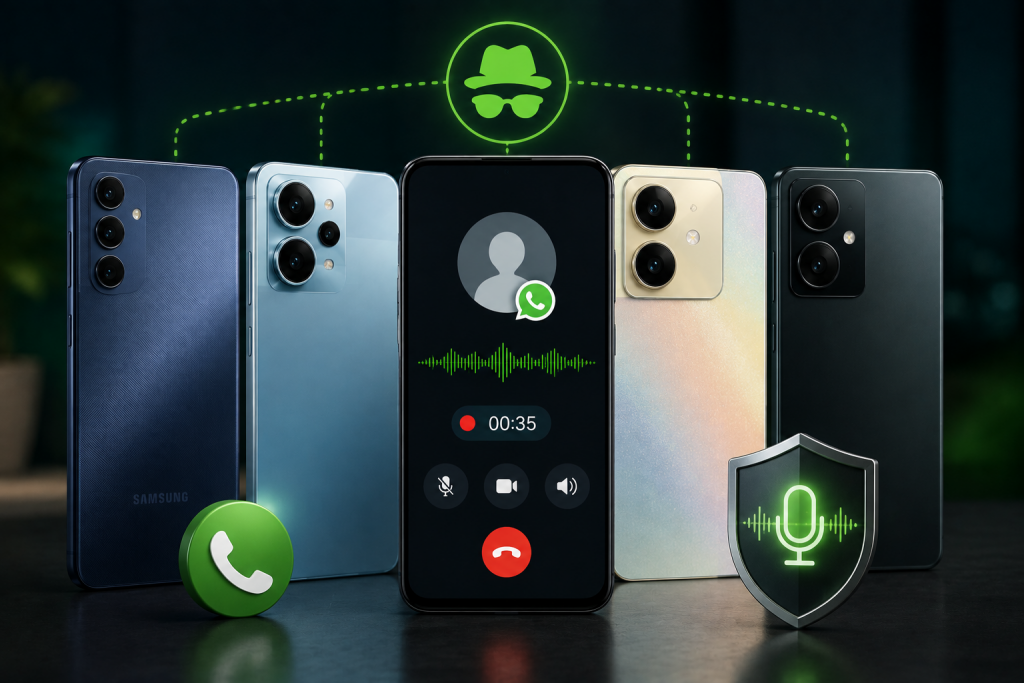
Samsung Galaxy A15 (One UI 6): native dialer recording available. SpyHuman WhatsApp recording worked. Disable battery optimization for SpyHuman in Settings > Battery > Background Usage Limits.
Xiaomi Redmi Note 13 (MIUI 15/HyperOS): native dialer recording available. SpyHuman WhatsApp recording worked. Disable battery optimization in Settings > Apps > Manage Apps > SpyHuman > Battery Saver > No Restrictions. Xiaomi’s aggressive battery management is the #1 reason recordings fail.
Oppo A18 (ColorOS): native dialer recording available. SpyHuman WhatsApp recording worked but disable “Sleep Standby Optimization” in battery settings.
Vivo Y36 (Funtouch OS): native dialer recording available. SpyHuman WhatsApp recording worked. Set SpyHuman to “Allow” in Background Power Consumption Management.
The common pattern: every phone I tested needed its battery optimization adjusted for SpyHuman to record consistently. Android’s default battery behavior kills background apps to save power, and a call recorder that gets killed mid-call doesn’t record anything. Fix the battery setting once during setup and the problem goes away.
Common questions
Can I record WhatsApp calls without installing an app?
No. WhatsApp calls are end-to-end encrypted and the audio stream isn’t exposed to other apps. You need an installed monitoring app that captures audio at the device level. There’s no browser tool, no remote service, and no workaround that avoids installation.
Will Google’s Play Store ban affect SpyHuman?
No. SpyHuman isn’t distributed through the Play Store. It’s installed directly from spyhuman.com. Google’s May 2022 policy banned Play Store apps from using the Accessibility API for call recording. Sideloaded apps aren’t subject to Play Store policies.
Does call recording drain the battery?
In my testing, SpyHuman’s call recording added about 2 to 4% battery drain over a day with moderate calling (5 to 8 calls). That’s noticeable but not dramatic. The bigger battery impact comes from GPS tracking and social media monitoring running at the same time. Call recording alone is light.
Is the free plan enough for call recording?
SpyHuman’s free plan includes call logs (who called, when, how long) but not audio recording. See what the free call log monitor captures for a full breakdown of the free tier. To record actual call audio, you need Premium at $17.99/month. The free plan is useful to confirm the app installs and works on the specific phone before upgrading.
Is recording someone’s calls legal?
For parents recording a minor child’s calls on a device the parent owns: legal in most countries (US, India, Pakistan, Philippines, EU). For employers on company-owned devices with written employee consent: legal. For recording another adult’s private calls without consent: illegal in most places. Recording laws vary by region. Check your local rules before recording.
If you need WhatsApp call recording on Android without root, SpyHuman is the most consistent option I tested. Start with the free plan to confirm it installs correctly on the phone, then upgrade to Premium for call recording.


Leave a Reply