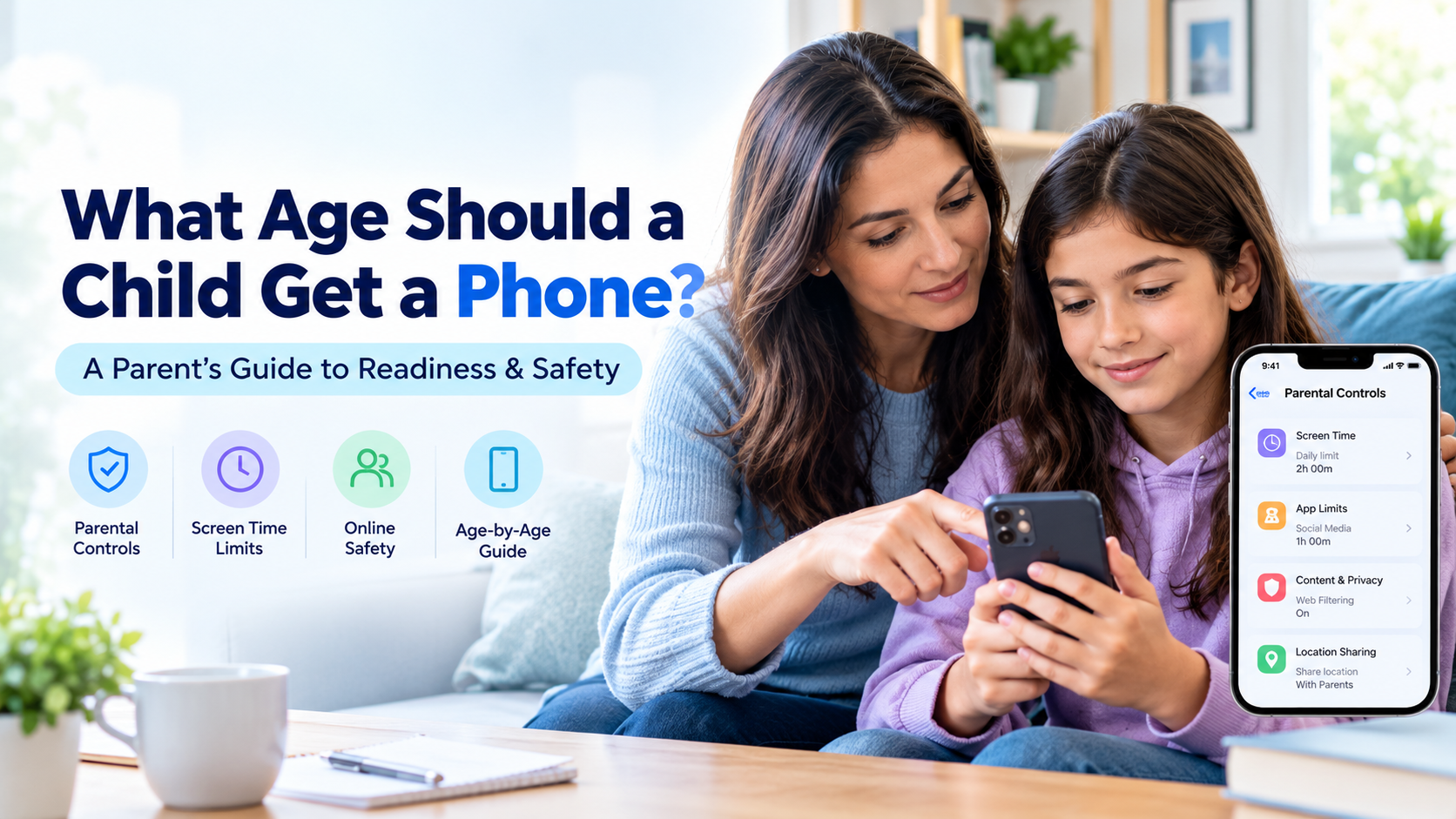
You handed over the phone, set up a couple of controls, and hoped for the best. Most of us did. But “I set it up once” and “it’s safe now” are very different things — apps update, kids download new ones, and default settings rarely favor a child’s privacy. This checklist is built to be worked through in an afternoon, then revisited every few months. No jargon, no fear-mongering, just the things that actually move the needle.
Work top to bottom. Each section takes a few minutes, and you can do most of it sitting next to your child, which is the point.
1. Audit the apps
Start with what’s actually on the phone.
- Open the app drawer and go through every app. Delete what’s unused or age-inappropriate.
- Check the age rating of social and chat apps — many have a 13+ minimum that’s easy to ignore.
- Look for hidden or “vault” apps that disguise themselves as a calculator or file manager and hide photos or other apps.
- Cross-check unfamiliar apps against reviews on a site like Common Sense Media before deciding they’re fine.
If you find apps you didn’t know about, that’s not a reason to panic — it’s a reason to keep going down this list.
2. Tighten privacy settings
Defaults are built for engagement, not for your child’s safety. Change them.
- Set every social profile to private.
- Restrict who can message or contact your child to friends only.
- Turn off ad personalization (on Android: Settings → Google → Ads).
- Disable location sharing inside social apps (this is different from family location tracking — more below).
UNICEF’s online privacy checklist for parents is a good companion here, with age-by-age guidance on what to lock down.
3. Review app permissions
This is the step almost everyone skips, and it matters.
Go to Settings → Privacy → Permission manager (Android) and check which apps can reach the camera, microphone, location, and contacts. A photo-editing app rarely needs your child’s contacts; a game rarely needs the microphone. Revoke anything that doesn’t make sense, and put a recurring “permission check” on your calendar — monthly is plenty.
4. Set up content filters
Filters catch what slips past a child’s own judgment.
- Turn on SafeSearch in Google and restricted mode on YouTube.
- Use the carrier’s adult-content filter (often on by default, worth confirming).
- Consider DNS-level filtering like OpenDNS Family Shield, or router-level controls, to cover every device on your home network at once.
- Check that app stores require approval for new downloads on a child’s account.
5. Sort out location and geofencing
Location is about safety and logistics, not following your child’s every move.
Set up location sharing through Google Family Link or Google Maps, and add geofencing alerts for the places that matter — home and school — so you know they arrived without texting to ask. Keep it proportionate to age; a 16-year-old needs far less of this than a 9-year-old.
6. Decide on communication monitoring
This is the most sensitive section, so be deliberate.
The goal is to catch genuine danger — contact from strangers, grooming, sextortion, cyberbullying — not to read every message a child sends a close friend. Every safety body that studies this lands in the same place: monitoring works best alongside conversation, never as a replacement for it. Be transparent. Tell your child what you watch and why.
Where monitoring fits, a single tool beats a pile of half-configured settings. SpyHuman’s social media monitoring flags concerning conversations across the apps kids use, and the full feature set brings messages, browsing, screen time, and location into one dashboard you can tune by child and age. If your main worry is strangers, our guide to online predator warning signs shows exactly what to watch for.
7. Build the ongoing habits
A phone is safe the way a kitchen is clean — only if you keep at it.
- Re-run this checklist every few months, and after any major OS update.
- Keep talking. Ask what apps friends use, what’s funny, what’s weird. The conversation is the real safety layer; the settings just buy you time.
- Make sure your child knows they can come to you about anything online without losing the phone as a punishment. That promise catches more problems than any filter.
The 7-point quick checklist
| # | Check | Done |
|---|---|---|
| 1 | Audited apps, removed unsafe/vault apps | ☐ |
| 2 | Profiles set to private, contact restricted | ☐ |
| 3 | App permissions reviewed and trimmed | ☐ |
| 4 | Content filters and SafeSearch on | ☐ |
| 5 | Location sharing + geofencing set | ☐ |
| 6 | Monitoring decided, transparent with child | ☐ |
| 7 | Recurring review + open conversation | ☐ |
Internet Matters keeps a regularly updated mobile phone safety checklist if you want a second reference to cross-check against.
Frequently asked questions
How often should I check my child’s phone settings?
Every few months, and again after any major Android or app update, since updates and new installs often reset or bypass earlier settings. A recurring calendar reminder keeps it from slipping.
What’s the most important thing on a child phone safety checklist?
Two things tie for first: locking privacy settings (private profiles, restricted contact) and keeping an open conversation so your child will actually tell you when something goes wrong. Settings and talking work together.
Should I monitor my child’s messages?
Monitor for real safety signals — strangers, grooming, cyberbullying — rather than reading every message. Be transparent about it. Experts agree monitoring is a supplement to conversation, not a replacement, and works best when the child knows it’s there.
Are free phone safety tools enough?
Free tools like Google Family Link cover the basics — screen time, location, app approval. For deeper social-app and message monitoring you’ll usually want a dedicated tool, but pair any tool with the privacy and filter steps above for real coverage.
Lawful use only: monitor your own minor child’s device as a parent or legal guardian.