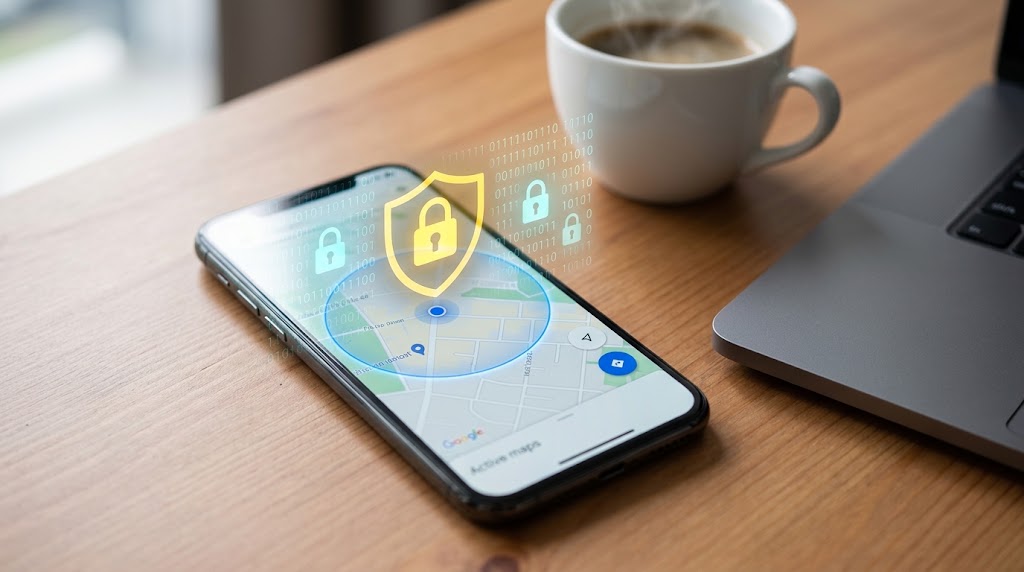
Exactly how accurate is phone GPS tracking in the real world? Usually within a few metres outdoors, but it depends on signal, hardware, and your surroundings. You glance at a map app and the blue dot looks confident — like the phone knows exactly where it is to the inch. Then you walk into a mall and the dot jumps across the building, or a tracking app shows your kid two streets from where they actually are. So how accurate is phone GPS, really? The honest answer is: very good outdoors, surprisingly shaky indoors, and almost never as precise as that single dot suggests.

How accurate is phone GPS tracking?
Under open sky, a modern smartphone is typically accurate to about 3 to 5 meters (10 to 16 feet). In cities, near tall buildings, or indoors, that can widen to 10 to 50 meters as signals bounce or get blocked. The blue dot is really the center of an estimate, not a guaranteed exact spot.
That gap between “looks exact” and “is an estimate” explains almost every confusing location reading you’ll ever see.
Your phone uses three location systems, not one
People say “GPS,” but your phone is quietly blending several positioning methods and picking whichever is best at that moment:
- GNSS (satellite positioning) — the real “GPS,” plus Galileo, GLONASS, and BeiDou satellites. Best accuracy outdoors, typically a few meters. The US government’s GPS.gov accuracy page notes that GPS-enabled smartphones are usually accurate to within around 4.9 meters under open sky.
- Wi-Fi positioning — matches nearby Wi-Fi networks against a huge location database. Fast and decent indoors where satellites can’t reach.
- Cell-tower triangulation — estimates position from tower signals. The least precise, often off by hundreds of meters to a kilometer or more, used as a fallback when nothing better is available.
When you see a tight, confident dot, satellites are doing the work. When it balloons into a fuzzy circle, the phone has fallen back to Wi-Fi or cell towers.
Typical accuracy ranges in plain numbers
Here’s roughly what to expect in different settings:
| Environment | Typical accuracy | What’s driving it |
|---|---|---|
| Open field, clear sky | 3–5 m | Strong satellite lock |
| Suburban streets | 5–10 m | Satellites with minor obstruction |
| Dense city / “urban canyon” | 10–50 m | Buildings block and reflect signals |
| Indoors (mall, office) | 20 m to wildly off | Mostly Wi-Fi and cell fallback |
| Moving vehicle, highway | 5–10 m | Continuous lock, smoothed by motion |
A peer-reviewed study of smartphone GPS in an urban environment found median errors of around 7 to 13 meters in built-up areas — a useful reality check against the “accurate to the inch” assumption.
Why the dot drifts (especially indoors)
The physics is simple: GPS needs a clear line of sight to satellites orbiting roughly 20,000 km up. Anything between you and the sky degrades the signal.
- Buildings reflect signals, so the phone receives a bounced copy and miscalculates distance. This “multipath” effect is why the dot teleports in city centers.
- Roofs and walls block satellites entirely, forcing the phone onto Wi-Fi or cell estimates.
- A cold start (phone just powered on, or GPS unused for a while) can take 30 seconds or more to lock on, and early readings are rough.
- Weather and dense tree cover add smaller errors.
This is the single biggest reason a location-tracking app sometimes shows someone “down the block.” The phone isn’t broken — it’s giving its best estimate from a weak signal.
How to get a more accurate location fix
You can tighten things up considerably:
- Turn on Google’s high-accuracy mode. On Android: Settings → Location → Location Services → Google Location Accuracy. This lets the phone combine Wi-Fi, Bluetooth, and mobile networks with GPS.
- Keep Wi-Fi and Bluetooth scanning on, even when not connected — they sharpen indoor positioning.
- Step outside or near a window for a few seconds to let satellites re-lock.
- Update the OS and map apps; positioning models improve over time.
- Use a recent phone. Flagships from the last few years support dual-frequency (L1 + L5) GNSS, which meaningfully reduces error in cities.
What this means for parents tracking a child’s phone
If you rely on location to know your child arrived at school or made it home, calibrate your expectations. Treat a reading as “this area” rather than “this exact doorway,” and set up geofence zones generously enough to absorb normal GPS drift — otherwise you’ll get false in-and-out alerts every time the dot wanders.
A purpose-built tool helps here. SpyHuman’s location tracker reports continuous location with history, so a single noisy reading is easy to spot against a clear pattern of movement, and the broader mobile tracker ties location to other activity for fuller context. Used on a device you own or your minor child’s phone, it turns one shaky dot into a trustworthy timeline.
Frequently asked questions
How accurate is phone GPS in a city?
Less accurate than in the open. Tall buildings block and reflect satellite signals, widening typical error to roughly 10 to 50 meters. The phone often falls back to Wi-Fi or cell-tower positioning, which is why the dot can jump between blocks downtown.
Why does my location show the wrong place?
Usually a weak satellite signal indoors or among buildings, forcing the phone onto less precise Wi-Fi or cell estimates. A cold start, outdated maps, or location accuracy mode being off can also cause it. Stepping outside briefly usually corrects it.
Can GPS be accurate to a few inches?
Not on a normal phone. Centimeter-level accuracy needs survey-grade equipment using RTK or differential GPS. Everyday smartphones land in the few-meters-to-tens-of-meters range depending on environment.
Does turning on high-accuracy mode drain the battery?
It uses more power because it adds Wi-Fi and network scanning to satellite positioning, but the difference is modest for most users and worth it when accurate location actually matters.
Lawful use only: monitor devices you own, your minor child’s device as a parent/guardian, or a company device with the user’s consent.