WhatsApp isn’t a social network, so parents often overlook it. But it’s where a lot of teen conversation actually happens — group chats, voice notes, disappearing messages, and live location. It’s also end-to-end encrypted, which is great for privacy and frustrating for any parent trying to keep their kid safe. So is it safe for children? Here’s an honest answer, plus the settings and tools that actually move the needle.
Is WhatsApp safe for kids?
WhatsApp can be reasonably safe for older teens with the right settings, but it carries real risks for younger children: a 13+ age limit with no real age check, encrypted chats parents can’t easily see, group invites from strangers, live location sharing, and disappearing messages. Locking down privacy settings and supervising younger kids closely is essential.
The real risks
Let’s be specific instead of vague. The issues that come up most:
- No age verification. WhatsApp requires users to be at least 13 (per its Help Center), but there’s no real check, so younger kids get on easily.
- Strangers via groups. Anyone with your child’s number can potentially add them to a group, exposing them to unknown adults and unmoderated content.
- Disappearing messages. Chats can be set to vanish after 24 hours, 7 days, or 90 days, which makes after-the-fact review nearly impossible.
- Live location. WhatsApp can share real-time location with a contact or group for a set period.
- Encryption. Every message and call is end-to-end encrypted. That’s a privacy win, but it also means WhatsApp offers no built-in way for a parent to read conversations.
None of this makes WhatsApp uniquely dangerous. It makes it a normal messaging app that needs setup before you hand it to a child.
New in 2026: parent-managed accounts
There’s finally a built-in option for younger kids. In 2026, WhatsApp introduced parent-managed accounts for children under 13, letting a parent link their own WhatsApp to the child’s. With it, you can set PIN-protected restrictions: control who can contact the account, which groups it can join, and the privacy settings overall.
It’s a genuine step forward, but note the scope: it’s aimed at pre-teens and it manages access and contacts, not message content. For a teen over 13 with a standard account, these controls don’t apply.
The privacy settings to change today
Whether or not you use parent-managed accounts, lock these down. Open Settings > Privacy:
- Set Profile Photo, Last Seen, About, and Status to My Contacts so strangers can’t see them.
- Turn Live Location off, or restrict it to close family only.
- Enable Silence Unknown Callers to cut spam and unknown-number calls.
- Under group settings, set who can add you to groups to My Contacts so random numbers can’t pull your child into a group.
Internet Matters has a thorough walkthrough if you want screenshots for each step. Five minutes here removes most of the easy exposure.
How to monitor WhatsApp responsibly
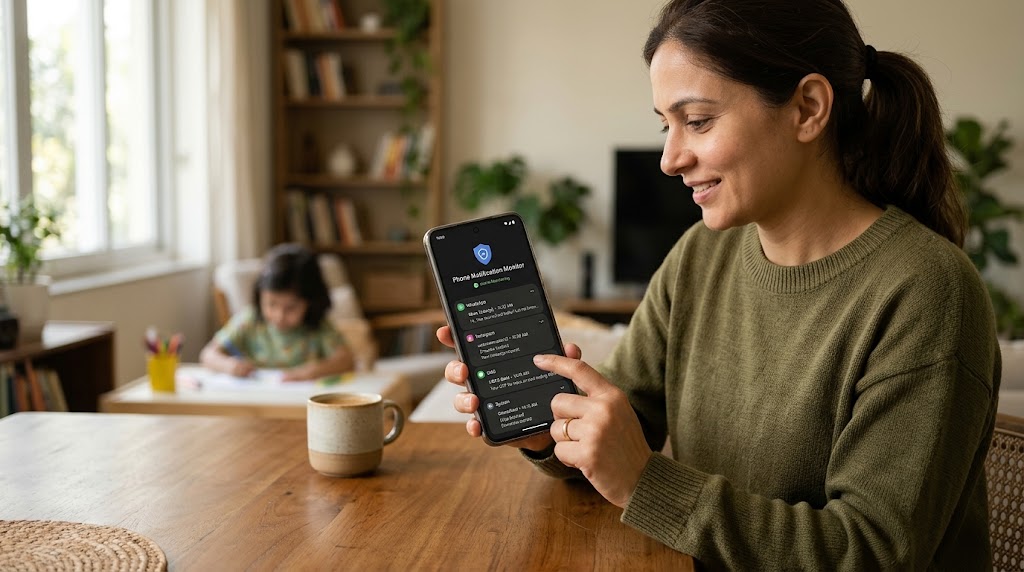
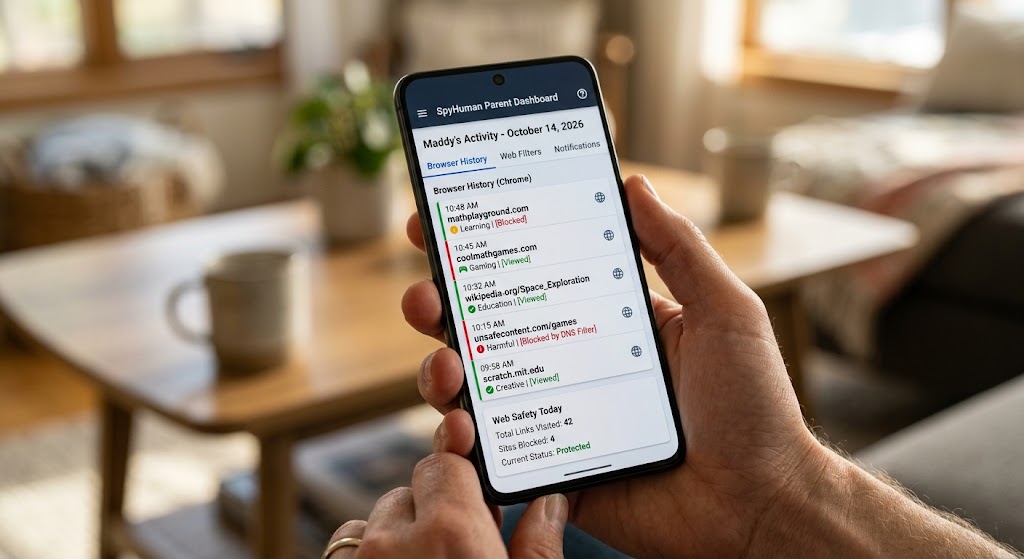
Because WhatsApp is encrypted, the app itself gives parents no window into conversations. For younger children or active concerns, that’s where device-level monitoring comes in. Installed openly on an Android phone you own and provide, SpyHuman’s WhatsApp tracker reads activity on the device — before and after encryption is applied on the wire — so you can see chats even when the network can’t. It sits alongside our wider social media monitoring for the other apps kids switch between.
Use it the same way you’d use any safety tool: transparently, matched to your child’s age, and eased back as they show they can handle more. The goal is to coach safe habits, not to read a 16-year-old’s every message.
Safer alternatives for younger kids
If your child is well under 13, the honest answer might be “not yet.” Messaging apps built specifically for kids — with contact approval and no open group invites — are a better fit until they’re old enough for WhatsApp’s defaults to make sense. You can always graduate them to WhatsApp later, with the settings above already in place.
If they’re also asking for Instagram, the trade-offs there are different — see our complete 2026 guide to Instagram parental controls.
Frequently asked questions
What age can a child use WhatsApp?
WhatsApp’s minimum age is 13, though the app doesn’t verify age. In 2026 WhatsApp added parent-managed accounts for under-13s, giving caregivers PIN-protected control over contacts and groups.
Can I read my child’s WhatsApp messages?
Not through WhatsApp itself — it’s end-to-end encrypted with no parental view of content. Reading messages requires a device-level monitoring app on a phone you own, used with your child’s knowledge.
How do I stop strangers messaging my child on WhatsApp?
Set Last Seen, profile photo, and “who can add you to groups” to My Contacts, and turn on Silence Unknown Callers. These privacy settings block most contact from unknown numbers.
Are disappearing messages a problem for parents?
They make after-the-fact review hard, since chats can auto-delete in as little as 24 hours. Device-level monitoring that logs activity as it happens is the only reliable way to keep a record.
Lawful use only: monitor your own minor child’s device as a parent or legal guardian, or a device you own and have authorization to supervise.