Snapchat is built to disappear. Messages vanish, the interface hides a lot from anyone who isn’t fluent in it, and that’s exactly why it makes parents nervous. If your kid practically lives in Snap and you want to know they’re safe, you’ve probably searched for a monitoring app and found a wall of identical “top 10” lists. This one is different: it tells you what each option actually shows, where it stops, and which gaps Snapchat’s own tools leave open.
Why is Snapchat so hard to monitor?
Snapchat is hard to monitor because its core design is ephemeral — snaps and chats are deleted by default after they’re viewed or after 24 hours, and there’s no running message archive on the phone the way there is in SMS or email. There’s no parent-readable transcript sitting in a folder. On top of that, the app warns users when someone screenshots or replays a snap, so quiet review is tricky.
That design is great for privacy and genuinely awful for a parent trying to spot grooming, bullying, or a stranger sliding into a teen’s DMs. It’s why “just check their phone” rarely works with Snapchat the way it might with other apps.
What does Snapchat’s own Family Center cover?
Snap’s built-in Family Center is the first thing you should set up, and for many families it’s enough. As of early 2026, Snap expanded it so parents can see more than ever — but it still draws a hard line at message content.
Here’s what Family Center shows a linked parent:
- Who your teen is friends with, plus any new friends added in the past week, and how they might know that person (mutual friends, contacts, shared communities).
- Who they’ve communicated with recently — names, not message content.
- Weekly screen-time insights: average daily time on Snap and how it splits between chatting, the camera, Snap Map, Spotlight and Stories (Snap announced these in January 2026).
- Controls to restrict sensitive content, turn off the My AI chatbot, and report concerning accounts on your teen’s behalf.
What Family Center will never show you is the content of private conversations. Snap is explicit about this: it’s designed to mirror real-world relationships — you can see who and how much, not what was said. You can read the full feature list on Snapchat’s official parents site.
So Family Center answers “who is my kid talking to and how much?” It does not answer “what is being sent in those chats?” That gap is the whole reason third-party monitoring exists.
The best Snapchat monitoring apps for parents in 2026
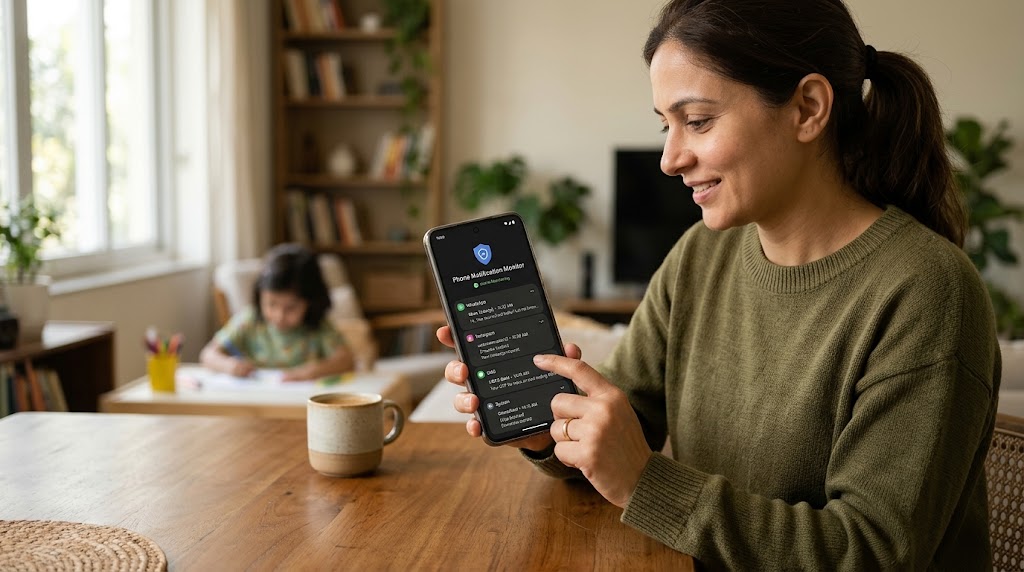
No app can break Snapchat’s encryption or resurrect snaps that were never saved. What device-level monitoring tools can do is capture activity as it happens on the phone — through the keyboard, the screen, or app usage — before it disappears. Here’s how the main options compare.
| App | What it shows for Snapchat | Platform | Free option | Price (paid) | Best for |
|---|---|---|---|---|---|
| Snap Family Center | Friends, recent contacts, screen time; content controls — no message content | iOS + Android | Yes (built in) | Free | Every family, as a baseline |
| SpyHuman | Keystroke capture, screenshots, app usage on the device you supervise | Android only | Yes (last 5 records) | $17.99/mo premium | Android parents wanting deeper, consent-based monitoring |
| Bark | AI alerts on concerning content it can access; no full chat archive | iOS + Android | No (trial) | Around $14/mo or ~$99/yr | Parents who want alerts, not raw logs |
| Qustodio | App time, blocking, limited social insight; not snap content | iOS + Android | Limited free | Roughly $55–$100/yr | Screen-time and app-limit focus |
| mSpy | Screen recording / keylogging on supervised device | iOS + Android | No | Higher monthly; cheaper on annual | Parents wanting a full feature suite |
A few honest notes on the table. Prices shift and most paid apps are far cheaper per month on an annual plan than month-to-month, so check the current rate before you buy — Bark, for example, runs around $14/month or roughly $99 a year for the whole family, while mSpy is pricey month-to-month and much lower on a 12-month term. Bark leans on AI alerts rather than handing you a transcript, which some parents love and others find vague. Qustodio is excellent at screen time and app limits but isn’t really a “read the chats” tool.
Where SpyHuman fits
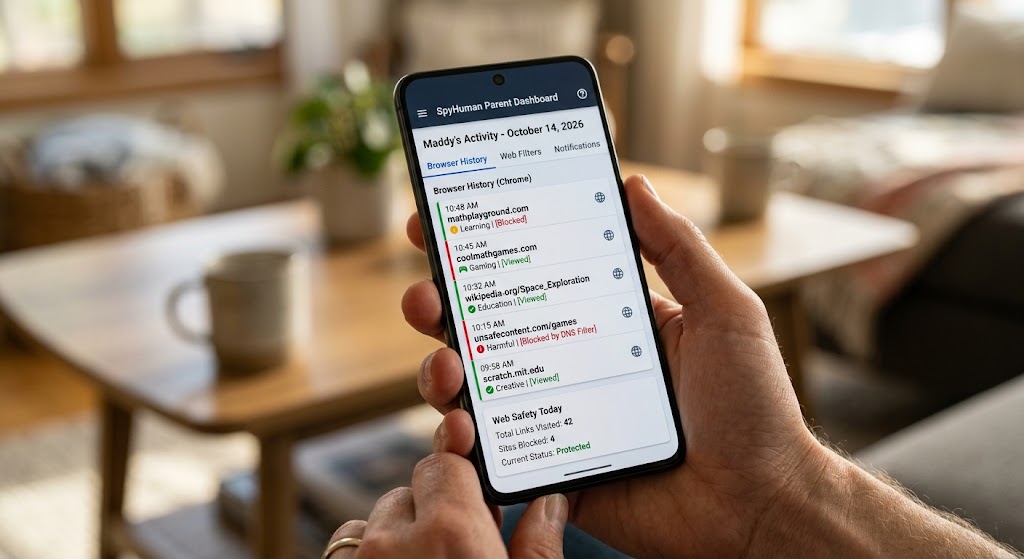
SpyHuman is an Android-only, consent-based monitoring app aimed at parents and device owners. For Snapchat specifically, it doesn’t decrypt the app — instead its keylogger and periodic screenshots capture what’s typed and shown on the phone you’re authorized to supervise, which is how it surfaces Snap activity that would otherwise vanish. The free plan gives you a working dashboard with the last five records across calls, SMS, GPS and app usage so you can try it before deciding; the premium plan ($17.99/month, with unlimited records, 90-day storage and 15+ social apps) is where the social-media depth lives. See exact tiers on the pricing page.
If you’re also worried about messaging apps beyond Snap, our guide to WhatsApp tracker apps covers the same ground for that platform.
How to set up Snapchat monitoring (the right way)
- Start with Family Center. Open Snapchat → profile → Settings → Family Center, and send your teen an invite. This is free and the least intrusive option.
- Have the conversation. Tell your teen what you’re doing and why. Monitoring you’ve talked about works; monitoring discovered later usually blows up trust.
- Add a device-level tool only if you need content visibility — for example, if there’s a real safety concern Family Center can’t address. On Android, install your chosen app on the device with about five minutes of physical access.
- Use Snap Map carefully. Set it to Ghost Mode or share location only with family, so your teen isn’t broadcasting their location to a wide friend list.
- Review, don’t surveil. Check periodically for genuine red flags — strangers, sexual content, bullying — not every message.
The ethics: monitoring without breaking trust
Snapchat monitoring sits in a genuinely sensitive spot, because the app is where a lot of teens feel most themselves. The healthiest approach is age-appropriate and transparent: more oversight for a 12-year-old, a lighter touch and more privacy as they earn it. Lead with safety, not suspicion, and loosen the reins as they show they can handle it. Covert, permanent surveillance of a teenager tends to backfire — it teaches them to hide better, not to be safer.
Frequently asked questions
Can any app show me my child’s Snapchat messages?
No app can break Snapchat’s encryption. Device-level tools like keyloggers or screenshot capture can record what’s typed or shown on a phone you supervise, but they read the device, not Snap’s servers.
Is Snapchat’s Family Center enough on its own?
For many families, yes. It shows friends, recent contacts and screen time, and lets you restrict content and disable My AI. It does not show message content, so parents with a specific safety concern sometimes add a device-level tool.
Is it legal to monitor my child’s Snapchat?
As a parent or guardian, monitoring your own minor child’s device is legal in most places. Secretly monitoring another adult’s account is not.
Will my teen be notified if I monitor their Snapchat?
Family Center requires your teen to accept the link, so it’s visible by design. Device-level apps vary, but the responsible — and trust-preserving — choice is to tell them.
Lawful use only: monitor devices you own, your minor child’s device as a parent or guardian, or a company device with the user’s consent.