
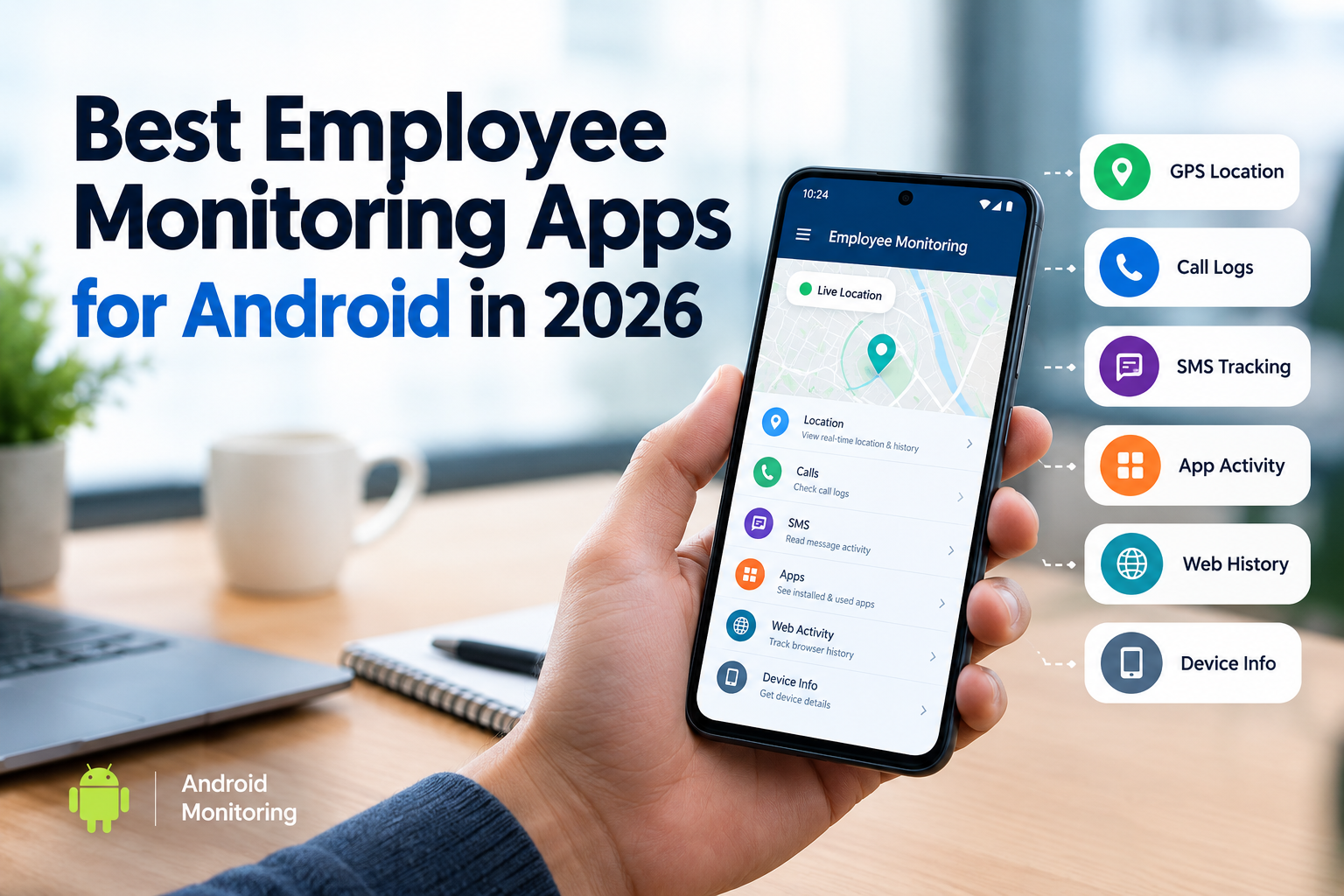
If your company gives employees Android phones, then choosing the right employee monitoring app Android can get confusing fast. Some apps focus on GPS and work hours. Others track desktop activity. A few are built around company-owned mobile devices.
The right choice depends on what you actually need to monitor.
A delivery company may care about GPS and routes. A field-service business may need location history and app activity. An employer managing company phones may want calls, SMS, device activity, and web usage from one dashboard.
So we compared the strongest options for Android users in 2026 and looked at what each tool is actually good at.
Quick answer: SpyHuman is the strongest choice for businesses that need broader monitoring of company-owned Android phones. Hubstaff is a better fit for mobile time tracking and GPS. Time Doctor makes more sense when the main requirement is tracking work hours from Android.
Best employee monitoring app Android at a glance
| App | Best for | Android | GPS | Device activity | Time tracking | Free option |
| SpyHuman | Company-owned Android phone monitoring | Yes | Yes | Yes | Limited | Yes |
| Hubstaff | Field teams and GPS time tracking | Yes | Yes | Limited on mobile | Yes | Trial |
| Time Doctor | Mobile work-hour tracking | Yes | No phone activity monitoring | No | Yes | Trial |
| Jibble | Attendance and mobile time tracking | Yes | Yes | Limited | Yes | Yes |
| Clockify | Simple mobile time tracking | Yes | Limited | No | Yes | Yes |
| Connecteam | Field teams and workforce management | Yes | Yes | Workforce focused | Yes | Yes |
The biggest thing to understand is that these products don’t all solve the same problem.
Hubstaff’s Android app tracks work time and GPS location. Its mobile app doesn’t record screenshots, apps, or URLs.
Time Doctor takes an even narrower approach on mobile. Its Android app records hours while the timer is running and doesn’t collect activity from the phone itself.
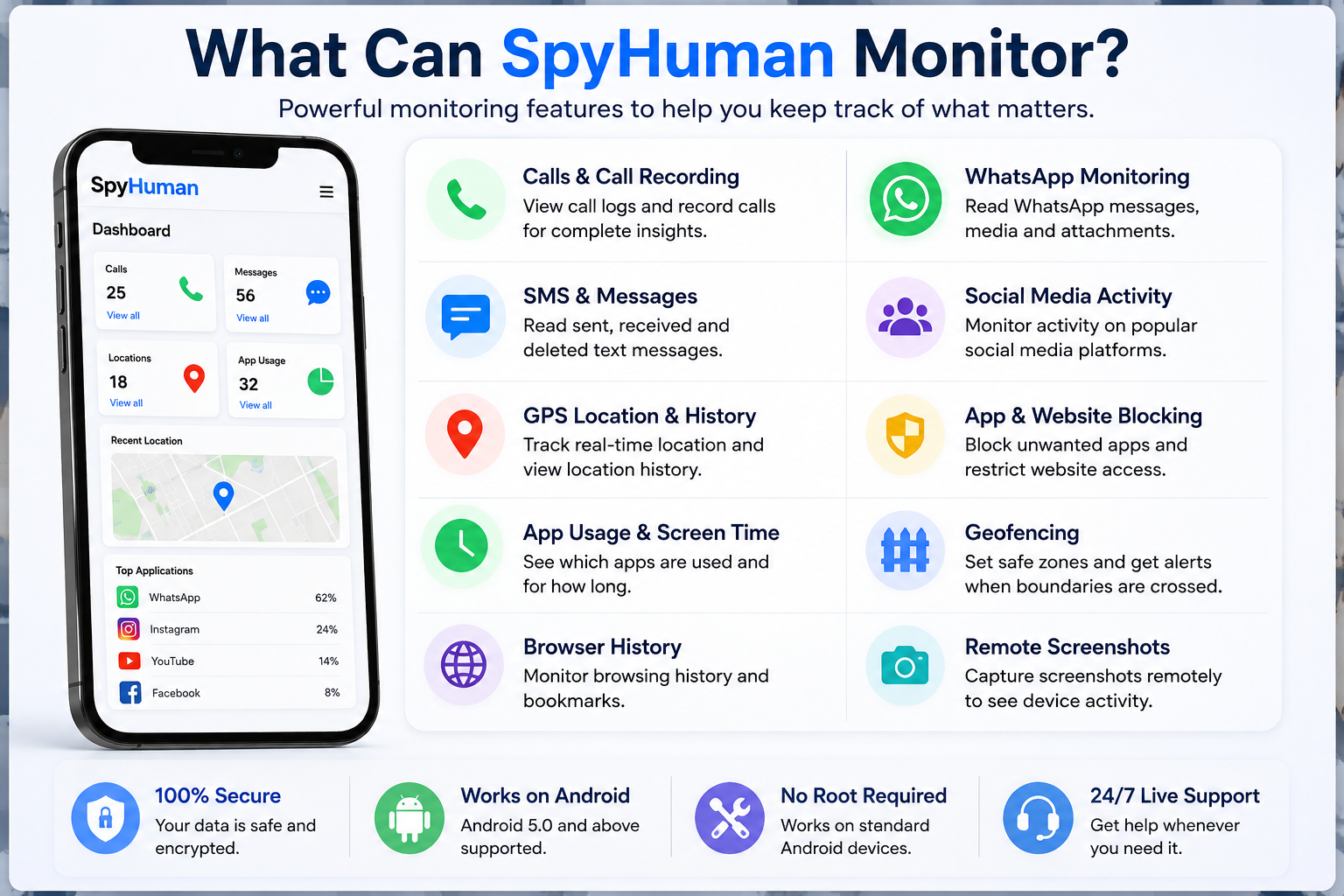
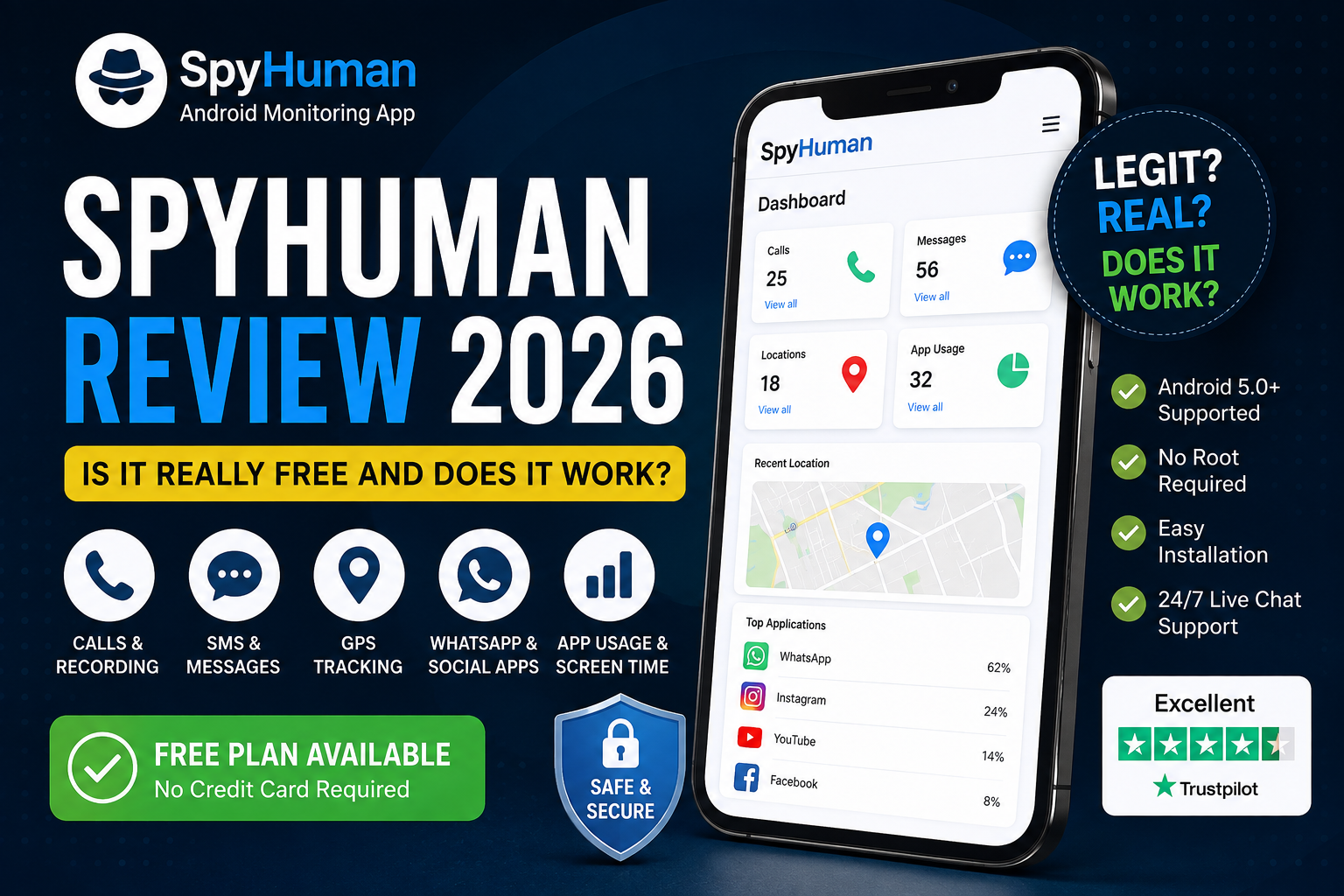
SpyHuman sits in a different category. Its Android monitoring platform can report calls, SMS, GPS location, app activity, and other device information through one web dashboard.
1. SpyHuman: Best for company-owned Android phones
Best for: Businesses that issue Android phones to employees and need device-level monitoring.
Why we picked it: SpyHuman covers more of the actual Android phone than typical workforce time-tracking apps.
A business can use it to monitor a company-owned Android device with the employee’s knowledge and consent. Current product information lists GPS location, call logs, SMS, app activity, browser history, and device information among its monitoring capabilities.
That makes it useful for companies where the phone itself is part of the job.
Think delivery drivers, field sales teams, service technicians, or employees who receive company phones for business communication.
What can SpyHuman monitor
Depending on the plan and setup, the platform can provide access to:
- GPS location and location history
- Call logs
- SMS activity
- App activity
- Browser history
- Installed applications
- Device information
- Screen-time information
- Notifications
- Files and media
- Other Android monitoring functions
The company also maintains a dedicated all-features Android monitoring guide covering its current monitoring tools.
For businesses that need location data specifically, the GPS location tracker provides live location information plus history and route data on supported plans.
Why businesses may prefer it
The main advantage is breadth.
A company doesn’t have to use one application for GPS and another tool to inspect basic device activity. SpyHuman brings multiple Android monitoring functions into one dashboard.
There’s also a free plan, so a business can test the setup before committing to Premium. SpyHuman currently lists Premium at $17.99 per month with unlimited monitoring records and additional features.
One thing to check first
SpyHuman is Android-only.
The monitored phone also needs to be physically available for the initial installation. After setup, the dashboard can be accessed remotely. Current product information lists Android 5.0 and newer as supported.
For employee monitoring, this is actually useful because it keeps the setup tied to a specific company device.
Best choice if: You need an Android company phone tracker that goes beyond basic time and GPS tracking.
2. Hubstaff: Best for GPS and mobile time tracking
Best for: Field workers, mobile teams, contractors, and businesses that mainly need hours plus location.
Hubstaff takes a more workforce-management approach.
Its Android app tracks work time and GPS location. Businesses can use geofences around job sites and see routes and time spent at locations.
That makes Hubstaff particularly useful for businesses where employees move between customer locations.
A cleaning company is a good example.
The manager may need to know when a worker arrived at a site and how long they stayed. They don’t necessarily need access to SMS conversations or other phone content.
Hubstaff also supports geofenced time tracking so teams can clock in or out around defined work locations.
Where Hubstaff is different
Its Android monitoring is much narrower than a full device-monitoring platform.
Hubstaff’s own documentation says its mobile app doesn’t record screenshots, activity levels, apps or URLs. It focuses on time and location information.
That’s a strength if your company wants a simpler approach.
It also means you shouldn’t choose Hubstaff expecting the same type of Android device visibility provided by SpyHuman.
Best choice if: Your main goal is mobile workforce time tracking with GPS.
3. Time Doctor: Best for mobile work-hour tracking
Best for: Remote workers and businesses that need mobile time tracking.
Time Doctor has an Android application that lets employees track time against projects and tasks.
The important detail is what the Android app doesn’t do.
Time Doctor states that its mobile application doesn’t monitor data from the phone itself. It records hours while mobile time tracking is active rather than collecting apps, phone content or general device activity.
That’s a much better fit for businesses that want accountability around working hours without turning the company phone into a monitoring source.
Employees can log into the Android app, select a project and task then start tracking time.
Who should choose Time Doctor?
Consider it if your workforce mainly needs:
- Project-based time tracking
- Mobile work-hour records
- Task tracking
- Employee time reports
- A less intrusive mobile setup
It isn’t the right choice if you need detailed company phone monitoring.
Best choice if: You want employees to record work hours from Android without monitoring the phone’s content.
4. Jibble: Best for attendance-focused teams
Best for: Companies that care more about attendance than phone activity.
Jibble fits the workforce time and attendance category.
It’s useful for businesses with employees working from different locations where managers need a simple way to record clock-ins, clock-outs, and work time from mobile devices.
For example, a construction company may need attendance records for workers moving between sites.
A phone-monitoring platform would be unnecessary if attendance is the only requirement.
When Jibble makes sense
Choose this type of solution when your main questions are
- Did the employee clock in?
- When did they start?
- When did they finish?
- How many hours were recorded?
- Where was the work performed?
If your questions involve SMS, calls, apps, or other device activity, then you’ll need a different category of product.
Best choice if: Attendance and time records are the main priority.
5. Clockify: Best for simple time tracking
Best for: Small teams that want basic mobile time tracking.
Clockify is another option for businesses that want employees to record working hours from Android.
It’s particularly useful when you don’t need deep monitoring.
A small agency with employees working from phones may simply want staff to record time against projects. Adding device-level monitoring to that setup would probably create more administration than value.
What to consider
Clockify makes more sense when your goal is
- Project time tracking
- Timesheets
- Billable hours
- Basic team reporting
- Mobile access
It’s less suitable for companies that need a company device tracker with detailed Android activity.
Best choice if: You want basic work-hour tracking rather than full phone monitoring.
6. Connecteam: Best for field-based workforce management
Best for: Field teams that need workforce management alongside mobile tracking.
Connecteam is aimed at businesses with deskless and field workers.
That makes it a better fit for companies where scheduling, communication, attendance, and field operations are part of the same workflow.
For a mobile workforce, this can be more useful than installing a pure monitoring application.
The catch is simple.
If your actual requirement is to monitor a company-owned Android phone’s calls, SMS, apps, and device activity, then a workforce management platform isn’t the same thing.
Best choice if: You manage field workers and need workforce tools around mobile operations.
Which employee monitoring app for Android should you choose?
Start with the phone.
Ask what the company actually needs to know.
If you only need working hours, then a time-tracking application is probably enough.
If you need employee location during fieldwork, then look at GPS-focused tools such as Hubstaff.
If you need broad visibility into a company-owned Android device, then SpyHuman is the stronger fit.
Here’s a simple way to decide:
| Your requirement | Best fit |
| Monitor company-owned Android phones | SpyHuman |
| GPS plus mobile time tracking | Hubstaff |
| Mobile work-hour tracking | Time Doctor |
| Attendance tracking | Jibble |
| Basic project time tracking | Clockify |
| Field workforce management | Connecteam |
This distinction matters because the phrase “employee monitoring” covers several different products.
A GPS time tracker isn’t automatically a phone monitoring platform.
And a phone monitoring app isn’t automatically an attendance system.
What features should business phone monitoring software have?
The feature list matters less than the business reason behind each feature.
Still, there are several capabilities worth checking.
GPS location tracking
GPS is useful for field employees who use company phones while travelling between customers or job sites.
SpyHuman’s Android GPS location tracker provides current location data, location history and route information on supported plans.
Hubstaff also provides GPS tracking through its Android app with routes and location-based time tracking.
Call logs
Call logs can help companies review business phone usage.
For a sales team this can help with basic call administration. For a field-service team it can help connect company phone activity with customer communication.
SpyHuman’s monitoring suite includes call logs with additional call-recording functionality available on Premium.
SMS monitoring
SMS can be relevant when employees use company-owned phones for business communication.
SpyHuman’s SMS tracker reports incoming and outgoing SMS activity through the dashboard.
Businesses should be careful here.
Messages can contain personal information. Monitoring policies should explain exactly what is collected and why.
App activity
App activity can help an IT or security team identify applications installed on company phones.
SpyHuman’s app activity tracker reports application usage plus install and uninstall activity.
For a company managing Android devices, this can be useful when employees are allowed to install business applications but shouldn’t install unapproved software.
Website activity
Browser activity can matter when a company phone is used to access business systems.
But don’t switch on every available monitoring function simply because the software has them.
Choose the smallest amount of information that answers your business question.
Employee monitoring vs. company device tracking
These terms sound similar, but they can mean different things.
Company device tracking usually focuses on the device itself.
That might include:
- Device location
- Device status
- Installed applications
- Device information
- Security events
Workforce monitoring can be much broader.
It may involve:
- Working hours
- Attendance
- Productivity
- Project activity
- Location
- Application use
And business phone monitoring focuses specifically on the Android phone and its activity.
That’s where SpyHuman fits particularly well.
A company can use its Android monitoring tools to view several categories from one dashboard rather than relying on a separate GPS application plus another device activity tool.
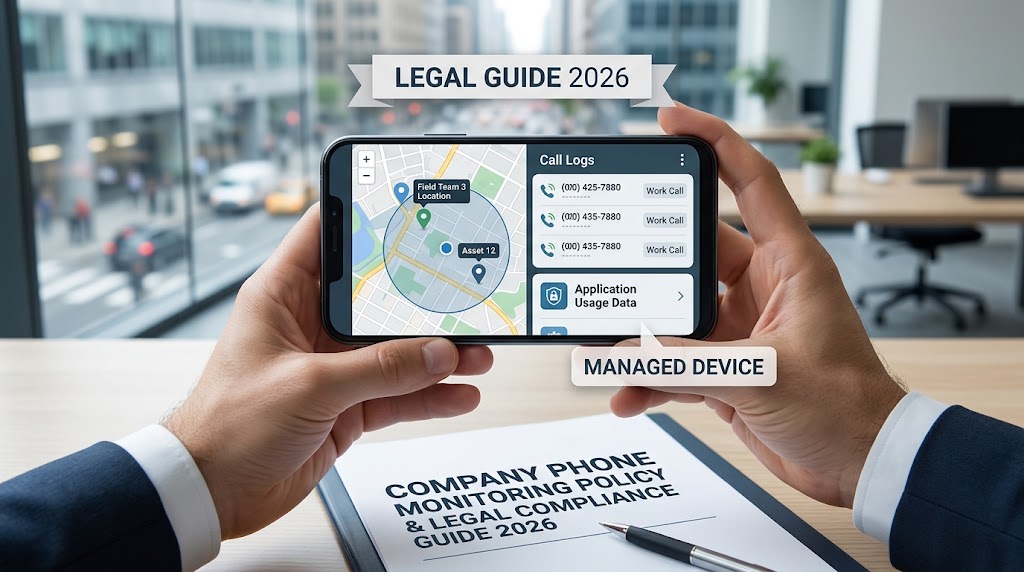
Is employee phone monitoring legal?
It can be legal when the company has a proper reason and follows the rules that apply where it operates.
The legal side shouldn’t be treated as an afterthought.
The UK’s Information Commissioner’s Office says employers should identify a clear purpose for monitoring workers and choose the least intrusive way to achieve that purpose. It also says employers should tell workers about monitoring in most circumstances.
That means a company shouldn’t collect every possible piece of phone data simply because an app makes it possible.
Before deploying an employee monitoring app, define:
- Which devices are monitored.
- Why monitoring is required.
- What information is collected.
- When monitoring is active.
- Who can access the information?
- How long records are retained.
- How employees are informed.
- What happens when an employee leaves.
The rules differ between countries and regions, so businesses should get local legal advice when the monitoring involves sensitive information or personal devices.
What about personal employee phones?
Be much more careful.
A personal Android phone can contain banking information, family conversations, private photos, and other data that has nothing to do with work.
A company-owned phone gives you a much cleaner boundary.
For that reason, businesses considering monitoring should decide whether they actually need BYOD monitoring before rolling out an app.
How to choose the right workforce monitoring app
Use this checklist before buying anything.
1. Start with the business problem.
Don’t start with a feature list.
Start with the question you need answered.
Do you need to know where a field employee is?
Do you need work hours?
Do you need to manage company Android phones?
Do you need to review business communication?
The answer points you toward the right product category.
2. Check Android compatibility.
Android isn’t one single environment.
Phone manufacturers can change battery restrictions and background app behavior.
Check the supported Android version and test the application on the actual devices your employees use.
3. Check what the mobile app really records.
This is where product descriptions can become confusing.
For example, Hubstaff’s mobile application focuses on time and GPS. Time Doctor says its mobile app doesn’t collect activity from the phone itself.
Read the documentation before buying.
4. Check the privacy controls.
Look for settings that let you control when monitoring happens.
This matters even more when employees take company phones home.
5. Test before rolling it out
Give the software a real-world test.
Use one or 2 company devices.
Check GPS accuracy. Test background syncing. Review dashboard permissions. See how much data is actually collected.
Then decide whether the tool fits the policy you plan to use.
Common mistakes businesses make
Monitoring everything
More data creates more responsibility.
If your company only needs location during delivery hours, then collecting messages and browser activity may be unnecessary.
Monitoring personal devices without a clear boundary
BYOD can quickly blur work and private life.
A separate company phone is often easier to manage.
Forgetting about employee communication
Employees should know what the company monitors.
The ICO says transparency is closely linked to fairness and worker trust.
Treating monitoring data as absolute proof
A GPS record can be wrong.
An app can stop syncing.
A phone can lose connectivity.
Use monitoring data as one source of information rather than automatically treating every record as proof of misconduct.
Giving too many people dashboard access
Monitoring records can contain sensitive information.
Limit access to people who actually need it.
The ICO also recommends restricting access to monitoring information to appropriate people and protecting the information with suitable security measures.
Why SpyHuman is worth considering for Android businesses
If your company uses Android phones as part of daily operations, then SpyHuman deserves a place near the top of your shortlist.
The reason is simple: it focuses on the Android device itself.
You can start with the free plan and then test whether the device reports the information your business needs. SpyHuman currently lists Android 5.0+ support with no root required.
The platform also has a dedicated workplace use case for company-owned phones.
That makes it a better match for businesses that need more than timesheets and GPS.
If you want to understand the legal side before installing anything, then read SpyHuman’s employee phone monitoring legal guide. It covers company-owned phones, monitoring purposes, employee notice, data minimization, and common workplace monitoring mistakes.
You can also read Is SpyHuman Legit? for a closer look at the current product, pricing, and limitations before making a decision.
Final verdict
The best employee monitoring app for Android depends on what you need to monitor.
For simple mobile time tracking, Time Doctor is a sensible option. For GPS-based field teams, Hubstaff is a strong choice.
For attendance and workforce management, tools such as Jibble and Connecteam make more sense. For companies that want broader visibility into company-owned Android phones, SpyHuman is the strongest option in this comparison.
And the legal side matters just as much as the software. Define the purpose, and tell employees what you monitor and collect only the information you actually need.
If SpyHuman fits your company’s requirements, you can try SpyHuman free before deciding whether the paid features are worth adding.
FAQs
Can an employer monitor an Android company phone?
Yes, an employer can potentially monitor a company-owned Android phone when the monitoring is lawful and the employee is properly informed. The exact requirements depend on the country and type of monitoring.
What is the best Android app for monitoring company phones?
For broad Android device monitoring, SpyHuman is a strong choice because it can provide GPS, calls, SMS, app activity, and other device information from one dashboard.
Can employee monitoring apps track GPS location?
Yes. GPS tracking is common in mobile workforce software. Hubstaff records GPS locations through its Android application, while SpyHuman provides live location and location history on supported plans.
Should businesses monitor personal employee phones?
Usually this requires much more care because personal phones contain private information. A company-owned Android device gives businesses a clearer boundary between work data and personal activity.
Is employee phone monitoring the same as time tracking?
No. Time tracking records working hours. Phone monitoring can include device activity such as calls, SMS, applications, browser activity, and location. Some products cover both areas, while others focus on only one.
Does SpyHuman work without rooting an Android phone?
Yes. SpyHuman states that it works on standard Android devices without root and supports Android 5.0 and newer versions. One-time physical access is required for installation.
Leave a Reply