If you’ve installed an Android call recorder recently and ended up with nothing but silence on the other end, you’re not doing it wrong — Google quietly broke most of them. The good news is that some recording options still work in 2026. The bad news is the easy, install-anything era is over. Here’s what actually records calls on Android now, what’s legal, and how the real options compare.
Why did most Android call recorder apps stop working?
Google has spent years closing the doors that third-party recorders used. Android 6 removed the official call-recording API; Android 10 blocked recording the call audio through the microphone; and Google then shut the Accessibility API loophole that recorder apps had relied on. Google Play’s own policy now states plainly that the Accessibility API is not for remote call audio recording, and access to Call Log data is restricted to default phone/SMS handlers.
The practical result in 2026: a random recorder app from the Play Store usually captures your side of the call and dead air on the other. What survives the crackdown is a narrower, more specific set of options.
What still works for call recording in 2026?
Three categories still function reliably:
- Built-in / OEM recorders. The crackdown targeted third-party apps. Native recording on the Google Phone app and Samsung’s dialer (where regionally available) still works because it’s part of the system, not a workaround.
- Carrier or business voice features. Some carriers and VoIP/business phone systems offer recording at the network level.
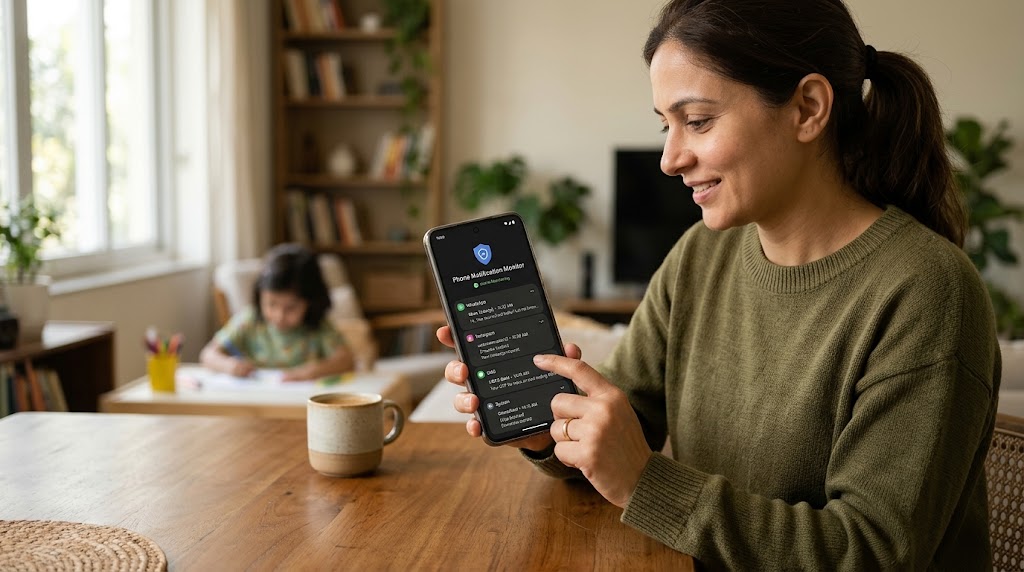
- Device-level monitoring apps installed on a phone you own or supervise, which capture call audio and logs as part of broader, consent-based monitoring.
Everything else — generic recorder apps promising magic — is increasingly a gamble.
Best call recorder options for Android, compared
Here’s an honest comparison of what genuinely records calls on Android in 2026 and where each fits.
| Option | What it records | Availability | Cost | Best for |
|---|---|---|---|---|
| Google Phone app (built-in) | Both sides, where supported | Pixel + many Android phones, region-dependent | Free | Most personal users |
| Samsung native recorder | Both sides, where supported | Samsung Galaxy, region-dependent | Free | Galaxy owners |
| SpyHuman | Call recording + logs + VoIP on supervised device | Android 5.0+ (premium) | $17.99/mo | Parents / device owners wanting full monitoring |
| Cube ACR | Limited by OS; some VoIP, patchy regular-call support | Play Store | Free + paid | Trying despite restrictions |
| Carrier / VoIP recording | Network-level audio | Plan-dependent | Varies | Business lines |
A couple of honest caveats. The built-in recorders are the most reliable and cost nothing, but they’re region-locked — recording is disabled entirely in some countries for legal reasons, and there’s often a mandatory audible “this call is being recorded” announcement. Third-party apps like Cube ACR still exist but their regular-call recording is increasingly hit-or-miss after the API changes; results depend heavily on phone model and Android version.
Where SpyHuman fits
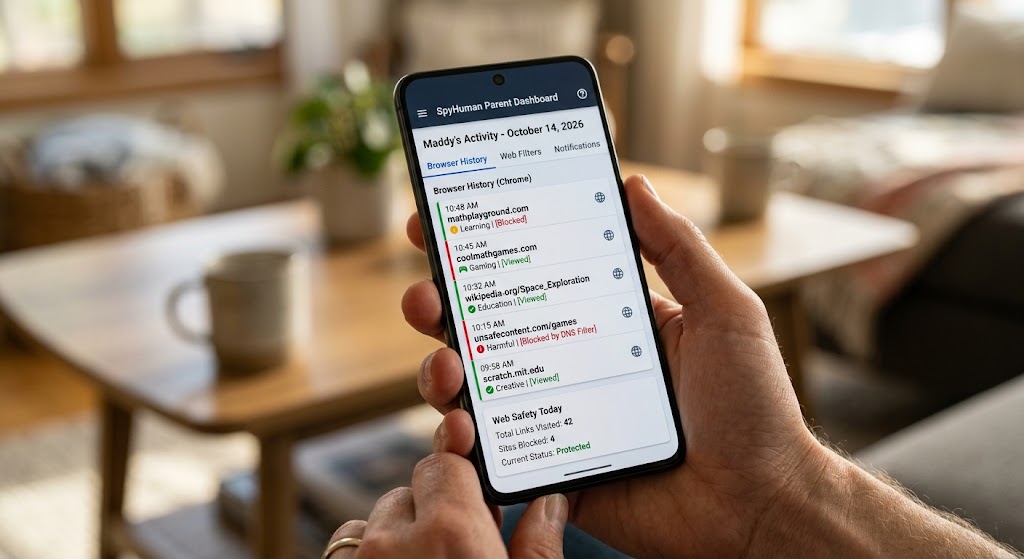
SpyHuman’s call recorder is part of a broader Android monitoring suite for parents and device owners, not a standalone Play Store recorder. Because it’s installed directly on a phone you own or are authorized to supervise, it captures call recordings, call logs and even VoIP calls as part of premium monitoring — alongside SMS, GPS and social media monitoring. The free plan shows the last five call and SMS records so you can see how the dashboard works; call recording and unlimited records are premium features at $17.99/month (full details on the pricing page). It requires about five minutes of one-time physical access to set up, works on Android 5.0 and up, and needs no root.
Is it legal to record phone calls?
This is the part people skip and shouldn’t. Call-recording law turns on consent, and it varies by where you are:
- One-party consent jurisdictions allow recording a call you’re part of, even if the other person doesn’t know.
- Two-party (all-party) consent jurisdictions require everyone on the call to agree.
- Recording calls you’re not on — eavesdropping — is illegal almost everywhere.
For parents, recording on your own minor child’s device that you supervise is generally lawful. For everyone else, the safe rule is simple: only record calls you’re a party to, and where the law allows it, announce it. When in doubt, get consent or don’t record.
Our recommendation
For most people, start with your phone’s built-in recorder — it’s free, reliable where available, and avoids the third-party breakage entirely. If it’s missing or blocked in your region, a carrier/VoIP feature is the next cleanest option. Parents who want call recording as part of broader oversight of a child’s device — logs, location, social apps — are the right audience for a device-level monitoring app like SpyHuman, used transparently and lawfully. Steer clear of any app promising to remotely record someone else’s calls; that’s both technically dubious and, in most cases, illegal.
Frequently asked questions
Why can’t my third-party recorder hear the other person anymore?
Because Google removed the APIs and closed the Accessibility loophole those apps relied on. Most now capture only your side and silence from the caller.
Do built-in call recorders still work in 2026?
Yes. The Google Phone app and Samsung’s dialer record calls where it’s regionally permitted, often with a mandatory recording announcement. The crackdown only hit third-party apps.
Is recording a call without telling the other person legal?
It depends on your jurisdiction. One-party-consent areas allow it; two-party-consent areas require everyone to agree. Recording a call you’re not part of is illegal almost everywhere.
Can I record my child’s calls?
On a device you own and your minor child uses, monitoring including call recording is generally lawful for a parent or guardian. Be transparent and check your local rules.
Lawful use only: record or monitor devices you own, your minor child’s device as a parent or guardian, or a company device with the user’s consent — and follow your local call-recording consent laws.