If your child has an Android phone, you can keep an eye on who’s calling and texting — but it takes a bit more than it used to. Google has tightened the rules around call and SMS access, which changed what’s possible and which tools actually work. Here’s a clear, current rundown of your real options in 2026 and how to choose between them.
What’s the best way to monitor my child’s calls and texts on Android?
For a phone you own and provide to your child, a dedicated Android monitoring app gives the most complete view — call logs, SMS content, and timestamps in one dashboard. Built-in family tools and carrier records cover the basics (who and when) but not message content. Whatever you choose, install it openly and use it lawfully on your minor child’s device.
Option 1: Built-in and family tools (the basics)
Android’s own family tools, like Family Link, focus on screen time, app limits, and location. They don’t show you call logs or the content of text messages. That’s a deliberate boundary — useful for younger kids, limited for a parent who needs to see who their child is actually talking to.
What you get: app usage, screen time, location, content filters.
What you don’t: call logs, SMS content, the substance of conversations.
Option 2: Carrier records (who and when, not what)
Your mobile carrier keeps logs of calls and texts on the account, usually visible in the online account portal or monthly statement. If you’re the account holder, you can typically see the numbers your child called or texted and when.
The hard limit: carriers log metadata, not content. You’ll see that your teen exchanged 30 texts with a number at 1 a.m. You won’t see what was said. For a quick “who is this number” check, carrier logs are free and fast. For anything deeper, they fall short.
Option 3: Dedicated monitoring apps (the full picture)
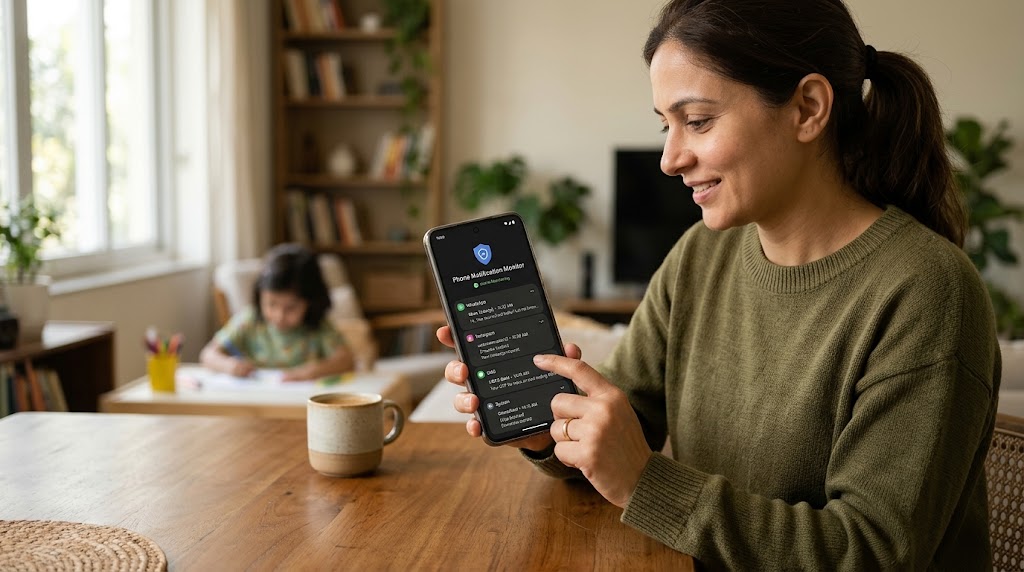
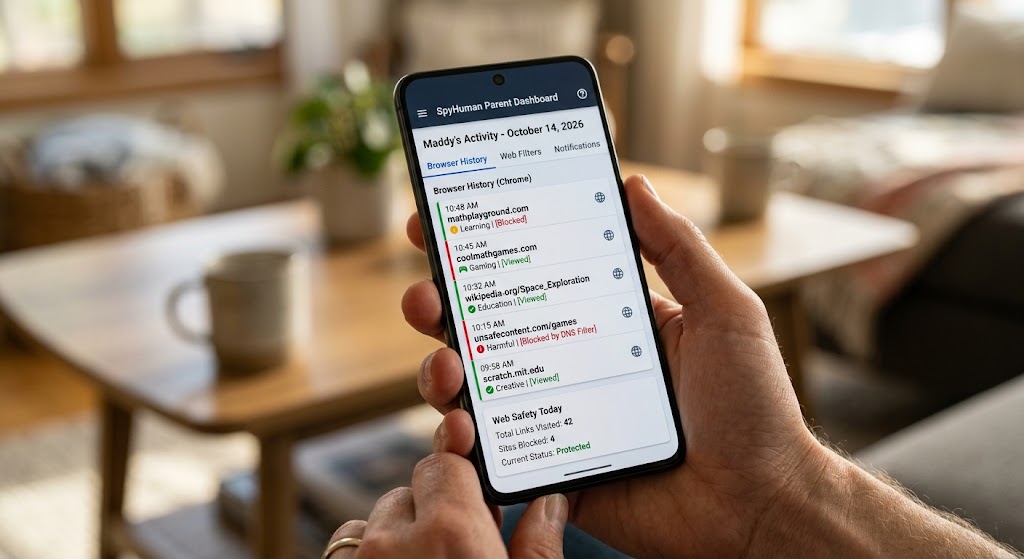
A monitoring app installed on a phone you own gives the most complete view: call logs with names and durations, the actual content of SMS, and timestamps, all in one dashboard. SpyHuman runs on Android 5.0 and up with no root required, and a call recorder plus our Android keylogger cover both the call and text sides — the keylogger also captures typed messages inside chat apps, which matters because so much teen messaging has moved off SMS.
Worth knowing about the 2026 landscape: Google has clamped down hard on call and SMS access. Per Google Play’s sensitive-permissions policy, apps generally need to be the default handler for SMS or Phone to touch that data, and Google previously banned the accessibility-API workaround for call recording. That’s why a purpose-built monitoring app installed directly on the device — rather than a casual app from the Play Store — is the route that still works for parents.
Quick comparison
| Method | Call logs | SMS content | Cost | Best for |
|---|---|---|---|---|
| Family tools (Family Link) | No | No | Free | Younger kids, screen time |
| Carrier records | Numbers + times | No | Free | Quick metadata checks |
| Monitoring app | Yes | Yes | Free / paid plan | Full visibility on owned device |
How to set it up the right way
- Confirm it’s your device. Monitoring is for a phone you own and provide to your minor child.
- Tell your child. Open monitoring works better and keeps you on the right side of the law. Explain it’s about safety.
- Install once. SpyHuman needs about five minutes of one-time physical access; you register first on your own device, then view everything from the dashboard at cp.spyhuman.com.
- Review, don’t obsess. Check in periodically rather than reading every message. Use what you see to start conversations, not interrogations.
- Ease off as they grow. Tighten for a 10-year-old, loosen for a responsible 16-year-old.
A note on legality
The rules differ for calls versus texts, and for who consents. Reviewing your own minor child’s call logs and texts on a device you own is generally permitted; recording the audio of calls brings in consent laws that vary by state and country. Before you turn on call recording specifically, read our breakdown of whether it’s legal to record phone calls.
Frequently asked questions
Can I see my child’s deleted text messages?
A monitoring app that logs messages as they’re sent and received keeps a record even if your child later deletes the message on their phone. Carrier logs and built-in family tools won’t recover deleted content.
Do I need to root the phone?
No. SpyHuman works on Android 5.0 and up without root. You’ll need about five minutes of physical access to the device once during setup.
Will my child know the app is there?
You should tell them — open monitoring is both more effective and more lawful. Frame it around safety and adjust the level of oversight as they mature.
Can I monitor an adult’s phone this way?
Only with their consent or on a device you own and are authorized to supervise. Covertly monitoring another adult’s phone is illegal in most jurisdictions.
Lawful use only: monitor your own minor child’s device as a parent or legal guardian, or a device you own and have authorization to supervise.