When a phone is stolen, the device is rarely the worst loss — it’s the banking apps, the saved passwords, the messages, and the SIM that can be used to break into everything else. The first ten minutes decide how much of that you protect. Work through this list in order. You can do most of it from a borrowed phone or any nearby computer.
What should I do first if my phone is stolen?
Act fast and in this order: lock or erase the phone with Find Hub, call your carrier to suspend the SIM and block the IMEI, change your most important passwords, freeze banking and payment apps, and file a police report with the IMEI. Speed limits the damage more than anything else.
Here’s each step in detail.
1. Locate and lock it with Find Hub (do this first)
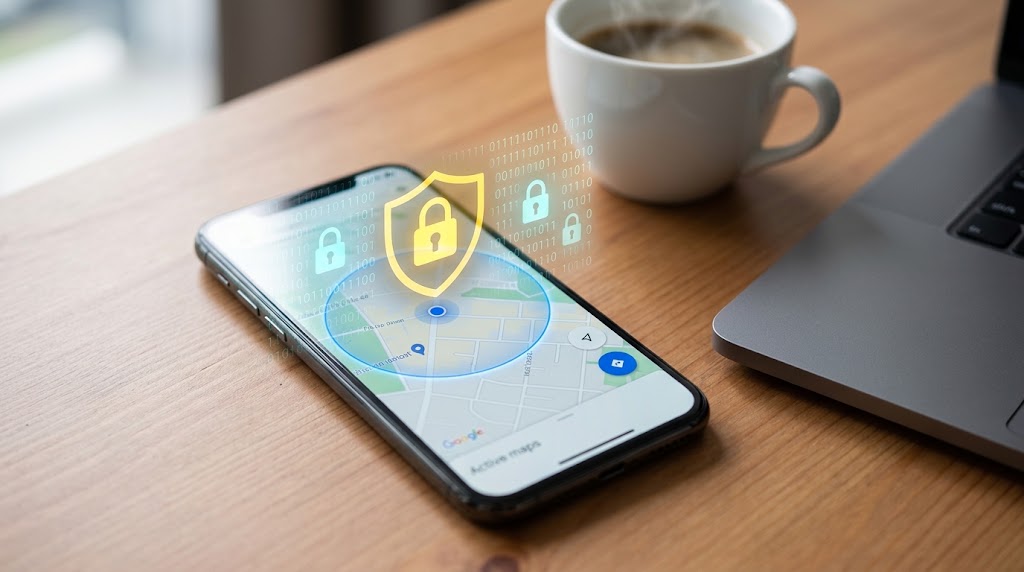
From any browser, go to google.com/android/find and sign in with the phone’s Google account. Check the map, then tap Secure device (Mark as Lost) to lock the screen with a PIN and post a message like “Stolen — please call 555-0142.” Locking immediately stops the thief from opening your apps while you handle everything else. Don’t jump straight to erasing — once you wipe it, you lose the ability to track it.
2. Call your carrier — suspend the SIM and block the IMEI
Your number is a master key: it receives the SMS codes that reset passwords. Call your carrier right away and ask for two things — suspend the SIM so it can’t make calls or receive your verification texts, and blacklist the IMEI so the device can’t connect to any network even with a new SIM. The FCC’s mobile device guide confirms carriers can block a reported device at the network level.
3. Change your most important passwords
From a trusted device, change the passwords that gate everything else, in priority order:
- Your Google account (it holds your accounts, photos, and Find Hub itself).
- Your email (the recovery address for most other logins).
- Banking, UPI, and payment logins.
- Any account where you’re still signed in on the stolen phone.
While you’re in your Google account, sign the lost device out of active sessions.
4. Freeze your banking, UPI, and payment apps
Phones carry banking apps, wallets, and UPI access that can move real money. Call your bank to flag the account and block app access, and freeze any wallet or UPI ID linked to the device. If your banking app supports a temporary lock or card freeze from another device, use it now. Don’t wait for the police report — minutes count here.
5. File a police report with the IMEI
Report the theft to the police and include the IMEI number (find it on the original box, the carrier account, or by dialing *#06# on the phone before it was lost), the make and model, and where and when it happened. The report is more than a formality: carriers and insurers usually require it, and a blacklisted IMEI on record helps if the phone turns up.
6. Sign out and revoke access everywhere else
Beyond email and banking, the stolen phone may stay logged into social media, messaging, cloud storage, and shopping apps. From each service’s “security” or “active sessions” settings on another device, sign out the missing phone and revoke its access. This closes off impersonation, message snooping, and saved-card misuse.
7. Decide on erasing — and claim insurance
Once you’ve secured your accounts and blocked the SIM, make the erase call. If sensitive data remains and recovery looks unlikely, use Erase device in Find Hub for a remote factory reset — knowing it ends your ability to track the phone. Then, if you have device insurance or carrier protection, file the claim; most policies require the police report and carrier notification within a set window, which is why you did those first.
Quick recap
| Minute | Action | Why it matters |
|---|---|---|
| 0–2 | Lock via Find Hub | Stops app access instantly |
| 2–4 | Carrier: suspend SIM + block IMEI | Cuts off SMS codes and network use |
| 4–6 | Change Google, email, banking passwords | Protects the accounts behind the phone |
| 6–8 | Freeze banking / UPI / wallets | Stops money movement |
| 8–10 | Police report + revoke sessions + erase if needed | Creates a record, closes remaining doors |
A little prep makes all of this faster next time. Keeping continuous location and device awareness through a tool like SpyHuman’s mobile tracker and location tracker on a phone you own means you already know its last position the moment it goes missing — instead of starting from zero in a panic.
Frequently asked questions
Can I track my phone after it’s stolen?
Yes, as long as you haven’t erased it and it’s signed into a Google account. Use Find Hub at google.com/android/find to see its location, lock it, or play a sound. Even offline, it usually shows the last known location.
Should I confront the thief if I see the location?
No. A map pin isn’t precise enough to be sure, and confrontation is dangerous. Share the location with the police and let them handle recovery.
What is the IMEI and why does it matter?
The IMEI is your phone’s unique hardware ID. Reporting it lets your carrier blacklist the device so it can’t connect to networks even with a different SIM, making a stolen phone far less useful to a thief.
How fast should I block my SIM?
Immediately — it’s one of the first calls to make. Your SIM receives the SMS verification codes used to reset passwords, so blocking it quickly stops a thief from hijacking your accounts.
Lawful use only: monitor devices you own, your minor child’s device as a parent/guardian, or a company device with the user’s consent.